
HDRI skies for Unreal Engine 5
- Unreal Engine builds a Texture Cube from a 2:1 longitude-latitude .hdr file on import. A 2:1 .exr imports as a flat 2D texture: convert it to .hdr once for the Sky Light and HDRI Backdrop, or use it in a skydome material.
- The HDRI Backdrop actor (a built-in plugin) shows the sky as background and lights the scene through its Sky Light in one step.
- 52 of the outdoor skies have an unclipped sun disc, so the Sky Light alone casts a defined shadow; no extra Directional Light is needed for a still.
- Unreal's default Maximum Texture Size is 8192 px: the 8192 x 4096 versions load at full size, larger versions are built down unless you raise the limit on the texture.
- Each HDRI carries a commercial licence for one user and one workstation.
- Prices are listed in USD.
Unreal Engine 5 uses an HDRI sky in two places: as the Sky Light cubemap that lights and reflects, and as the HDRI Backdrop that the camera sees. This page lists HDRI Hub's outdoor, indoor and space skies for Unreal, with the import steps, the .hdr versus .exr difference that matters here, the texture size limit, and how an unclipped sun saves you a second light.
Products

HDR 180-8 Space Sky with Nebula

HDR 180-5 Space Sky with Galaxy

HDR 180-6 Space Sky with Planet

HDR 180-7 Space Sky with Sun
HDR 180-4 Space Sky and Stars
HDR 180-3 Space Sky with Stars + Milky Way

HDR 180-2 Space Sky and Stars
HDR 180-1 Space Sky and Stars

HDRI Dome: loc00184-23 Above the Clouds

HDRI Dome: loc00184-22 Above the Clouds

HDRI Dome: loc00184-20 Above the Clouds

HDRI Dome: loc00184-18 Above the Clouds

HDRI Dome: loc00184-17 Above the Clouds

HDRI Dome: loc00184-16 Above the Clouds

HDRI Dome: loc00184-15 Above the Clouds

HDRI Dome: loc00184-14 Above the Clouds

HDRI Dome: loc00184-9 Above the Clouds

HDRI Dome: loc00184-8 Above the Clouds

HDRI Dome: loc00184-7 Above the Clouds

HDRI Dome: loc00184-6 Above the Clouds

HDRI Dome: loc00184-4 Above the Clouds

HDRI Dome: loc00184-1 Above the Clouds

HDRI Dome: loc00184-5 Above the Clouds
HDRI Dome: loc00014
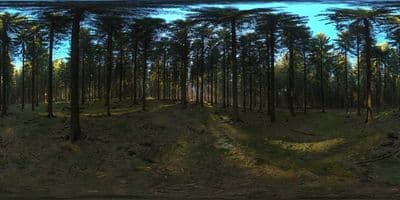
HDRI Dome: loc00146
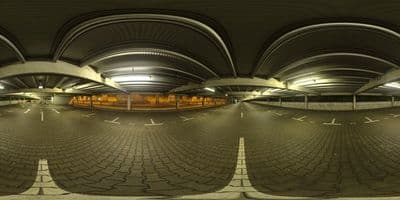
HDRI Dome: loc00178
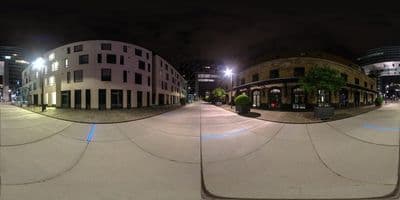
HDRI Dome: loc00176

HDRI Dome: loc00169

HDRI Dome: loc00210
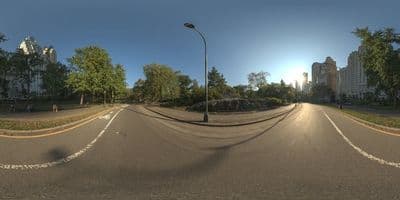
HDRI Dome: loc00213
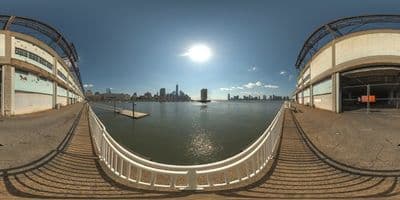
HDRI Dome: loc00207
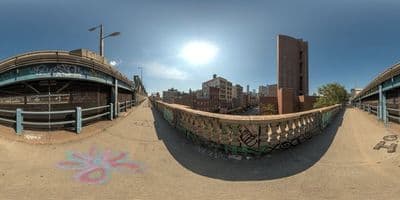
HDRI Dome: loc00206
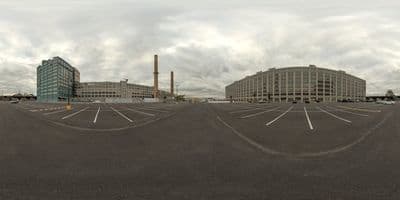
HDRI Dome: loc00204
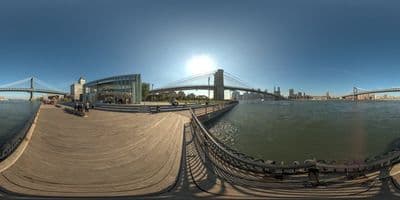
HDRI Dome: loc00205
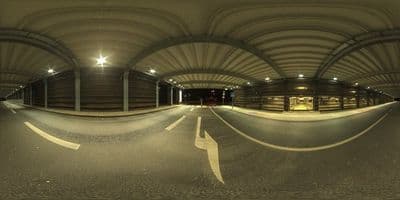
HDRI Dome: loc00179
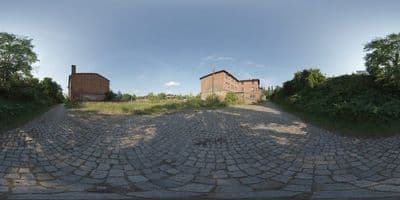
HDR 049 Old Freight Yard
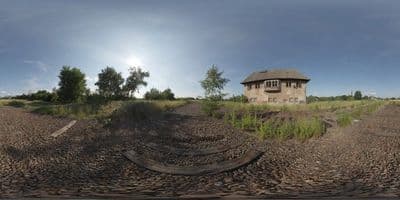
HDR 048 Old Freight Yard
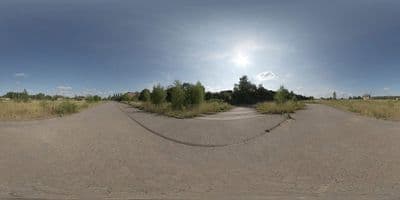
HDR 047 Old Freight Yard
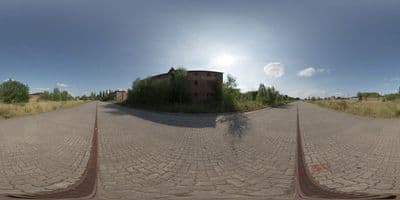
HDR 046 Old Freight Yard
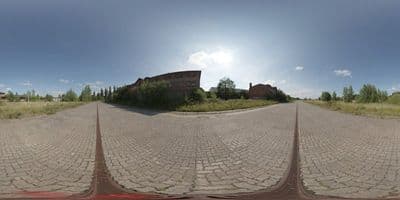
HDR 045 Old Freight Yard

HDR 044 Silos

Above the Clouds Bundle 01 (zDepth not included)
HDR Pack 014
HDR Pack 013

HDR Pack 012
HDR Pack 011

HDR Pack 010
HDR Pack 009
Import an HDRI sky in Unreal Engine 5
- Drag the .hdr file into the Content Browser. Unreal recognises the 2:1 longitude-latitude layout and creates a Texture Cube asset; double-click it to check the viewer shows all six faces. For an .exr file see the format note below.
- Enable the HDRI Backdrop plugin once: Edit > Plugins, search "HDRI Backdrop" under Rendering, tick Enabled and restart the editor.
- Place Actors > Lights > HDRI Backdrop, drag it into the level.
- In the actor's Details panel set Cubemap to the imported texture. Intensity controls the embedded Sky Light and how emissive the backdrop is, Size the radius in metres of the projection mesh, Projection Center where the ground plane meets the sky; keep Use Camera Projection off so the horizon stays in place when the camera moves.
- Rotate the actor around Z to line the sun up with your model.
- Delete or disable the default Directional Light and Sky Atmosphere so they do not add a second sun on top of the HDRI.
Try before you buy: the free HDRI samples need no account and carry the same licence as the paid files, so you can check the setup above with a real file before buying.
For lighting without a visible backdrop, use a Sky Light instead: set Source Type to SLS Specified Cubemap, choose the texture, and turn on Real Time Capture if the level uses Lumen.
Format note: .hdr becomes a cubemap, .exr does not
Unreal's importer turns a 2:1 Radiance .hdr panorama into a Texture Cube automatically. A 2:1 OpenEXR file imports as a flat Texture2D, which the Sky Light and the HDRI Backdrop cannot use. HDRI Hub delivers .hdr for skies up to HDR 141 and all sIBL sets, and .exr for skies from HDR 142 onwards, the domes and the space skies; the product page lists the format of each item. Two ways to use an .exr sky in Unreal:
- Convert it to .hdr once. Photoshop, Affinity Photo, Blender and ImageMagick all write .hdr from an .exr and keep the full dynamic range; the converted file then imports as a Texture Cube.
- Use the .exr as imported in a skydome: a large inverted sphere with an unlit emissive material that samples the 2D texture with longitude-latitude UVs. This gives a visible sky but no Sky Light cubemap, so pair it with a Sky Light set to Captured Scene.
Details on the two formats in .hdr or .exr.
Which resolution
Unreal's texture importer applies a Maximum Texture Size of 8192 px by default. An 8192 x 4096 HDRI loads at full size; the 10240, 14336 and 20000 px versions are built down to 8192 unless you set Maximum Texture Size to 0 on the texture (no limit) or to 16384. For a sky that only lights and reflects, 4096 x 2048 is plenty and saves memory. For a sky the camera sees directly in a cinematic, import the largest version and raise the limit; for a packaged game, stay at 8192 x 4096.
Sun and shadows
With an unclipped HDRI Hub sky the sun disc keeps its real brightness, so the Sky Light or HDRI Backdrop casts a hard shadow by itself. Lumen in Unreal Engine 5 picks the sun up from the cubemap as long as Real Time Capture is enabled on the Sky Light. If you prefer a Directional Light for shadow control, match its rotation to the sun in the HDRI and lower its intensity so the two do not double up.
Frequently asked questions
The sky imported as a flat texture, not a cubemap
The file is an .exr. Convert it to .hdr once and reimport, or use the flat texture in a skydome material as described above. A clean 2:1 .hdr always imports as a Texture Cube.
Why is the backdrop blurry?
The texture was built down to 8192 px or a lower setting. Set Maximum Texture Size to 0 on the texture and reimport the largest version you own.
Can I use the HDRI as a reflection source only?
Yes. Assign it to a Sky Light with Source Type SLS Specified Cubemap and set the Sky Light's intensity low; reflections then come from the HDRI while a Directional Light does the shading.
Does HDRI Backdrop work in a packaged game?
It is a visualisation tool meant for stills and product shots in the editor and in packaged projects alike, but it projects onto one dome; for a large open level use a Sky Light cubemap plus a skydome instead.
More background: which HDRI resolution you need and HDRI skies for aviation renders.