
HDRI skyboxes for Unity
- A 2:1 .exr or .hdr panorama becomes a Unity skybox cubemap by setting Texture Shape to Cube and Mapping to Latitude-Longitude Layout in the import settings.
- Built-in and URP use a Skybox/Cubemap material in Lighting > Environment; HDRP uses the HDRI Sky override on a Volume.
- Unity's import default Max Size is 2048 px: raise it to 8192 or 16384, otherwise the sky is downsampled on import.
- Two skybox packs are ready-imported for Unity on Fab: 15 above-the-clouds skies (8K) and 8 space skyboxes (12K), with the cubemap import presets set.
- Each HDRI carries a commercial licence for one user and one workstation.
- Prices are listed in USD.
Unity lights a scene from the skybox: Environment Lighting and Environment Reflections in the Lighting window both read it, so one HDRI skybox replaces ambient light, reflections and the visible sky. This page lists HDRI Hub's outdoor, indoor and space HDRI skyboxes for Unity, the import settings that matter, the HDRP route, and the ready-made 8K skybox packs.
Products
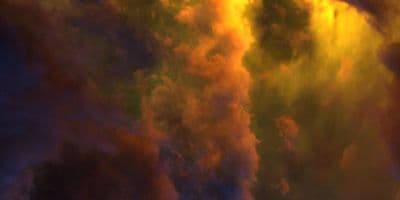
HDR 180-8 Space Sky with Nebula
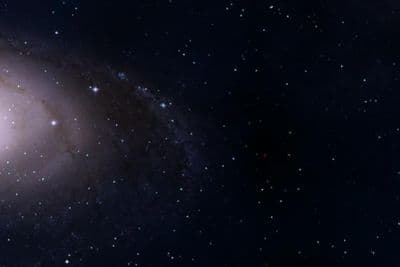
HDR 180-5 Space Sky with Galaxy
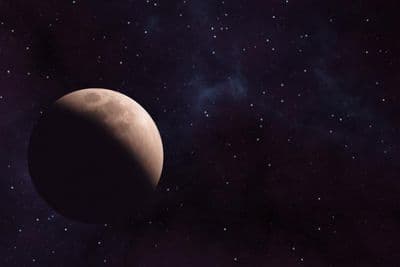
HDR 180-6 Space Sky with Planet
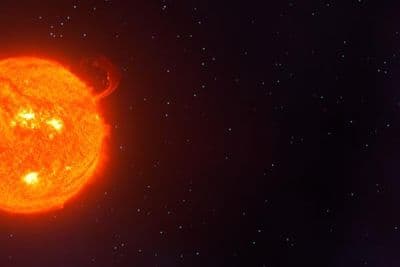
HDR 180-7 Space Sky with Sun
HDR 180-4 Space Sky and Stars
HDR 180-3 Space Sky with Stars + Milky Way
HDR 180-2 Space Sky and Stars
HDR 180-1 Space Sky and Stars
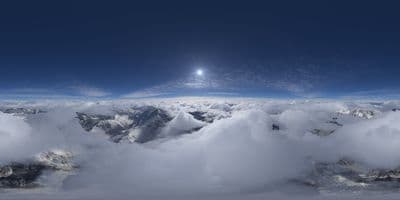
HDRI Dome: loc00184-23 Above the Clouds
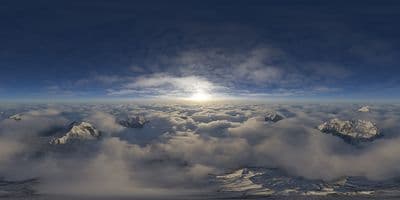
HDRI Dome: loc00184-22 Above the Clouds
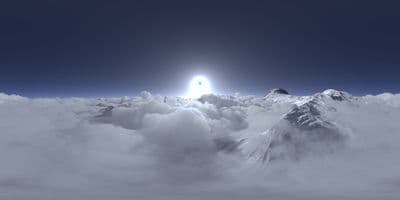
HDRI Dome: loc00184-20 Above the Clouds
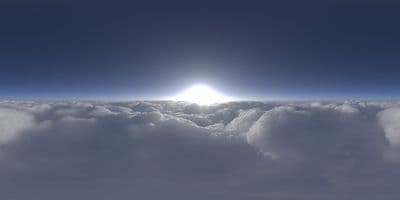
HDRI Dome: loc00184-18 Above the Clouds
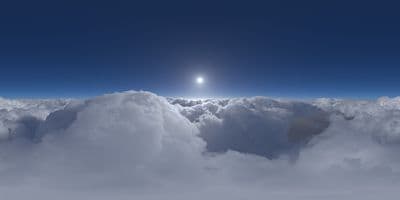
HDRI Dome: loc00184-17 Above the Clouds
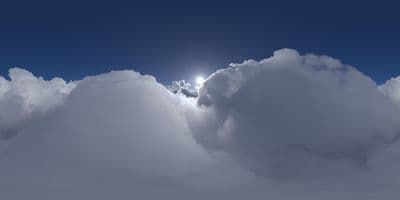
HDRI Dome: loc00184-16 Above the Clouds
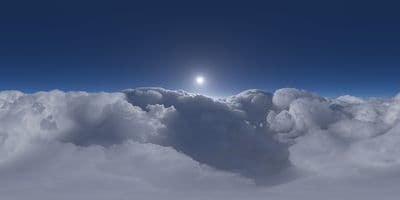
HDRI Dome: loc00184-15 Above the Clouds
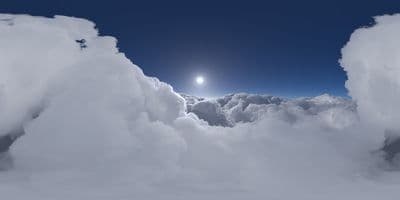
HDRI Dome: loc00184-14 Above the Clouds
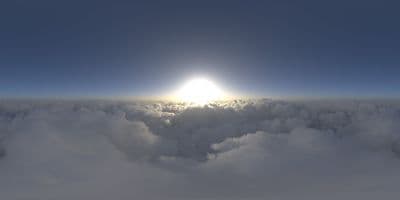
HDRI Dome: loc00184-9 Above the Clouds
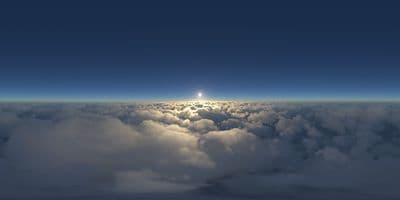
HDRI Dome: loc00184-8 Above the Clouds
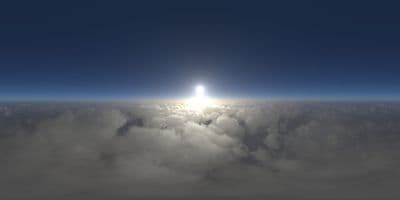
HDRI Dome: loc00184-7 Above the Clouds
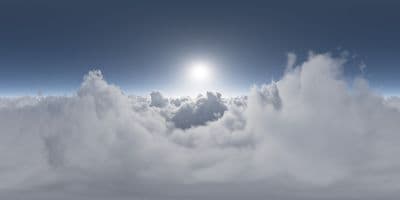
HDRI Dome: loc00184-6 Above the Clouds
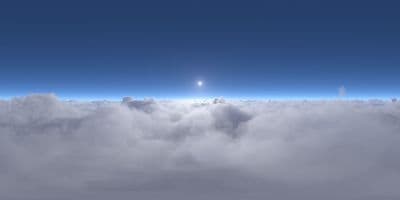
HDRI Dome: loc00184-4 Above the Clouds
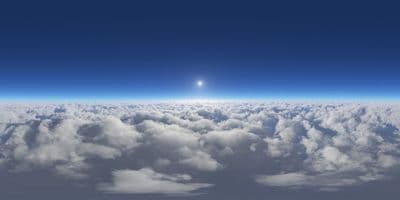
HDRI Dome: loc00184-1 Above the Clouds
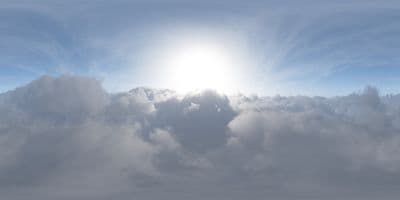
HDRI Dome: loc00184-5 Above the Clouds
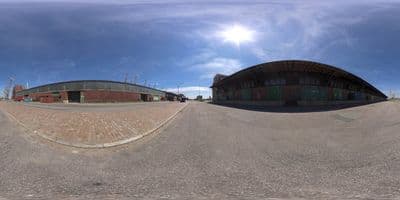
HDRI Dome: loc00014
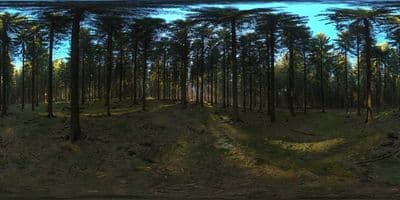
HDRI Dome: loc00146
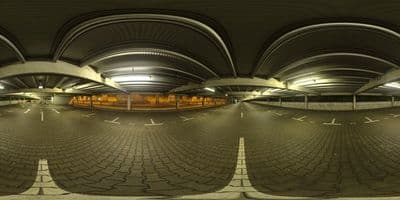
HDRI Dome: loc00178
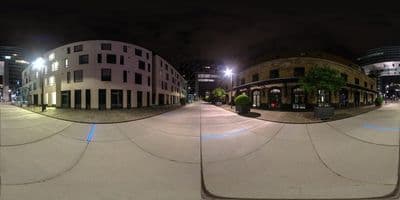
HDRI Dome: loc00176
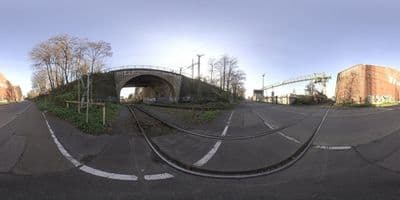
HDRI Dome: loc00169
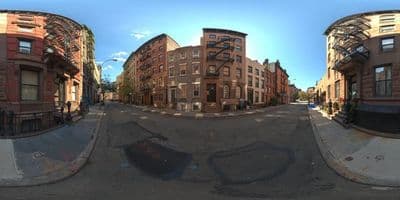
HDRI Dome: loc00210
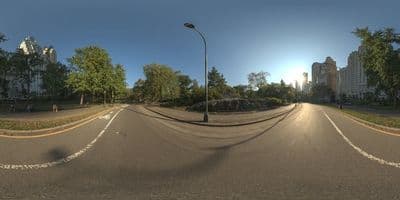
HDRI Dome: loc00213
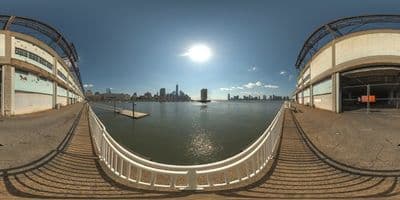
HDRI Dome: loc00207
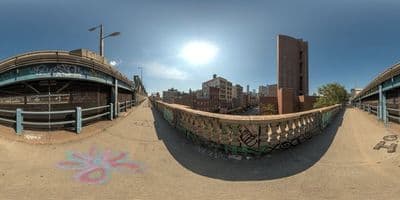
HDRI Dome: loc00206
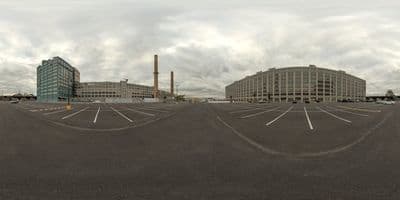
HDRI Dome: loc00204
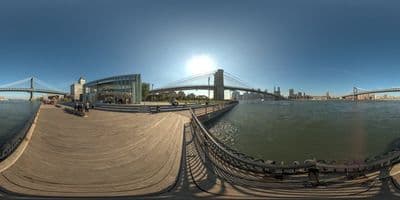
HDRI Dome: loc00205
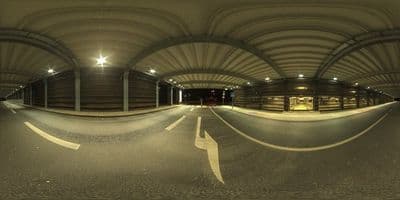
HDRI Dome: loc00179
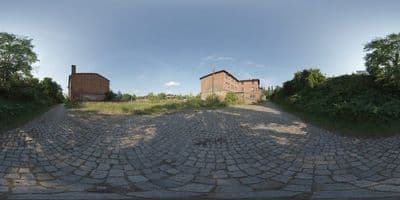
HDR 049 Old Freight Yard
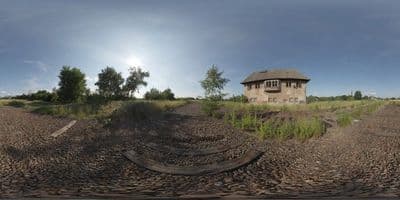
HDR 048 Old Freight Yard
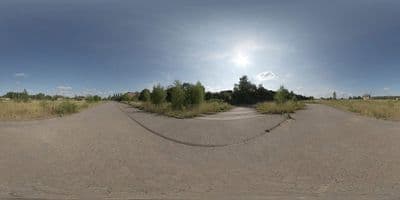
HDR 047 Old Freight Yard
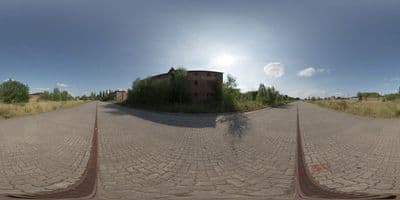
HDR 046 Old Freight Yard
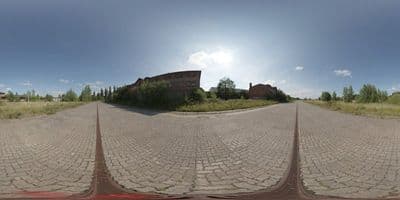
HDR 045 Old Freight Yard
HDR 044 Silos
Above the Clouds Bundle 01 (zDepth not included)
HDR Pack 014
HDR Pack 013
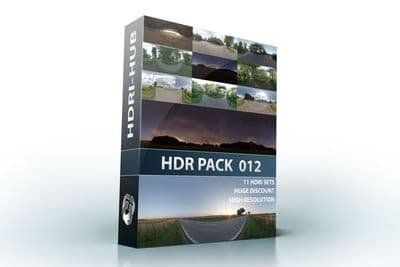
HDR Pack 012
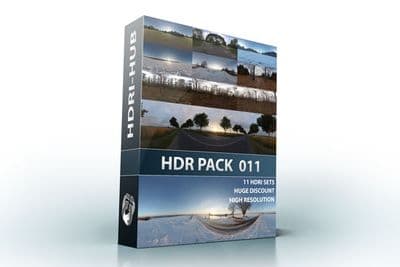
HDR Pack 011
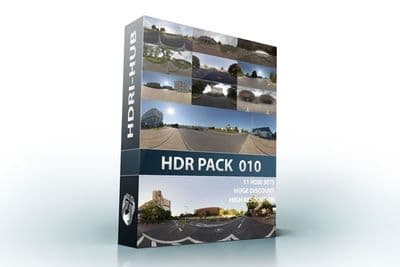
HDR Pack 010
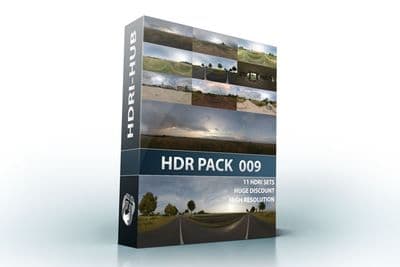
HDR Pack 009
Set up an HDRI skybox in Unity (Built-in and URP)
- Drop the .exr or .hdr file into the Assets folder.
- Select it and, in the Inspector, set Texture Shape to Cube, Mapping to Latitude-Longitude Layout (Cylindrical), Convolution Type to None and Max Size to 8192 or 16384. Click Apply.
- Create a material (Assets > Create > Material), set its shader to Skybox/Cubemap and assign the cubemap.
- Open Window > Rendering > Lighting, Environment tab, and set Skybox Material to the new material. Environment Lighting Source: Skybox, Environment Reflections Source: Skybox.
- Use the material's Rotation slider to line the sun up with your scene and Exposure to balance brightness.
- Set the scene's Directional Light to match the sun direction, or delete it for a pure image-based setup with baked or real-time GI.
Try before you buy: the free HDR skyboxes need no account and carry the same licence as the paid files, so you can check the setup above with a real file before buying.
The Skybox/Panoramic shader also works with the panorama as a plain 2D texture (Texture Shape 2D, Mapping Latitude-Longitude), which skips the cubemap conversion but renders a little slower.
HDRP: HDRI Sky
- Import the file as a cubemap as above.
- Add a Volume to the scene (GameObject > Volume > Global Volume) and a Visual Environment override with Sky Type set to HDRI Sky.
- Add an HDRI Sky override, assign the cubemap, set Intensity Mode to Exposure (or Lux for a measured sun) and Rotation to align the sun.
- HDRP lights the scene from the sky directly; add a Directional Light with Sun Disk only if you need its shadow controls.
Unity skybox packs on Fab
If you would rather skip the import settings, two HDRI Hub skybox packs are on Fab as Unity packages with the cubemap presets already applied, tested in Built-in, URP and HDRP:
- Above the Clouds Pack: 15 aerial 8K HDRI skyboxes, unclipped sun for flight, drone and vehicle scenes.
- Space Sky Pack: 8 outer-space 12K skyboxes with stars, nebula, galaxy and planet.
The same skies are below as single downloads in more resolutions, including 16K domes and pre-split 6-face cubemaps for the space skies.
Which resolution
A cubemap is six faces; Unity makes each face roughly a quarter of the panorama width, so an 8192 x 4096 file gives 2048 px faces and a 16384 x 8192 file gives 4096 px faces. For lighting and reflections, 4096 x 2048 is enough. For a visible sky in a desktop or VR project, use 8192 x 4096 or larger with Max Size raised to match; for mobile, stay at 4096 x 2048 and compress.
Sun and shadows
An unclipped sun in the HDRI gives correct specular highlights and a convincing sky, but Unity's real-time shadows still come from a Directional Light. Rotate the light to the sun's position in the skybox (the Rotation value of the skybox material helps you line it up), then set its intensity and colour to match the HDRI's sun. HDRI Hub has 52 unclipped outdoor skies for this.
Frequently asked questions
Why is my skybox blurry?
Max Size in the import settings was left at 2048. Raise it to 8192 or 16384 and Apply.
.exr or .hdr?
Unity reads both at full float precision. HDRI Hub delivers .exr for skies from HDR 142 onwards and .hdr for earlier skies. Details in .hdr or .exr.
Seams in the cubemap?
Set Convolution Type to None for the skybox cubemap and make sure Mapping is Latitude-Longitude, not Auto. For a blurred reflection probe, use a second import with Convolution Type Specular.
Does the Fab skybox pack work with my Unity version?
The packs are built for Unity 2019.4 and later and tested in Built-in, URP and HDRP; the .unitypackage imports through Assets > Import Package.
More background: which HDRI resolution you need and HDRI skies for aviation renders.