
HDRI skyboxes for Enscape
- Files are delivered as OpenEXR (.exr) for skies from HDR 142 onwards and as Radiance (.hdr) for earlier skies and all sIBL sets; the product page lists the format of each item.
- Enscape 4.19 and later load .exr skyboxes. Enscape 4.18 LTS and earlier read .hdr only: skies up to HDR 141 and all sIBL sets load directly, newer .exr skies need a one-time conversion to .hdr.
- 34 of these skies have an unclipped sun disc, which Enscape's "Brightest Point as Sun Direction" option needs for a sharp shadow edge.
- Enscape 4.13 to 4.18 load a skybox as .hdr, .bmp, .jpg, .png, .tif or .tga through Visual Settings > Sky > Horizon Source: Skybox. Version 4.19 adds .exr.
- Each HDRI carries a commercial licence for one user and one workstation.
- Prices are listed in USD.
Enscape calls a background HDRI a "skybox" and loads it from the Sky tab of Visual Settings. This page lists HDRI Hub's outdoor environments that work as Enscape skyboxes, with the exact menu path, the resolution that makes sense for real-time rendering, and how to get a clean sun and shadow from an unclipped sky.
Products
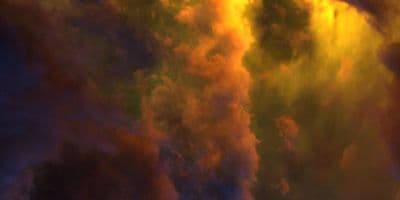
HDR 180-8 Space Sky with Nebula
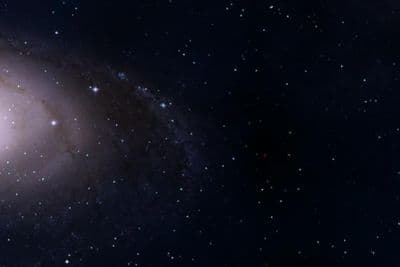
HDR 180-5 Space Sky with Galaxy
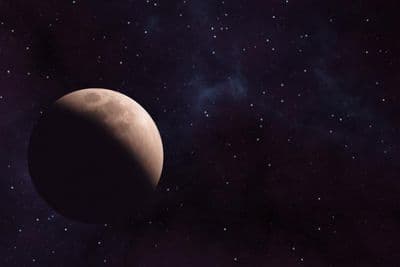
HDR 180-6 Space Sky with Planet
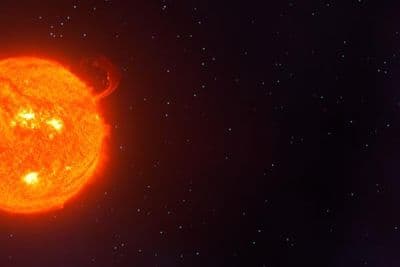
HDR 180-7 Space Sky with Sun
HDR 180-4 Space Sky and Stars
HDR 180-3 Space Sky with Stars + Milky Way
HDR 180-2 Space Sky and Stars
HDR 180-1 Space Sky and Stars
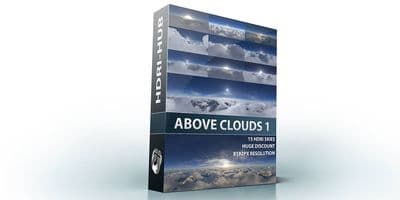
Above the Clouds Bundle 01 (zDepth not included)
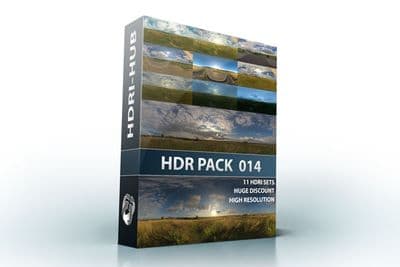
HDR Pack 014
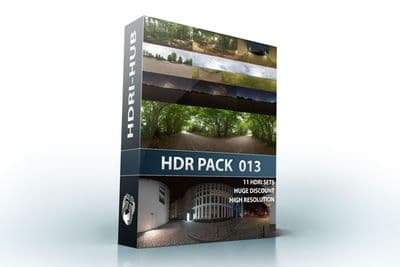
HDR Pack 013
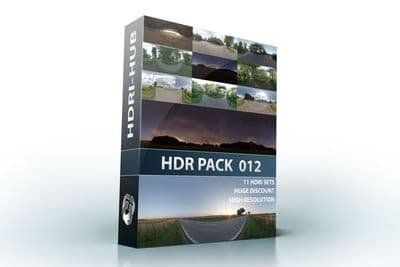
HDR Pack 012
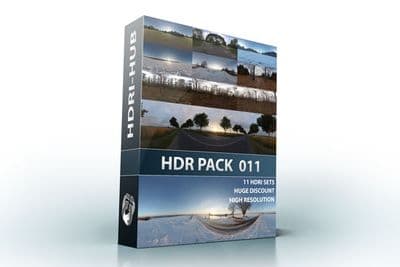
HDR Pack 011
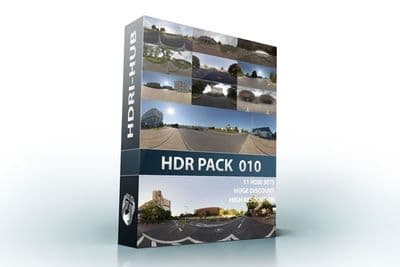
HDR Pack 010
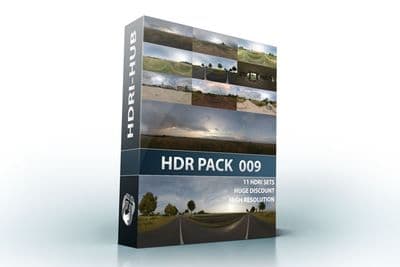
HDR Pack 009
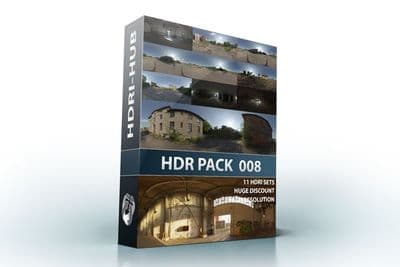
HDR Pack 008
HDR Pack 007
HDR Pack 006
HDR Pack 005
HDR Pack 004
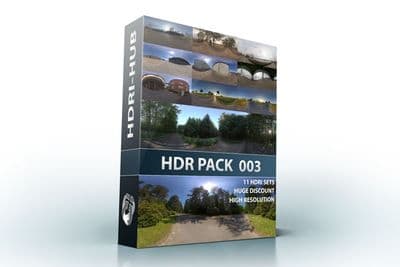
HDR Pack 003 Roads
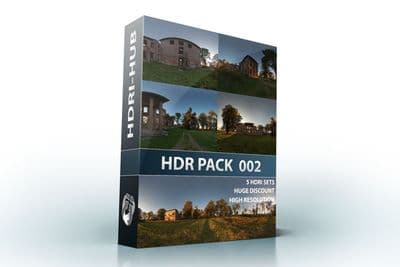
HDR Pack 002 Ruin
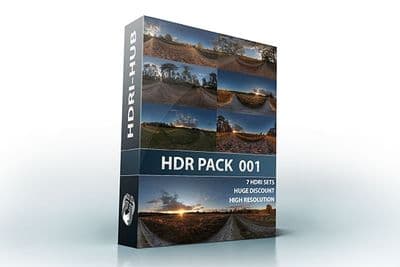
HDR Pack 001 Meadow
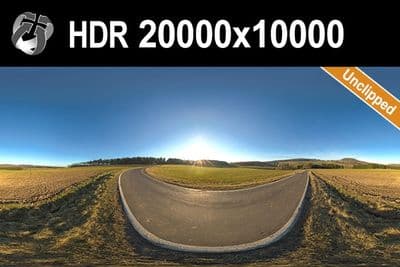
HDR 142 Rural Road 20k
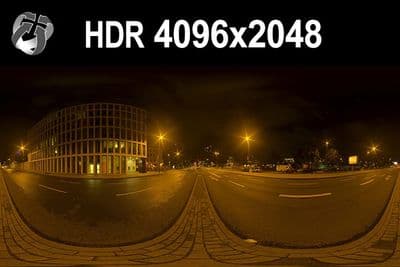
HDR 171 City Road Night
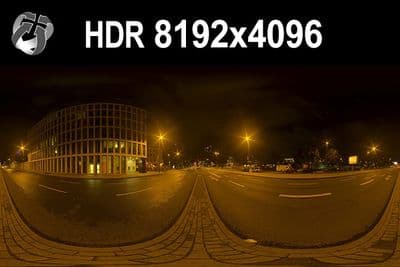
HDR 171 City Road Night 8k
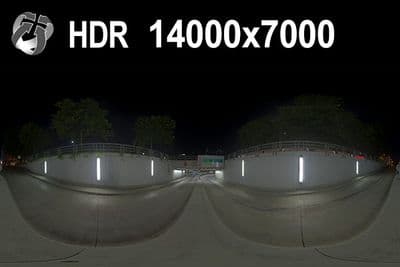
HDR 169 Entrance Garage Night 14k
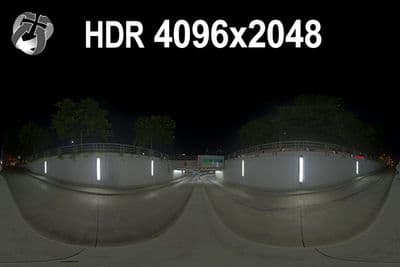
HDR 169 Entrance Garage Night
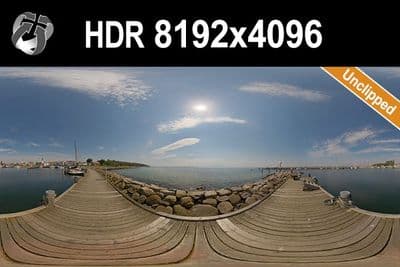
HDR 168 Sea Harbor Sunny
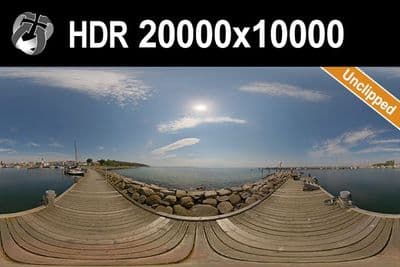
HDR 168 Sea Harbor Sunny 20k
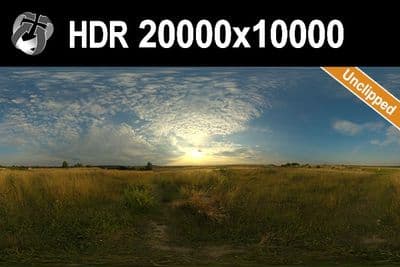
HDR 167 Sunny Dusk Clouds 20k
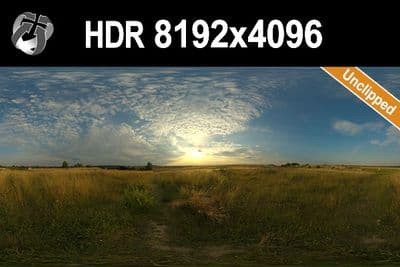
HDR 167 Sunny Dusk Clouds
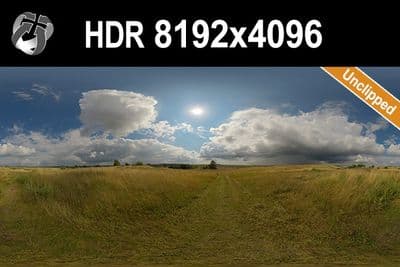
HDR 166 Sunny Storm Clouds
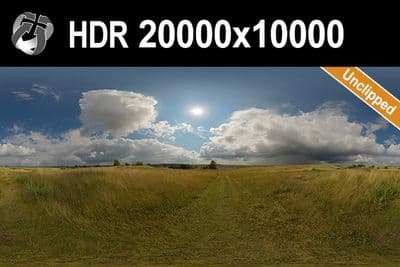
HDR 166 Sunny Storm Clouds 20k
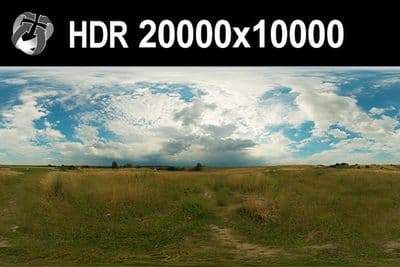
HDR 160 Cloudy Sky 20k
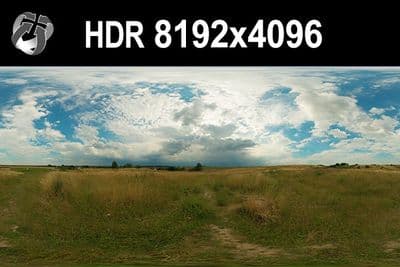
HDR 160 Cloudy Sky
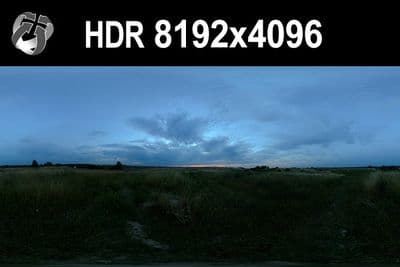
HDR 159 Blue Evening Sky
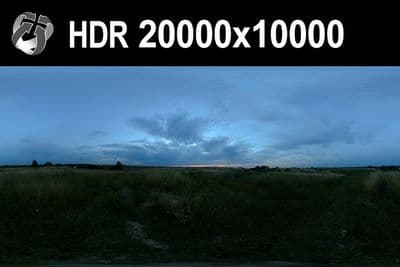
HDR 159 Blue Evening Sky 20k
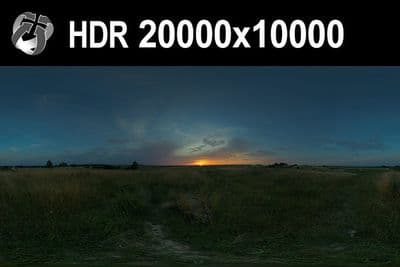
HDR 158 Blue Evening Sky 20k
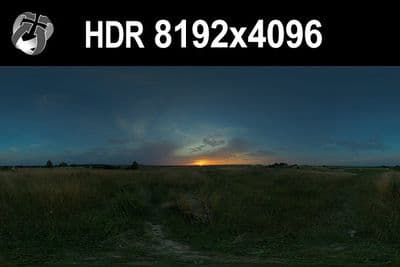
HDR 158 Blue Evening Sky
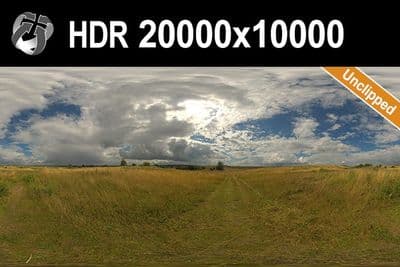
HDR 165 Big Clouds Sky 20k
HDR 165 Big Clouds Sky
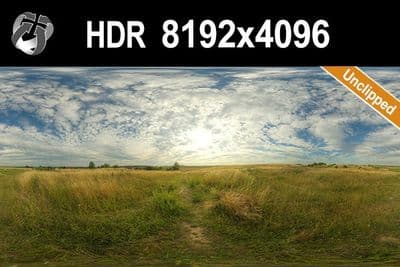
HDR 164 Cloudy Sky
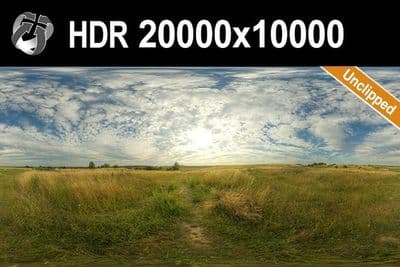
HDR 164 Cloudy Sky 20k
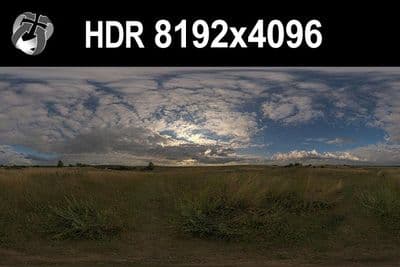
HDR 148 Cloudy Evening Sky
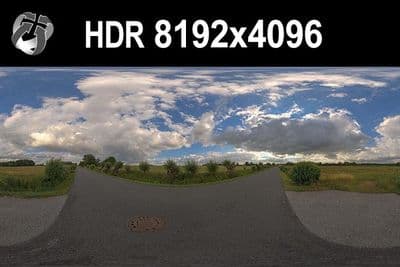
HDR 147 Rural Road Cloudy Sky
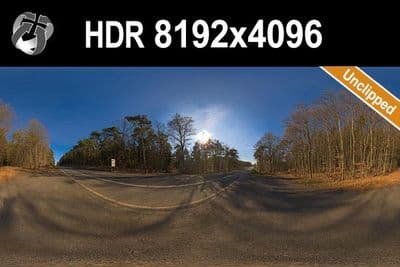
HDR 145 Rural Road Clear Sky
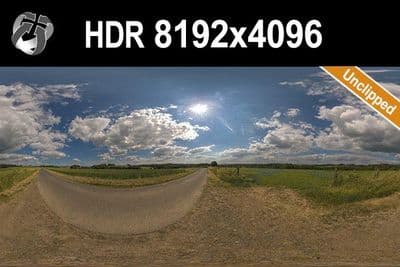
HDR 144 Rural Road Cloudy Sky
Load an HDRI in Enscape 4.13
- Open Visual Settings from the Enscape toolbar.
- Go to the Sky tab and open the Horizon section.
- Choose "Skybox" from the Horizon Source dropdown.
- Click the folder icon next to "Load Skybox from File" and select the .hdr file (or the .exr file in Enscape 4.19 and later).
- Set Rotation to align the sun with your model; Enscape only rotates a skybox horizontally, not vertically, and does not scale it.
- Turn on "Brightest Point as Sun Direction" so the Enscape sun lines up with the skybox's brightest point, then use the Brightness slider and the "Normalize the average brightness" option to balance exterior and interior exposure.
Try before you buy: the free HDRI samples need no account and carry the same licence as the paid files, so you can check the setup above with a real file before buying.
Enscape 4.18 LTS and earlier accept .hdr, .bmp, .jpg, .jpeg, .png, .tif, .tiff and .tga skyboxes in cross or panoramic (longitude/latitude) layout; 4.19 and later also accept .exr. The same Visual Settings dialog applies when Enscape runs inside SketchUp, Revit, Rhino, Archicad or Vectorworks.
For a longer walkthrough, see the Enscape HDRI skybox guide.
Format note: .exr needs Enscape 4.19 or later
Enscape 4.19 and later load .exr skyboxes directly. Enscape 4.18 LTS and earlier read .hdr only and do not read OpenEXR in the skybox loader. HDRI Hub skies up to HDR 141 and every sIBL set are delivered as Radiance .hdr and load in every version. Skies from HDR 142 onwards are delivered as .exr; on 4.18 LTS or older they need a one-time conversion to .hdr. Photoshop, Affinity Photo, Blender and ImageMagick all write .hdr from an .exr and keep the full dynamic range. The product page lists the delivered format of each sky. Details in .hdr or .exr.
Which resolution
Enscape's documentation does not publish a fixed pixel cap for skyboxes. For lighting and reflections only, a 4096x2048 to 8192x4096 HDRI is enough. For a skybox the camera sees directly, use 16000x8000 to 20000x10000 so the horizon and cloud detail stay sharp; because Enscape renders in real time, 8192x4096 to 10240x5120 is a practical ceiling for most scenes rather than the full 20000x10000 files.
Sun and shadows
Use an unclipped sun HDRI so "Brightest Point as Sun Direction" locks onto the actual sun disc instead of a blown-out highlight. HDRI Hub has 34 unclipped skies for this. With one of these loaded and Normalize Average Brightness enabled, Enscape places its sun on the skybox highlight so shadows line up with the sky. You still use Enscape's sun and sky controls as documented; the skybox drives the environment, it does not replace them.
Frequently asked questions
Can I load .exr skyboxes in Enscape?
Yes, in Enscape 4.19 and later. Enscape 4.18 LTS and earlier read .hdr and several 8-bit formats only, so there you use the .hdr skies from HDRI Hub or convert an .exr sky to .hdr once, which keeps the full dynamic range.
Where do I load a custom sky?
Visual Settings > Sky > Horizon Source: Skybox > Load Skybox from File.
Why are my shadows wrong?
Enable Brightest Point as Sun Direction, adjust Rotation, and prefer an unclipped sky whose sun disc is the true brightest point. A clipped sun can make the option lock onto a blown-out cloud instead.
JPG or HDR?
A .jpg works as a visible background but has no brightness above white, so it lights the scene poorly. Use .hdr for lighting.
More background: which HDRI resolution you need and .hdr or .exr.