
HDRI environments for Twinmotion
- Files are delivered as OpenEXR (.exr) for skies from HDR 142 onwards and as Radiance (.hdr) for earlier skies and all sIBL sets; the product page lists the format of each item.
- Twinmotion offers two HDRI environment types: a Skydome (spherical, rotate only) and a Backdrop (hemispherical, movable and scalable).
- Match HDRI sets the Directional light from the HDRI: intensity, position and disk size.
- 34 of the outdoor HDRIs have an unclipped sun disc, which gives Match HDRI a true sun to follow.
- Each HDRI carries a commercial licence for one user and one workstation.
- Prices are listed in USD.
Twinmotion lights a scene with a Skydome or Backdrop HDRI and can derive its Directional light from the same file. This page lists HDRI Hub's outdoor, indoor and space environments for Twinmotion, with the settings to use, the resolution that suits a real-time engine, and how an unclipped sun gives a clean shadow.
Products
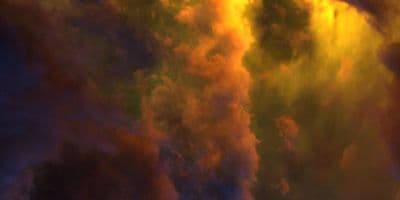
HDR 180-8 Space Sky with Nebula
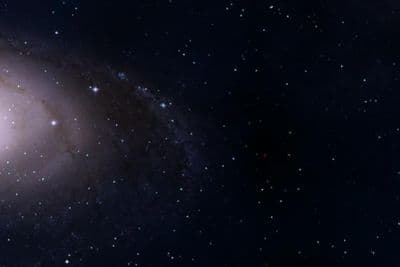
HDR 180-5 Space Sky with Galaxy
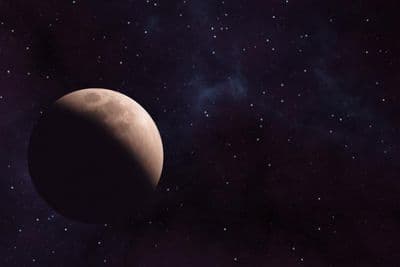
HDR 180-6 Space Sky with Planet
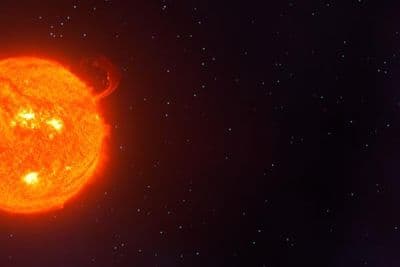
HDR 180-7 Space Sky with Sun
HDR 180-4 Space Sky and Stars
HDR 180-3 Space Sky with Stars + Milky Way
HDR 180-2 Space Sky and Stars
HDR 180-1 Space Sky and Stars
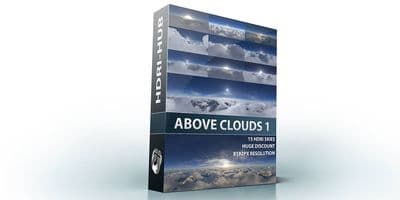
Above the Clouds Bundle 01 (zDepth not included)
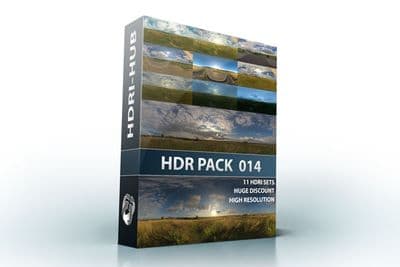
HDR Pack 014
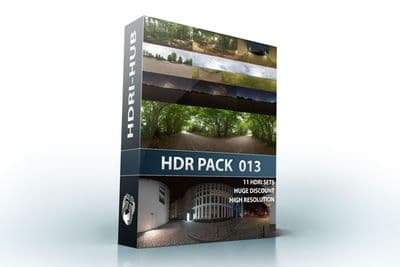
HDR Pack 013
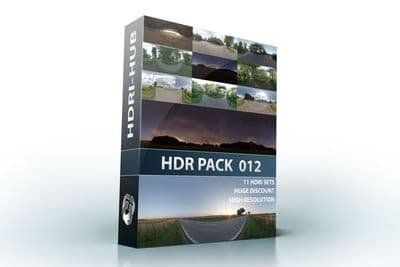
HDR Pack 012
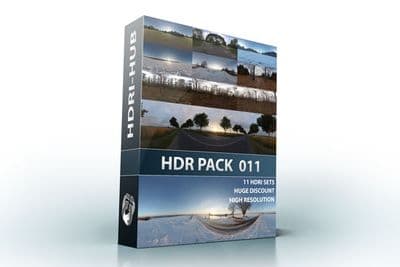
HDR Pack 011
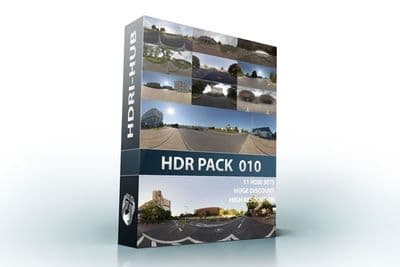
HDR Pack 010
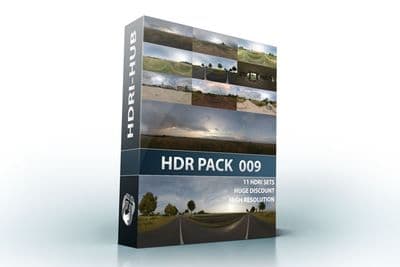
HDR Pack 009
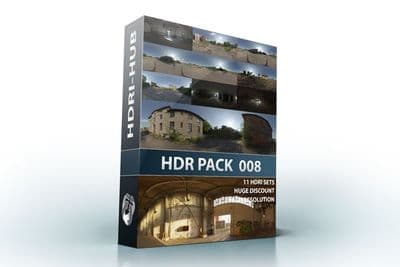
HDR Pack 008
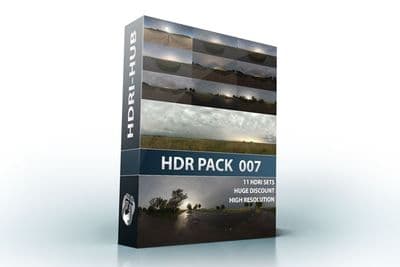
HDR Pack 007
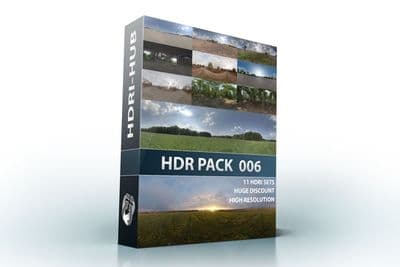
HDR Pack 006
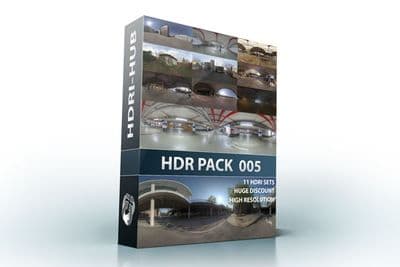
HDR Pack 005
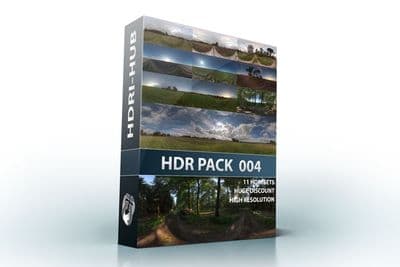
HDR Pack 004
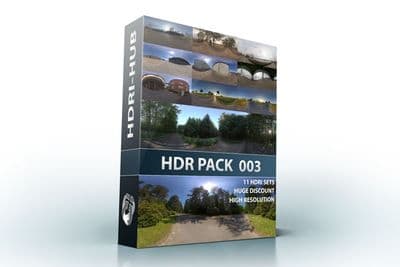
HDR Pack 003 Roads
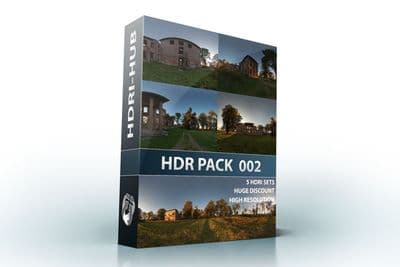
HDR Pack 002 Ruin
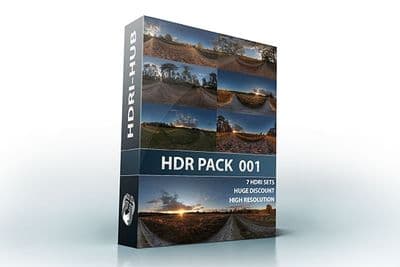
HDR Pack 001 Meadow
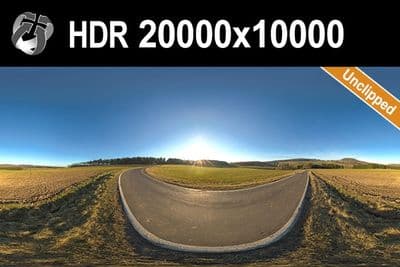
HDR 142 Rural Road 20k
HDR 171 City Road Night
HDR 171 City Road Night 8k
HDR 169 Entrance Garage Night 14k
HDR 169 Entrance Garage Night
HDR 168 Sea Harbor Sunny
HDR 168 Sea Harbor Sunny 20k
HDR 167 Sunny Dusk Clouds 20k
HDR 167 Sunny Dusk Clouds
HDR 166 Sunny Storm Clouds
HDR 166 Sunny Storm Clouds 20k
HDR 160 Cloudy Sky 20k
HDR 160 Cloudy Sky
HDR 159 Blue Evening Sky
HDR 159 Blue Evening Sky 20k
HDR 158 Blue Evening Sky 20k
HDR 158 Blue Evening Sky
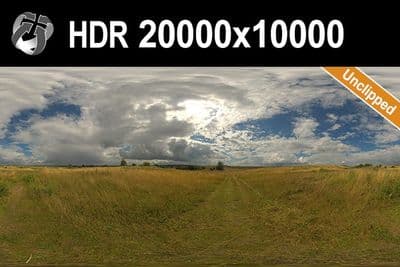
HDR 165 Big Clouds Sky 20k
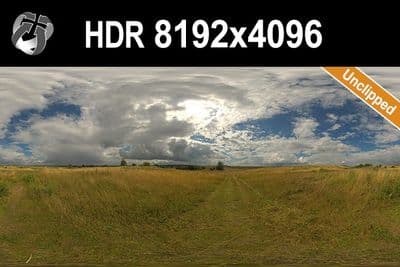
HDR 165 Big Clouds Sky
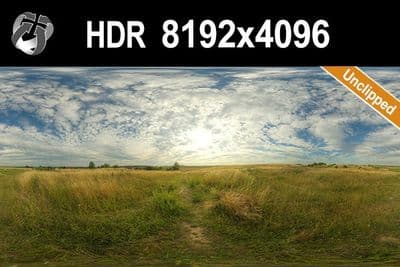
HDR 164 Cloudy Sky
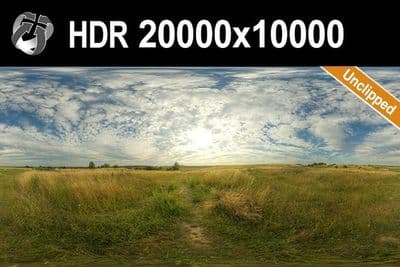
HDR 164 Cloudy Sky 20k
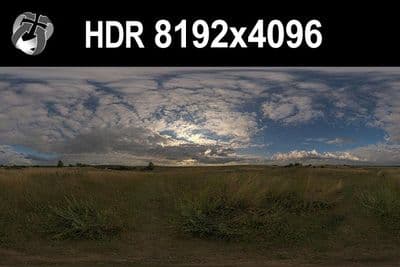
HDR 148 Cloudy Evening Sky
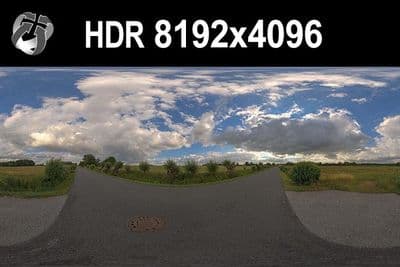
HDR 147 Rural Road Cloudy Sky
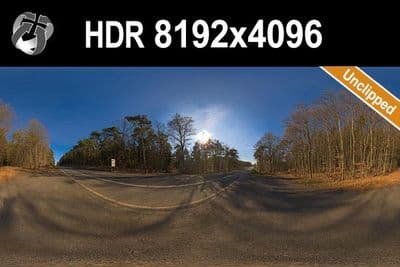
HDR 145 Rural Road Clear Sky
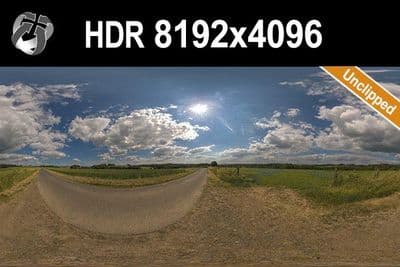
HDR 144 Rural Road Cloudy Sky
Load an HDRI in Twinmotion 2025.1 and later
- Open the Ambience panel and switch the Environment tab to HDRI mode. This shows the HDRI environment and Directional light settings.
- In the HDRI environment section, choose Skydome or Backdrop. A Skydome is a spherical dome that can only be rotated. A Backdrop is a hemispherical dome that can also be moved, scaled and tilted, and it has a ground plane that receives shadows.
- Pick your own HDRI instead of a library one. Twinmotion lists custom HDRIs in the User library under a folder named "localHdris". The ellipsis next to Preview opens the Library at its HDRI category.
- Set Rotation to bring the sun and the best part of the sky in line with your camera.
- Set Intensity for the brightness of the Skydome or Backdrop, and HDRI affects lighting for how much light the HDRI contributes to the scene.
- Under Directional light, switch on Match HDRI (see below).
Try the setup with the free HDRI samples; they carry the same licence as the paid files.
Use a 2:1 equirectangular HDR panorama. Epic's Ambience documentation does not name the accepted file formats for custom HDRIs, so the product page of each sky lists the format it ships in.
Which resolution
Twinmotion compresses every HDRI and embeds it in the project, so very large files add little. For lighting and reflections, 4096x2048 is enough. Use 8192x4096 when the sky is visible in the frame. The 16K and 20000x10000 versions suit offline renderers; see which HDRI resolution you need.
Sun and shadows
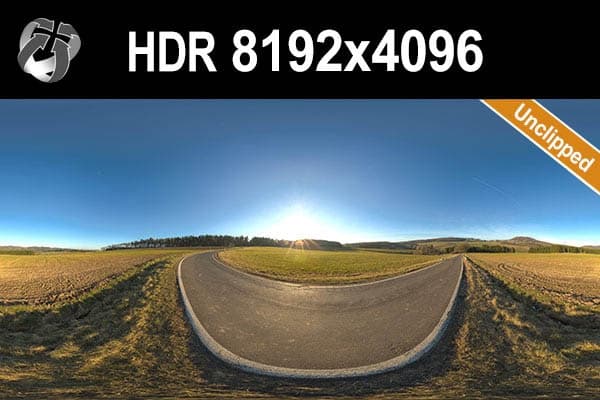
Match HDRI sets the Directional light automatically: it adjusts the intensity, position and disk size of the light from the information in the HDRI. This needs a sun that still holds its real brightness. In an unclipped sky the sun disc keeps its peak values, so the light that Match HDRI places has a defined direction and size, and the shadow edge stays crisp. In a clipped sky the sun is a flat white patch, and the shadow turns soft or wrong. HDRI Hub has 34 unclipped outdoor skies; the effect is explained in unclipped HDRI, sun and shadows.
Match HDRI works with projects created in Twinmotion 2024.1.1 or later. In an older project, reload the HDRI file to enable it.
Frequently asked questions
Skydome or Backdrop?
A Skydome can only be rotated. A Backdrop can also be scaled and repositioned, which helps when the ground in the HDRI must meet your model's ground.
What does Match HDRI do?
It sets the Directional light from the HDRI itself, adjusting intensity, position and disk size, so the light follows the sun in the image instead of a manual setting.
Why does my sun shadow look soft?
Either the HDRI sun is clipped, or the sky is overcast. Use an unclipped sky with a clear sun and keep Match HDRI on.
Is a 20K HDRI better in Twinmotion?
Not for lighting. Twinmotion compresses HDRIs for GPU performance, so 4K to 8K is the practical range for a real-time project.
More background: HDRI in Unreal Engine, .hdr or .exr.