
HDRI skyboxes for V-Ray
- HDRI Hub lists 161 outdoor HDRI panoramas and 33 HDRI dome images that load directly into the V-Ray Dome Light.
- 34 of the outdoor HDRIs keep the sun disc unclipped, so V-Ray can trace a sharp shadow from the sun itself.
- Resolutions run from 4096x2048 up to 20000x10000, with 25 skies available at the 20000x10000 size.
- Files are delivered as OpenEXR (.exr) for skies from HDR 142 onwards and as Radiance (.hdr) for earlier skies and all sIBL sets; the product page lists the format of each item.
- 25 skies at 20000x10000 and 33 dedicated HDRI domes cover close-up reflections as well as general lighting.
V-Ray lights interiors and exteriors with the Dome Light, which reads an HDRI panorama as both the light source and the environment. The panoramas below are sized for that workflow, from lighting-only files to 20000x10000 domes for visible sky and reflections.
Products
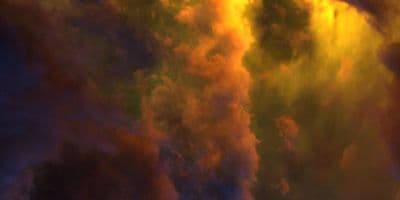
HDR 180-8 Space Sky with Nebula
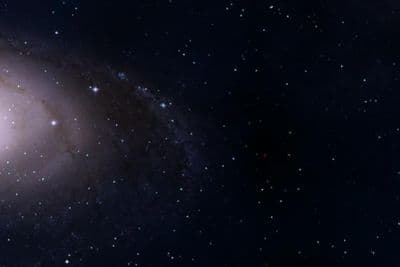
HDR 180-5 Space Sky with Galaxy
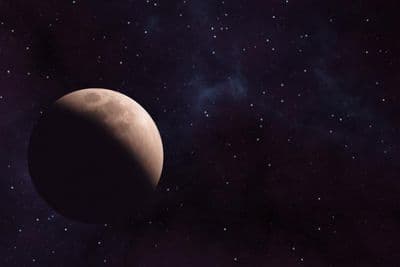
HDR 180-6 Space Sky with Planet
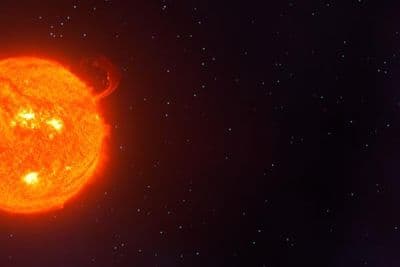
HDR 180-7 Space Sky with Sun
HDR 180-4 Space Sky and Stars
HDR 180-3 Space Sky with Stars + Milky Way
HDR 180-2 Space Sky and Stars
HDR 180-1 Space Sky and Stars
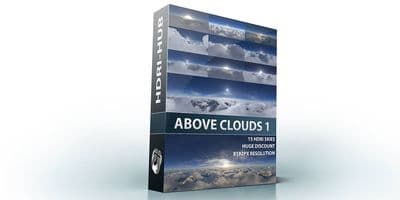
Above the Clouds Bundle 01 (zDepth not included)
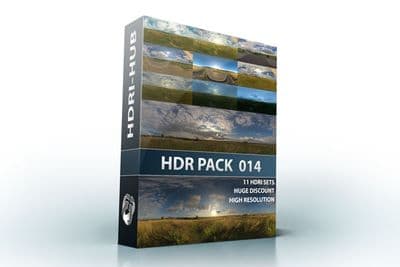
HDR Pack 014
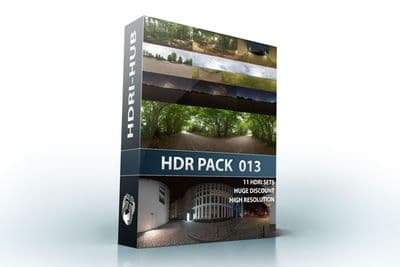
HDR Pack 013
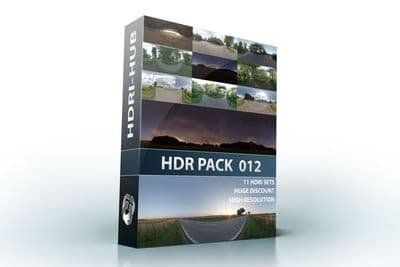
HDR Pack 012
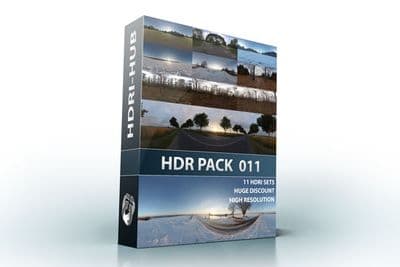
HDR Pack 011
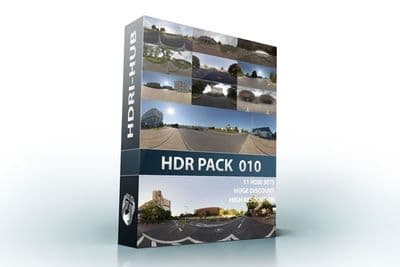
HDR Pack 010
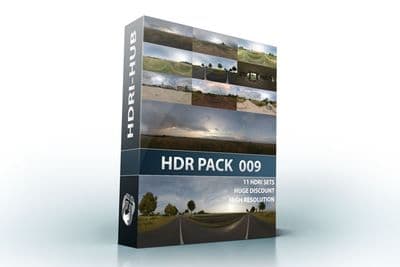
HDR Pack 009
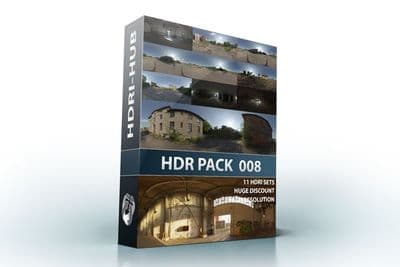
HDR Pack 008
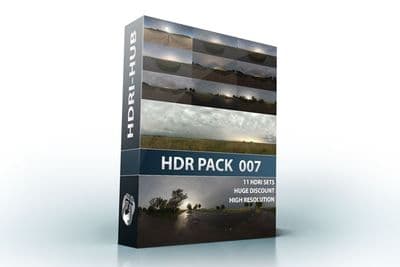
HDR Pack 007
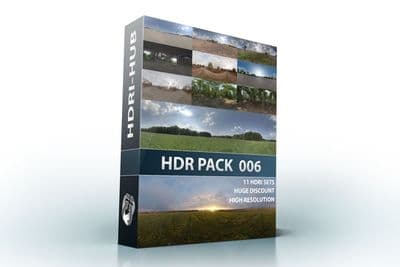
HDR Pack 006
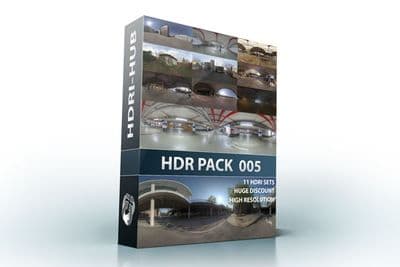
HDR Pack 005
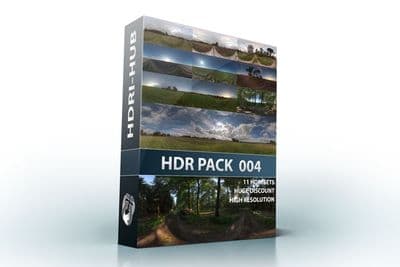
HDR Pack 004
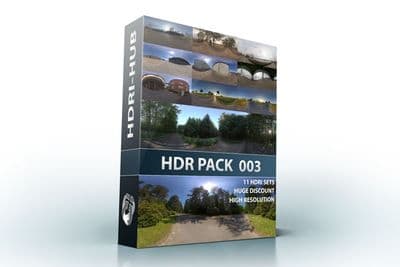
HDR Pack 003 Roads
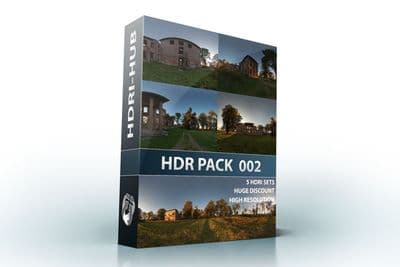
HDR Pack 002 Ruin
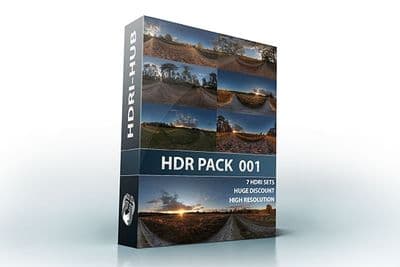
HDR Pack 001 Meadow
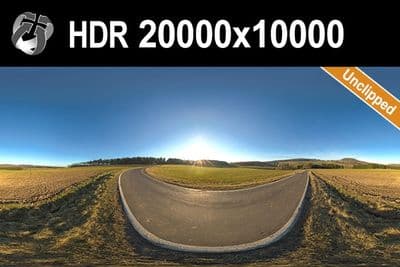
HDR 142 Rural Road 20k
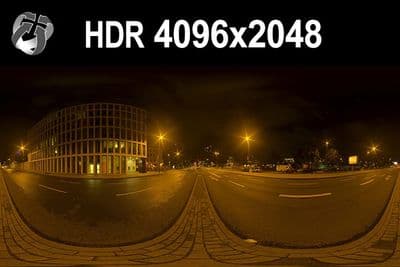
HDR 171 City Road Night
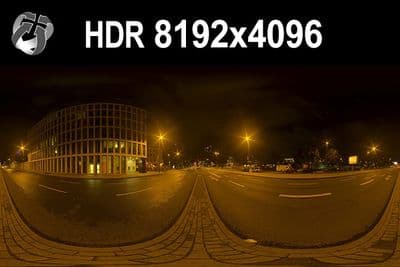
HDR 171 City Road Night 8k
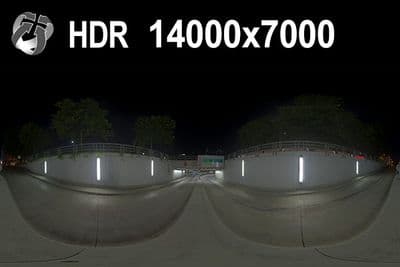
HDR 169 Entrance Garage Night 14k
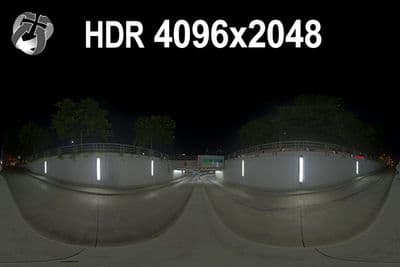
HDR 169 Entrance Garage Night
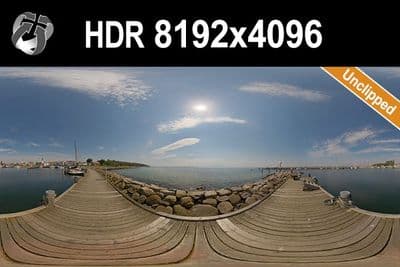
HDR 168 Sea Harbor Sunny
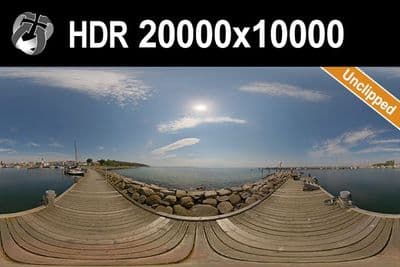
HDR 168 Sea Harbor Sunny 20k
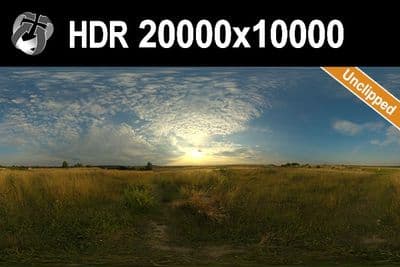
HDR 167 Sunny Dusk Clouds 20k
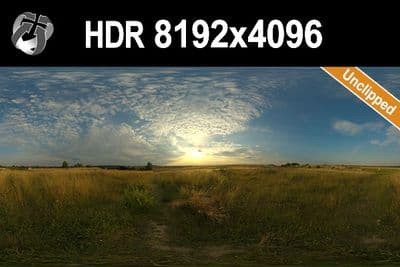
HDR 167 Sunny Dusk Clouds
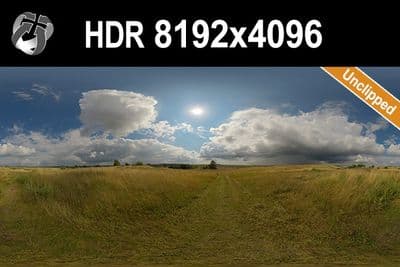
HDR 166 Sunny Storm Clouds
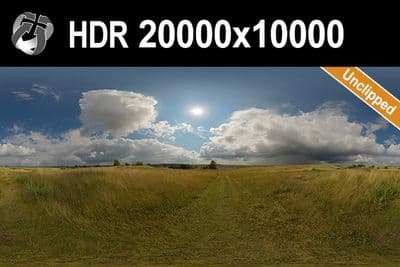
HDR 166 Sunny Storm Clouds 20k
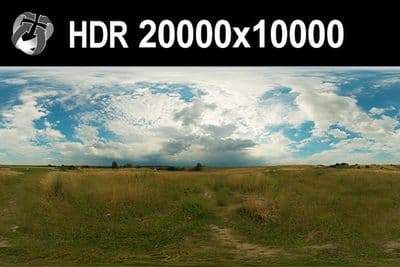
HDR 160 Cloudy Sky 20k
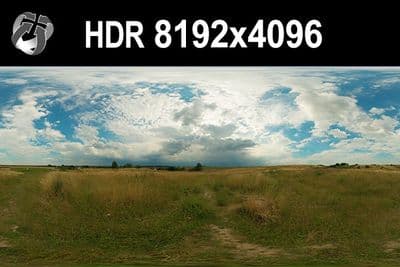
HDR 160 Cloudy Sky
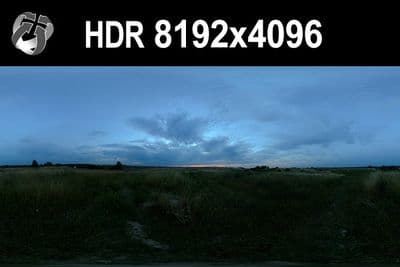
HDR 159 Blue Evening Sky
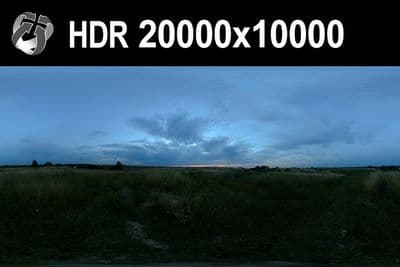
HDR 159 Blue Evening Sky 20k
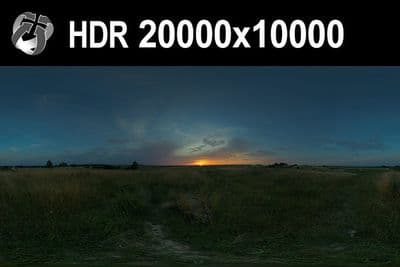
HDR 158 Blue Evening Sky 20k
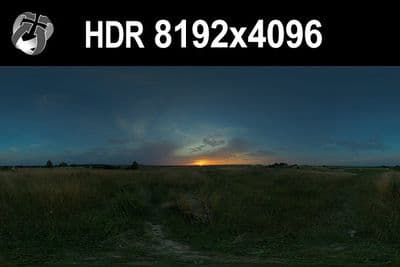
HDR 158 Blue Evening Sky
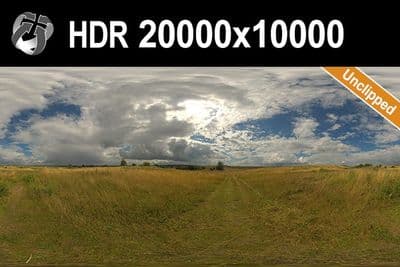
HDR 165 Big Clouds Sky 20k
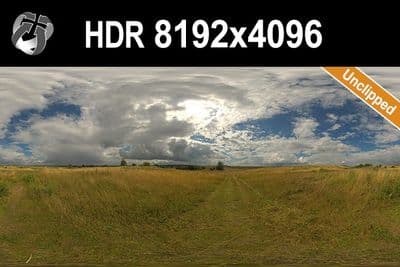
HDR 165 Big Clouds Sky
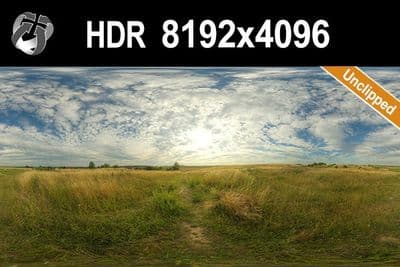
HDR 164 Cloudy Sky
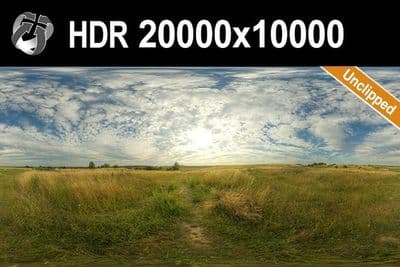
HDR 164 Cloudy Sky 20k
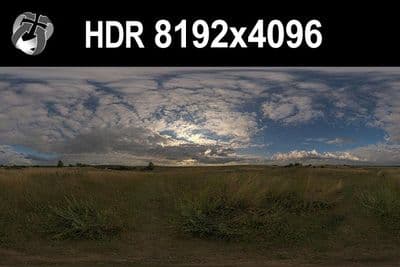
HDR 148 Cloudy Evening Sky
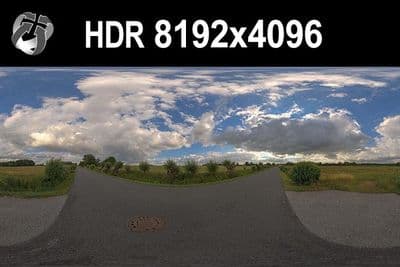
HDR 147 Rural Road Cloudy Sky
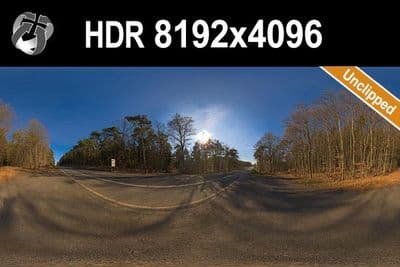
HDR 145 Rural Road Clear Sky
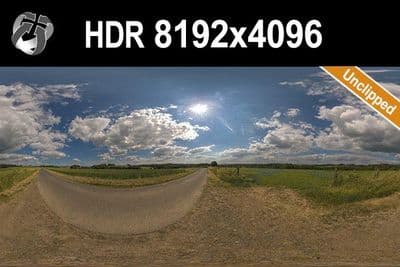
HDR 144 Rural Road Cloudy Sky
Load an HDRI in V-Ray 7 for 3ds Max
- In the Create panel, open Lights > V-Ray, click V-Ray Dome Light, then click and drag in a viewport to place it.
- Open the Modify panel and expand the Intensity rollout.
- Enable the Map checkbox next to Texture, then click the map slot and choose VRayBitmap (or the standard Bitmap) in the Material/Map Browser to load an .exr or .hdr file; leave the mapping at spherical for the equirectangular HDRI Hub files.
- Set the Multiplier value in the same rollout to control how bright the dome lights the scene.
- Enable Lock texture to icon so rotating the Dome Light icon in the viewport rotates the HDRI instead of only the light.
Try before you buy: the free HDRI samples need no account and carry the same licence as the paid files, so you can check the setup above with a real file before buying.
V-Ray for SketchUp uses the same Dome Light object with a texture slot and intensity value, so the steps above carry over with only the panel names changed; see HDRI for SketchUp. If a scene also has a V-Ray Sun or the same file in the 3ds Max Environment Map slot, turn those off: a Dome Light plus a duplicate environment or sun doubles the key light. Finite Dome mode, which projects the lower part of the HDRI onto a ground plane, is an option for cars and products standing on the photographed ground, not a requirement.
Which resolution
For lighting and reflections only, a 4096x2048 to 8192x4096 HDRI is enough, since the Dome Light resamples the texture for importance sampling regardless of source size. For a dome that is visible behind glass or in a reflective render, use 16000x8000 or the 20000x10000 files so horizon detail and clouds stay sharp.
Sun and shadows
An HDRI with an unclipped sun disc keeps the true intensity of the sun pixel instead of clamping it to white, which lets V-Ray trace a defined shadow straight from the Dome Light. 34 of the outdoor HDRIs on HDRI Hub are unclipped for this reason, and none of them need a separate V-Ray Sun or Sky added to the scene.
For plate-based shots, see matching an HDRI with a backplate.
Frequently asked questions
Where do I put an HDRI in V-Ray?
In the Dome Light's Texture slot, as a VRayBitmap or Bitmap. Loading it only as a background override in the Environment slot shows the sky but does not light the scene the same way.
How do I rotate the HDRI?
Enable Lock texture to icon and rotate the Dome Light in the viewport, or change the horizontal rotation in the bitmap's placement settings.
Do I need a V-Ray Sun as well?
Not with an unclipped sky, whose sun disc already casts a defined shadow. Combining both doubles the key light and produces two shadows.
Does the 20000x10000 file slow down rendering?
The Dome Light importance-samples the map, so lighting cost barely changes. The large file mainly costs RAM at load time; for interactive rendering, a 8192x4096 working file is faster to load.
More background: which HDRI resolution you need and .hdr or .exr.