
HDRI environments for SketchUp
- Files are delivered as OpenEXR (.exr) for skies from HDR 142 onwards and as Radiance (.hdr) for earlier skies and all sIBL sets; the product page lists the format of each item.
- SketchUp 2025 and later load .hdr and .exr HDRIs natively through the Environments panel, for a skydome, image-based lighting and reflections on Photoreal Materials.
- Earlier SketchUp versions need a renderer for HDRI lighting: V-Ray loads the file into a Dome Light, Enscape into a skybox (.hdr only).
- 34 of the outdoor HDRIs have an unclipped sun disc for accurate hard shadows.
- Each HDRI carries a commercial licence for one user and one workstation.
- Prices are listed in USD.
SketchUp can use an HDRI in more than one way. Since SketchUp 2025 the native Environments panel imports .hdr and .exr panoramas for a 360 degree skydome, image-based lighting and reflections, with no plugin. For final renders most users still go through V-Ray's Dome Light or Enscape's skybox, which read the same files. This page lists HDRI Hub's outdoor skies that work in all three paths, with the exact steps for each.
Products
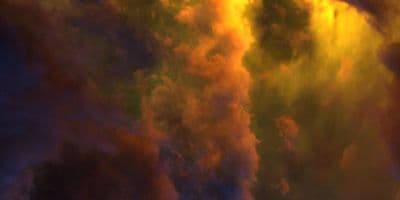
HDR 180-8 Space Sky with Nebula
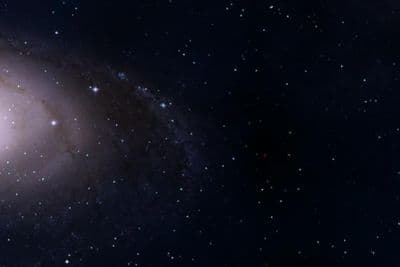
HDR 180-5 Space Sky with Galaxy
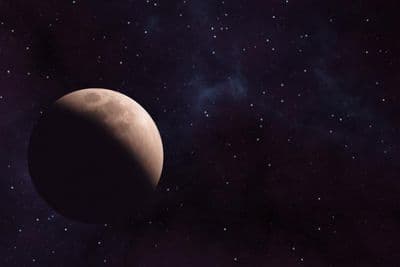
HDR 180-6 Space Sky with Planet
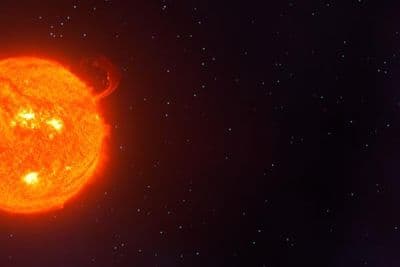
HDR 180-7 Space Sky with Sun
HDR 180-4 Space Sky and Stars
HDR 180-3 Space Sky with Stars + Milky Way

HDR 180-2 Space Sky and Stars
HDR 180-1 Space Sky and Stars
Above the Clouds Bundle 01 (zDepth not included)
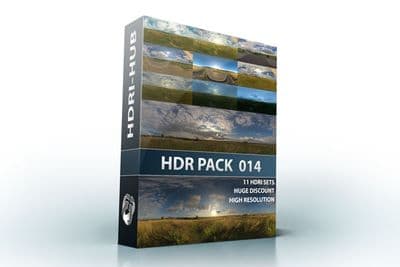
HDR Pack 014
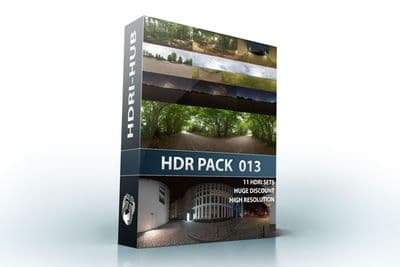
HDR Pack 013
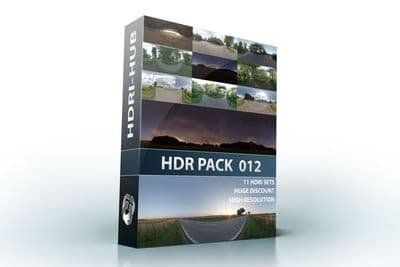
HDR Pack 012
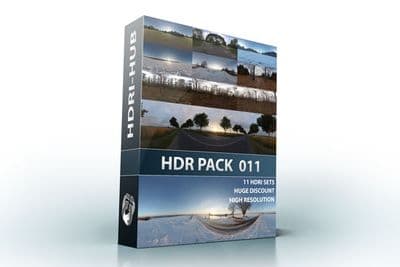
HDR Pack 011
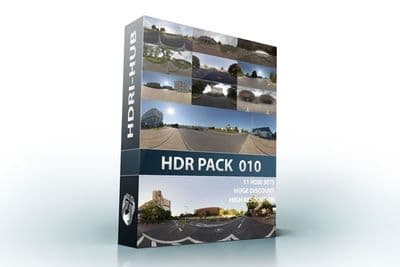
HDR Pack 010
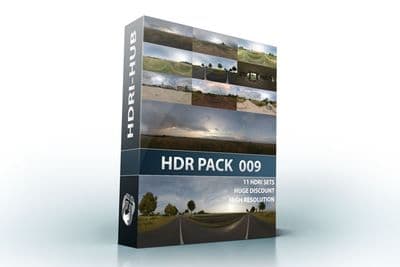
HDR Pack 009
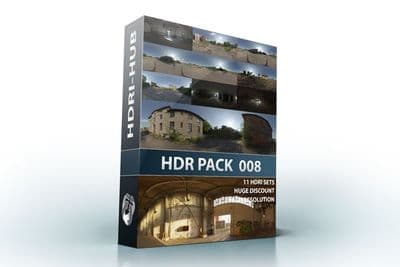
HDR Pack 008
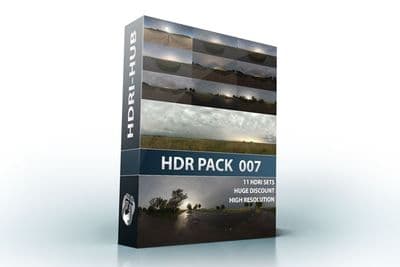
HDR Pack 007
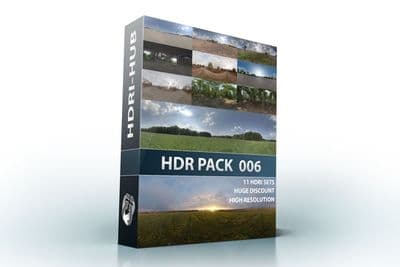
HDR Pack 006
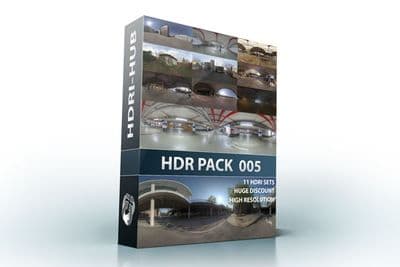
HDR Pack 005
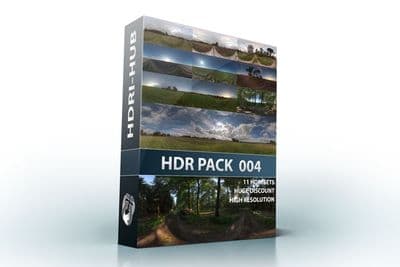
HDR Pack 004
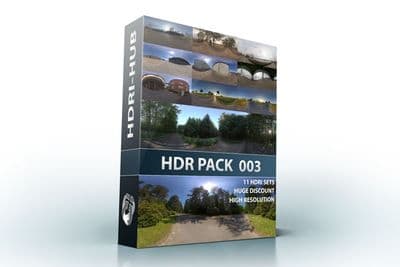
HDR Pack 003 Roads
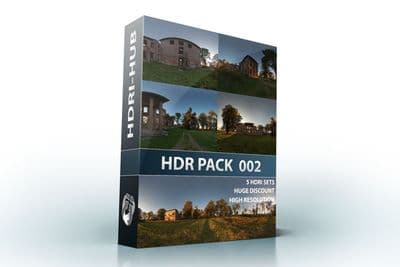
HDR Pack 002 Ruin
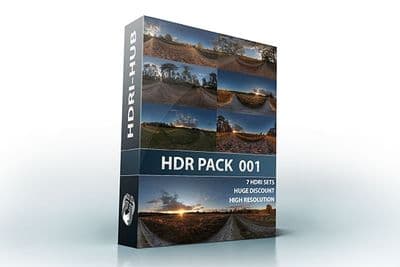
HDR Pack 001 Meadow
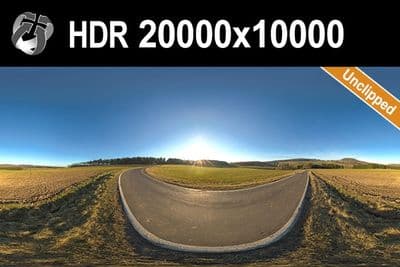
HDR 142 Rural Road 20k
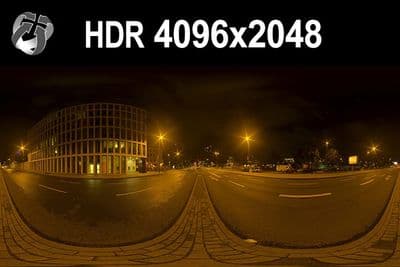
HDR 171 City Road Night
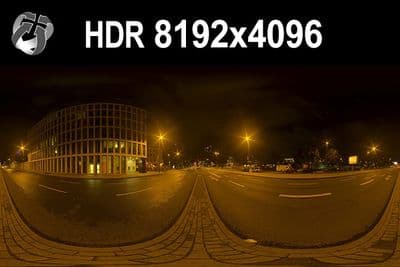
HDR 171 City Road Night 8k
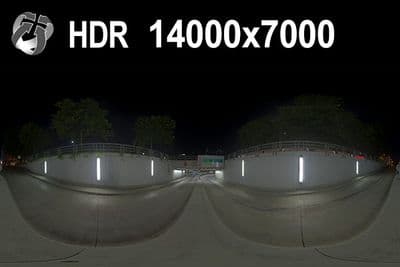
HDR 169 Entrance Garage Night 14k
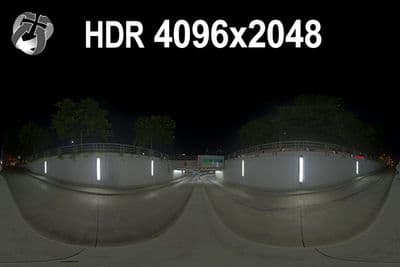
HDR 169 Entrance Garage Night
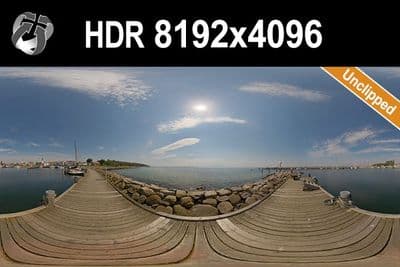
HDR 168 Sea Harbor Sunny
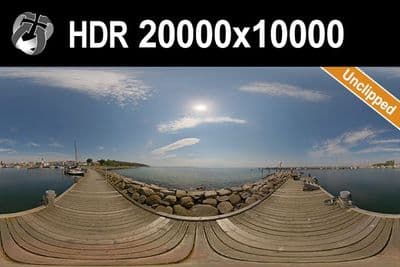
HDR 168 Sea Harbor Sunny 20k
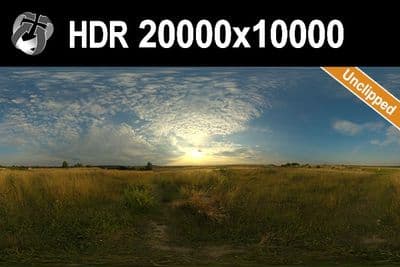
HDR 167 Sunny Dusk Clouds 20k
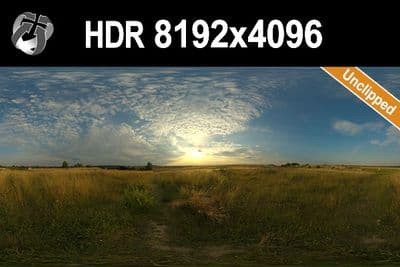
HDR 167 Sunny Dusk Clouds
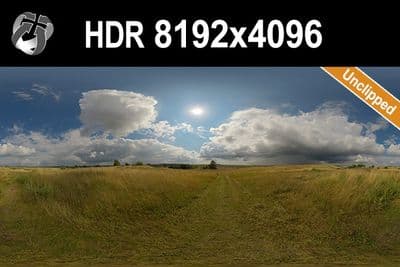
HDR 166 Sunny Storm Clouds
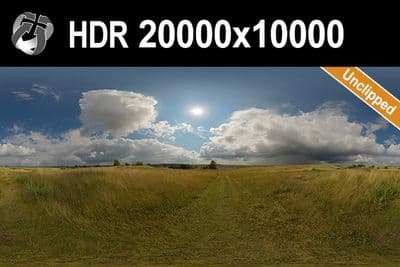
HDR 166 Sunny Storm Clouds 20k
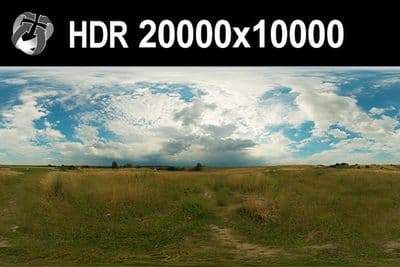
HDR 160 Cloudy Sky 20k
HDR 160 Cloudy Sky
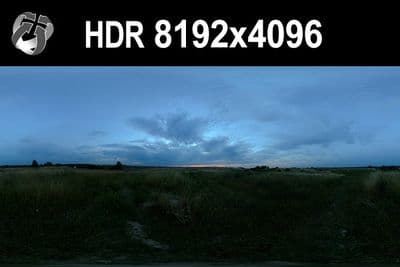
HDR 159 Blue Evening Sky
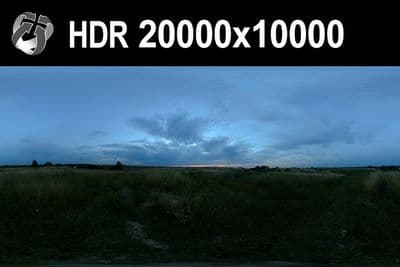
HDR 159 Blue Evening Sky 20k
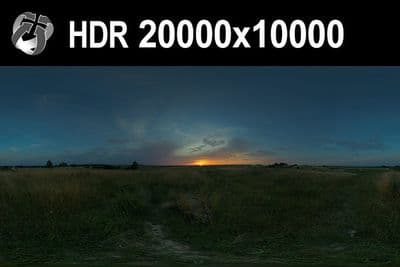
HDR 158 Blue Evening Sky 20k
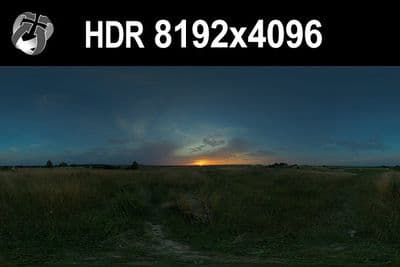
HDR 158 Blue Evening Sky
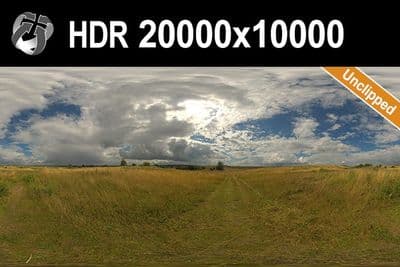
HDR 165 Big Clouds Sky 20k
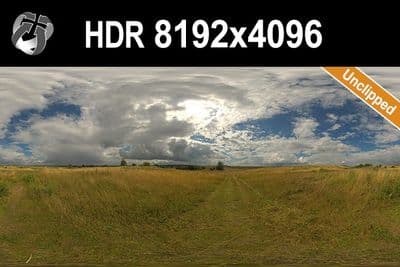
HDR 165 Big Clouds Sky
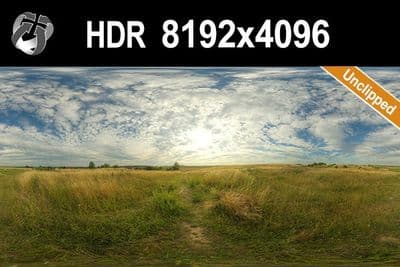
HDR 164 Cloudy Sky
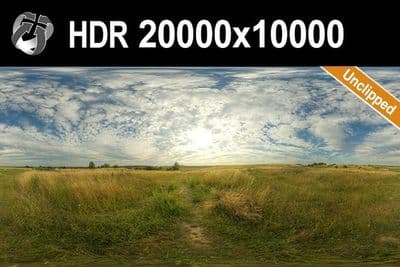
HDR 164 Cloudy Sky 20k
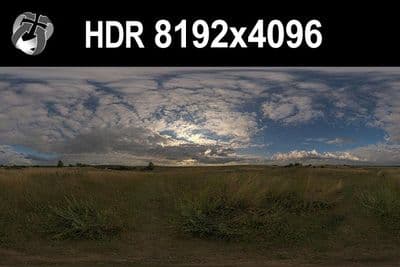
HDR 148 Cloudy Evening Sky
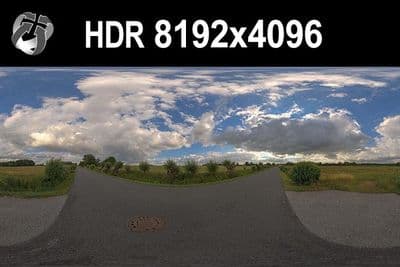
HDR 147 Rural Road Cloudy Sky
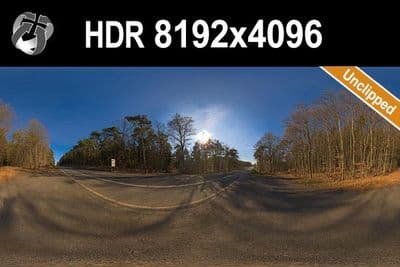
HDR 145 Rural Road Clear Sky
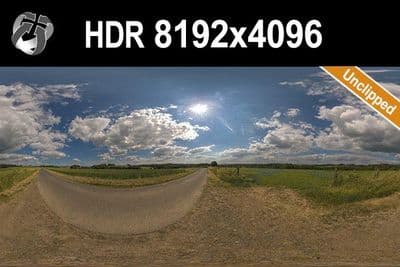
HDR 144 Rural Road Cloudy Sky
Native Environments in SketchUp 2025 and later
- Open the Environments panel from the Default Tray (Window > Default Tray > Environments).
- Click Add Environment and select an equirectangular .hdr or .exr file from HDRI Hub.
- On the Edit tab enable Use Environment as Skydome to show the panorama as the 360 degree background, and Use Environment for Reflections to drive reflections on Photoreal Materials.
- Set Rotation Angle to turn the sky until the sun and the reflections sit where you want them.
- Balance brightness with the Skydome Exposure and Reflections Exposure sliders.
- Optional: Set Sun Location places SketchUp's shadow-casting sun to match the sky in the environment, overriding the time-of-day setting of the Shadows panel.
- Check that the active Style has Display Photoreal Materials enabled, otherwise the reflections do not appear.
Environment settings are stored per Scene, so a model can carry several skies for different views. The native panel is a presentation and modelling aid; it does not replace a renderer's material and light controls for final production images.
Try before you buy: the free HDRI samples need no account and carry the same licence as the paid files, so you can check the setup above with a real file before buying.
V-Ray for SketchUp: Dome Light
- Add a Dome Light from the V-Ray toolbar and place it in the scene.
- Open the Asset Editor and select the Dome Light.
- Click the texture slot next to Color and load the .hdr or .exr file.
- Set the Dome Light shape to Sphere and set intensity, starting around 100 and adjusting per scene since each HDRI has a different average brightness.
- In the texture's Texture Placement settings, set Rotate H to align the sun and reflections with the model, or enable Use Transform and rotate the Dome Light gizmo.
- Turn off V-Ray's Sunlight so the HDRI is the only light source and the shadow direction matches the sky.
Enscape inside SketchUp: skybox
Enscape loads a custom sky from Visual Settings > Sky > Horizon Source: Skybox. Enscape 4.19 and later also read .exr skyboxes; 4.18 LTS and earlier read .hdr only, so there use the .hdr skies from HDRI Hub or convert an .exr sky once. Full steps on the HDRI for Enscape page.
Which resolution
Vendor guidance for SketchUp scenes points to 4K or 8K HDRIs for good performance and file handling. For lighting and reflections only, 4096x2048 to 8192x4096 is enough. For a sky visible directly in the render, use 16000x8000 to 20000x10000; on typical SketchUp hardware, keep the working file at 8192x4096 or 10240x5120 and reserve the full 20000x10000 set for final still renders.
Sun and shadows
Use one of HDRI Hub's 34 unclipped skies so the sun disc is intact and casts a sharp shadow edge, in the native Environments panel as well as in a V-Ray Dome Light. With V-Ray's own Sunlight turned off, the HDRI's sun position and the rotation together control the shadow direction; no separate sun object is needed.
Frequently asked questions
Can SketchUp use an HDRI without a plugin?
Yes, from SketchUp 2025 onwards through the Environments panel, which reads .hdr and .exr. Earlier versions need a renderer such as V-Ray or Enscape for HDRI lighting.
.hdr or .exr for SketchUp?
Both work in the native Environments panel and in V-Ray. Enscape reads .hdr only before version 4.19. HDRI Hub skies up to HDR 141 are .hdr, later skies are .exr; the product page lists the format.
Why don't I see the environment lighting?
Check the Skydome and Reflections toggles on the Edit tab, the exposure sliders, and that the current Style displays Photoreal Materials.
Do I still need V-Ray?
For production stills and animations usually yes. The native panel gives a lit, reflective model in the viewport; V-Ray and Enscape add materials, cameras and output quality for final delivery.
More background: which HDRI resolution you need and .hdr or .exr.