
HDRI environment textures for Blender
- HDRI Hub offers 161 outdoor HDRI panoramas for the Blender World shader's Environment Texture node.
- Resolutions run from 4096x2048 to 20000x10000, with 25 files at the 20000x10000 size for renders where the sky is visible.
- Files are delivered as OpenEXR (.exr) for skies from HDR 142 onwards and as Radiance (.hdr) for earlier skies and all sIBL sets; the product page lists the format of each item.
- 34 of the HDRIs keep the sun disc unclipped, which lets Cycles trace a defined sun shadow without an extra sun lamp.
- The same World node setup works in both Cycles and Eevee, Blender's two render engines.
Blender lights a scene from an HDRI through the World shader rather than through an object in the scene, so the same panorama lights the render and appears as the background. The files below are sized for that World node workflow, from lighting-only resolutions to 20000x10000 for a visible sky.
Products
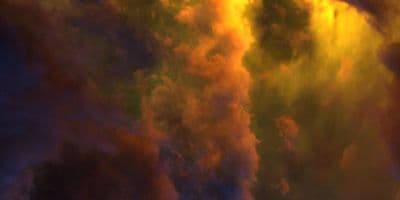
HDR 180-8 Space Sky with Nebula
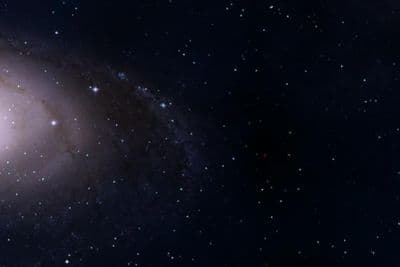
HDR 180-5 Space Sky with Galaxy
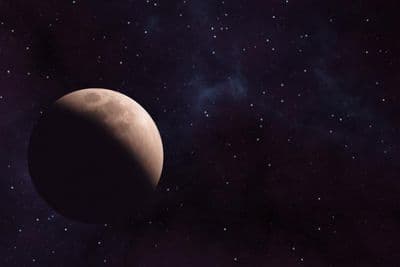
HDR 180-6 Space Sky with Planet
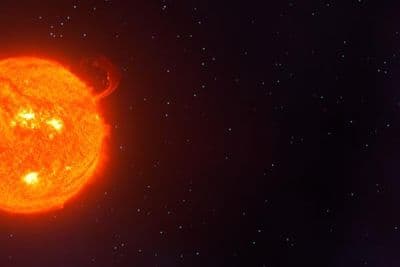
HDR 180-7 Space Sky with Sun
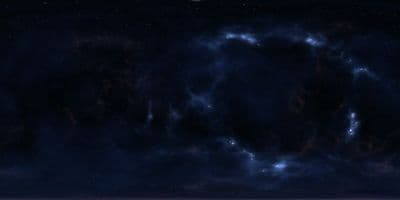
HDR 180-4 Space Sky and Stars
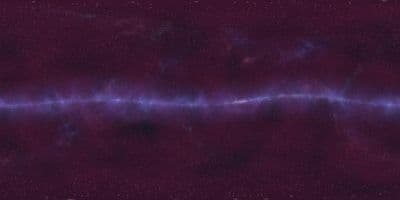
HDR 180-3 Space Sky with Stars + Milky Way
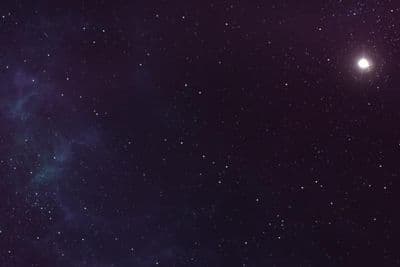
HDR 180-2 Space Sky and Stars
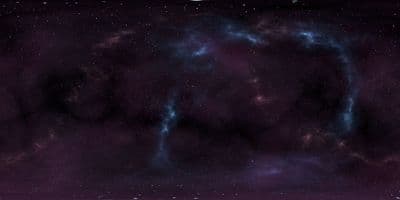
HDR 180-1 Space Sky and Stars
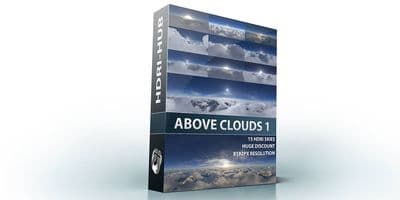
Above the Clouds Bundle 01 (zDepth not included)
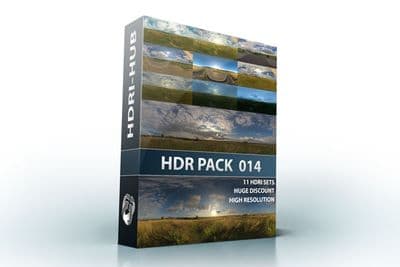
HDR Pack 014
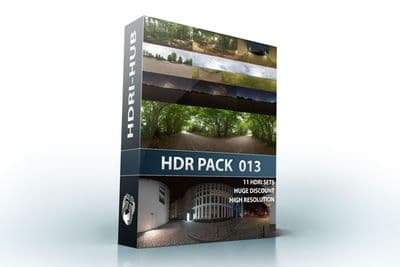
HDR Pack 013
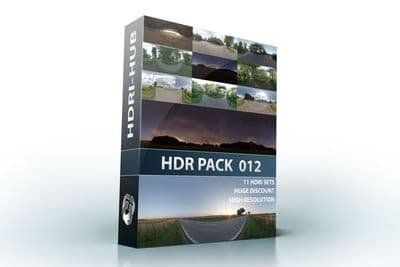
HDR Pack 012
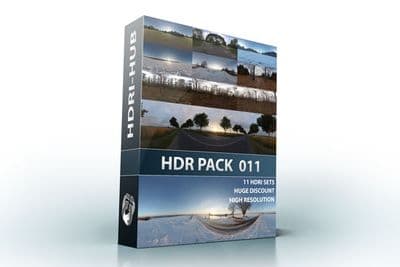
HDR Pack 011
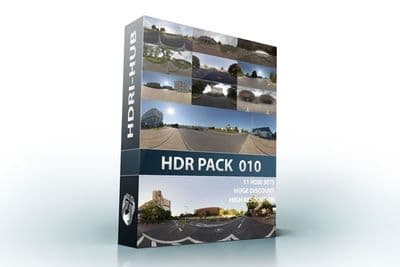
HDR Pack 010
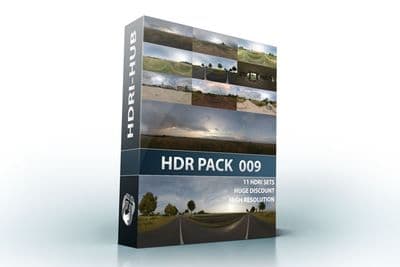
HDR Pack 009
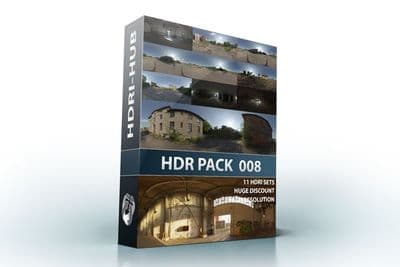
HDR Pack 008
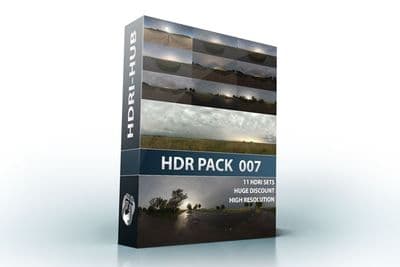
HDR Pack 007
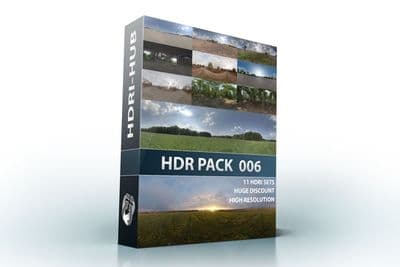
HDR Pack 006
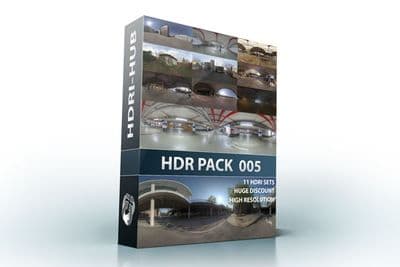
HDR Pack 005
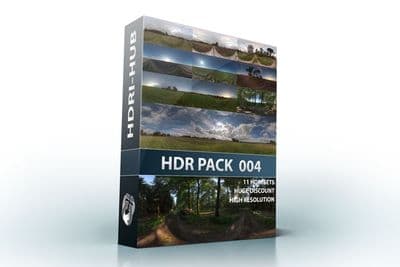
HDR Pack 004
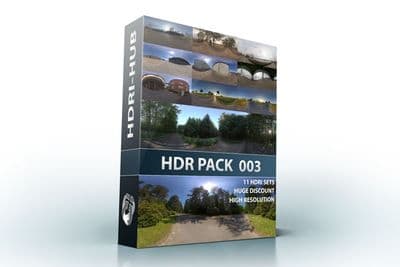
HDR Pack 003 Roads
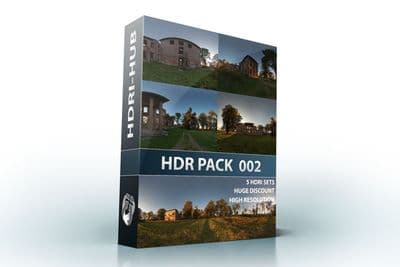
HDR Pack 002 Ruin
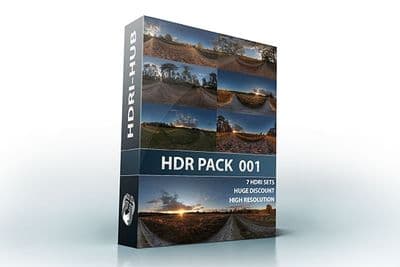
HDR Pack 001 Meadow
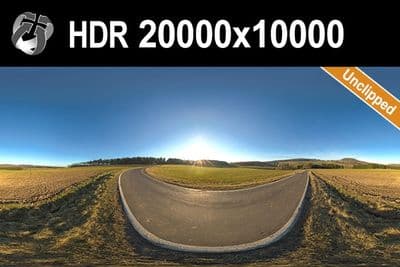
HDR 142 Rural Road 20k
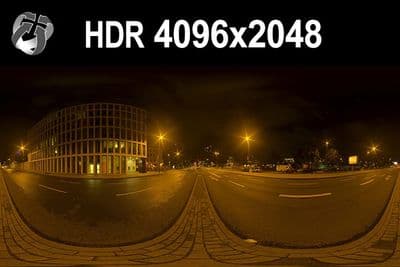
HDR 171 City Road Night
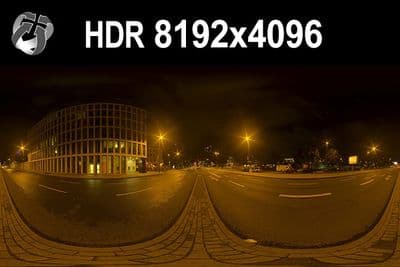
HDR 171 City Road Night 8k
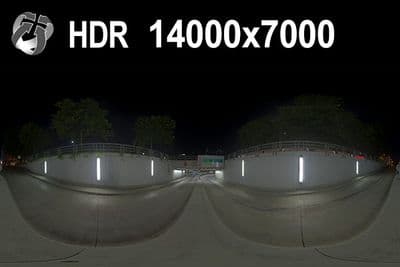
HDR 169 Entrance Garage Night 14k
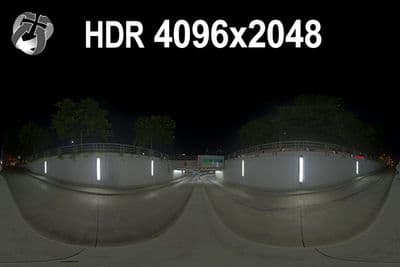
HDR 169 Entrance Garage Night
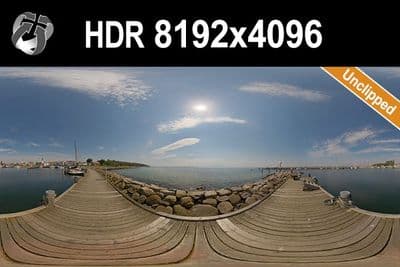
HDR 168 Sea Harbor Sunny
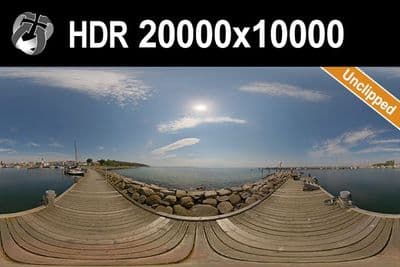
HDR 168 Sea Harbor Sunny 20k
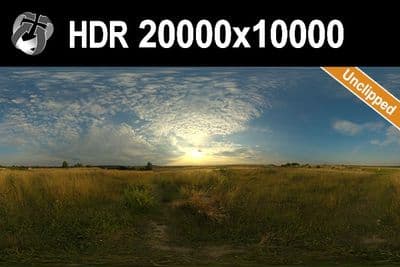
HDR 167 Sunny Dusk Clouds 20k
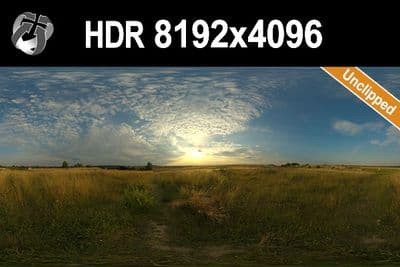
HDR 167 Sunny Dusk Clouds
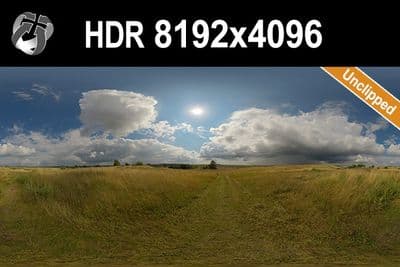
HDR 166 Sunny Storm Clouds
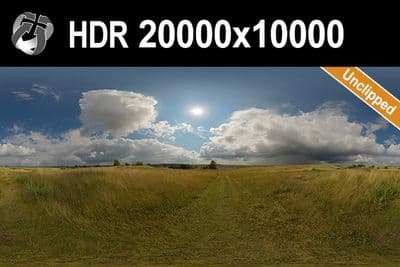
HDR 166 Sunny Storm Clouds 20k
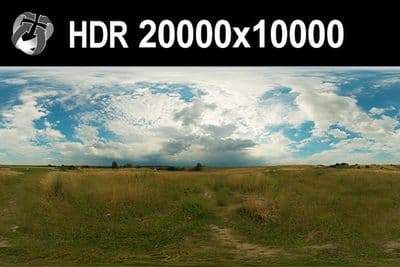
HDR 160 Cloudy Sky 20k
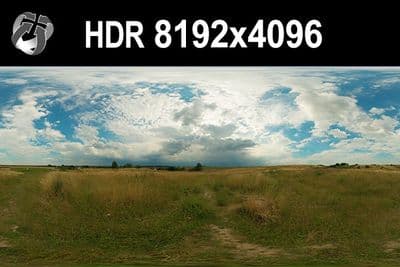
HDR 160 Cloudy Sky
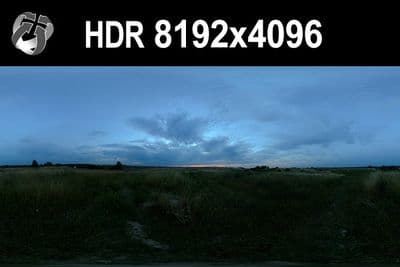
HDR 159 Blue Evening Sky
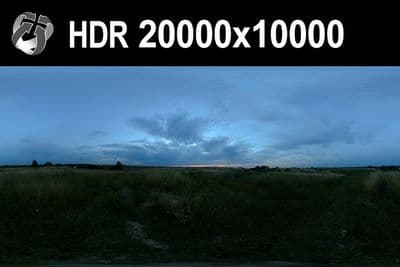
HDR 159 Blue Evening Sky 20k
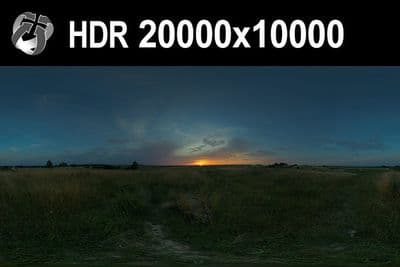
HDR 158 Blue Evening Sky 20k
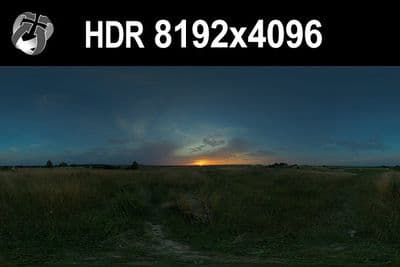
HDR 158 Blue Evening Sky
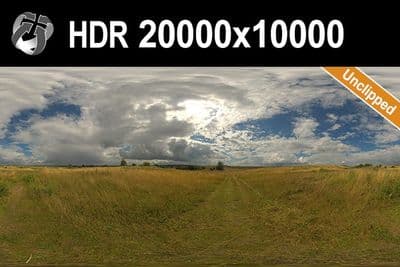
HDR 165 Big Clouds Sky 20k
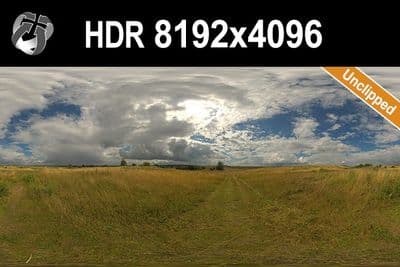
HDR 165 Big Clouds Sky
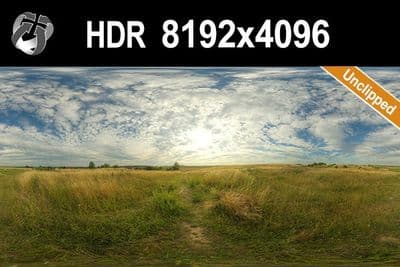
HDR 164 Cloudy Sky
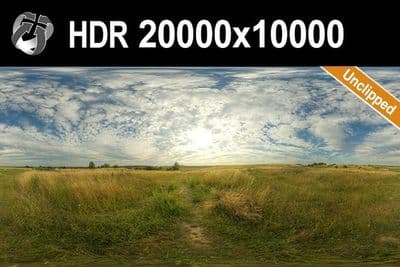
HDR 164 Cloudy Sky 20k
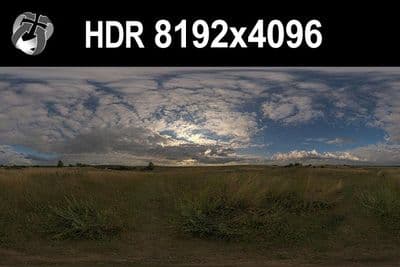
HDR 148 Cloudy Evening Sky
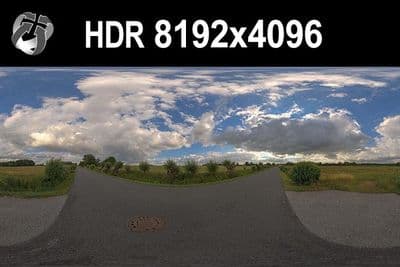
HDR 147 Rural Road Cloudy Sky
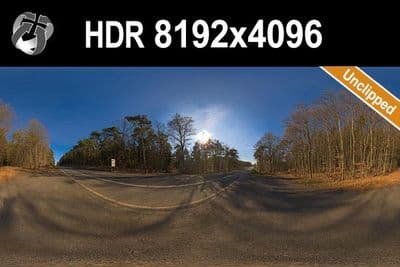
HDR 145 Rural Road Clear Sky
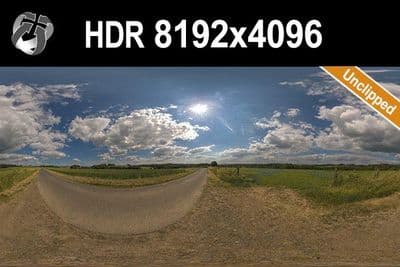
HDR 144 Rural Road Cloudy Sky
Load an HDRI in Blender 5.2 LTS
- Switch to the Shading workspace and change the shader editor's mode from Object to World, or open the World tab in the Properties editor.
- In World Properties, click the dot next to the Surface Color field and choose Environment Texture (not Image Texture, which does not project an equirectangular map correctly), then click Open and select the .exr or .hdr file.
- In the Shader Editor, confirm the Environment Texture node's Color output feeds the Background node's Color input, and the Background node feeds World Output.
- Add a Texture Coordinate node and a Mapping node between them if you need to rotate the HDRI: connect Generated to the Mapping node's Vector input, then the Mapping node's Vector output to the Environment Texture node, and use the Mapping node's Z rotation to spin the sky.
- Adjust the Background node's Strength value to change how bright the HDRI lights the scene, instead of re-exporting the file.
Try before you buy: the free HDRI samples need no account and carry the same licence as the paid files, so you can check the setup above with a real file before buying.
Cycles samples the World HDRI directly for lighting, reflections and bounces. Eevee uses the same nodes but stores the world lighting in an internal probe, so results are close but not identical; raise Strength carefully and check the ray-tracing options of your Eevee version.
For lights, exposure and the full workflow, see the HDRI lighting guide for Blender.
Which resolution
A 4096x2048 to 8192x4096 file is enough when the HDRI is only lighting the scene, since Blender resamples the World texture for GI at a lower internal resolution regardless of the source file. Use 16000x8000 or the 20000x10000 files when the sky is directly visible in the render, so clouds and the horizon stay sharp.
Sun and shadows
An HDRI with an unclipped sun disc keeps the sun's real brightness instead of clamping it to white, so Cycles can trace a sharp shadow from the World texture alone. 34 of the outdoor HDRIs on HDRI Hub are unclipped, and none of them need a separate sun lamp added to the scene.
For plate-based shots, see matching an HDRI with a backplate.
Frequently asked questions
How do I add an HDRI in Blender?
In World Properties set Surface Color to an Environment Texture, open the .exr or .hdr file, and make sure the Environment Texture feeds the Background node and the Background node feeds World Output.
Why is my sky stretched or wrong?
The file is loaded in an Image Texture node. Replace it with an Environment Texture node; its default Equirectangular projection matches HDRI Hub panoramas.
Do I need to change the colour space?
No. Blender reads .exr and .hdr as linear scene data. Do not set the texture to sRGB, which is meant for 8-bit colour images.
How bright should Strength be?
Start at 1.0 and adjust per file. HDRI Hub skies keep their captured brightness, so a midday sky is much stronger than an evening one; use Strength on the Background node rather than re-exporting the file.
More background: which HDRI resolution you need and .hdr or .exr.