
Free HDRI environments for SketchUp
- HDRI Hub offers 11 free HDRIs, up to 8192x4096, in .exr and .hdr.
- The free HDRIs carry the same licence as paid files: commercial use for one user and one workstation.
- Each free HDRI is ordered at zero cost from its product page, then downloaded like a paid order.
- V-Ray for SketchUp loads any of these into a Dome Light's texture slot.
HDRI Hub's 11 free HDRIs work in SketchUp the same way as the paid outdoor set, loaded through V-Ray's Dome Light. Order them at no cost from their product pages, then test lighting and reflections before buying a higher-resolution environment.
Products
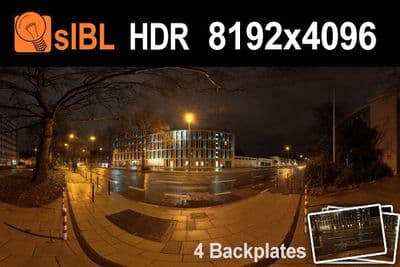
HDR City Road Night Lights (free)
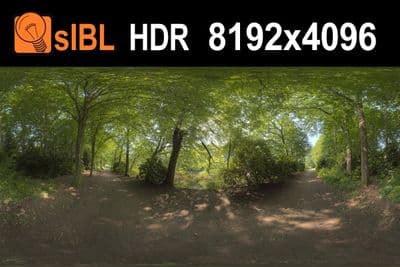
HDR 041 Path (free)
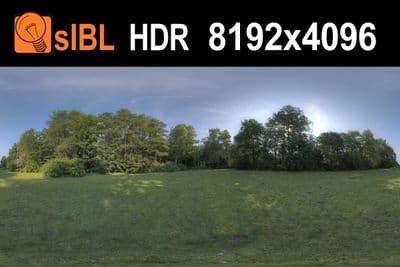
HDR 040 Field (free)
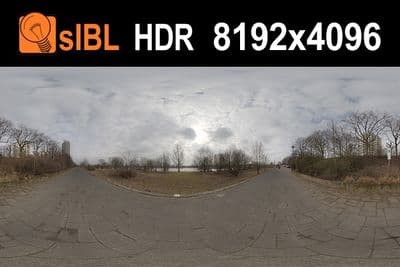
HDR 112 River Road (free)
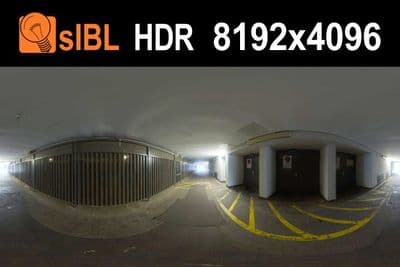
HDR 110 Tunnel (free)
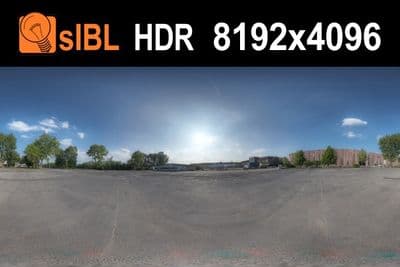
HDR 111 Parking Lot (free)
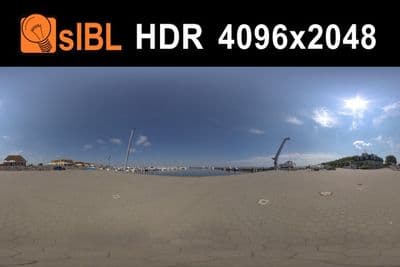
HDR Harbor 3 sIBL (free)
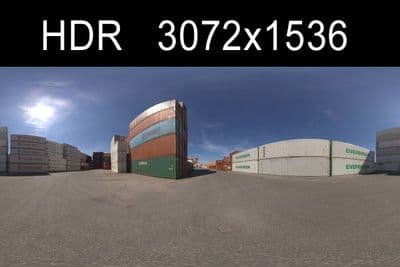
HDR Container (free)
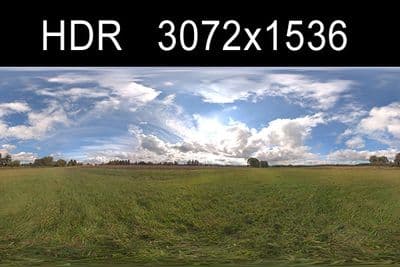
HDR Sky Cloudy (free)
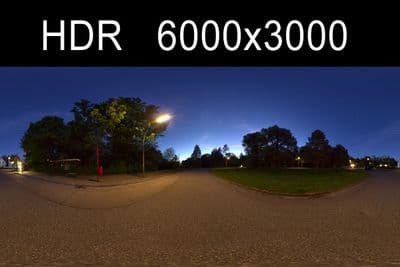
HDR Night (free)
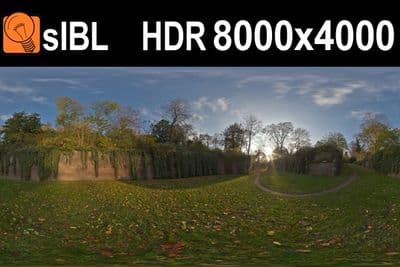
HDR Stonewall (free)
What the free HDRIs are
HDRI Hub publishes 11 free HDRIs at resolutions up to 8192x4096, delivered as .exr and, for most, also .hdr. The licence is the same as the paid catalogue: commercial use for one user and one workstation, ordered at zero cost directly from each product page.
Load one in SketchUp
- Order the free HDRI from its product page and download the .hdr or .exr file.
- Add a Dome Light in V-Ray and open the Asset Editor.
- Load the file into the Dome Light's texture slot and set intensity, starting around 100.
- Set Rotate H in Texture Placement to align the sun, and turn off V-Ray's Sunlight.
For the full 161-HDRI outdoor set with unclipped skies at up to 20000x10000, see the paid HDRI for SketchUp page.
The free files sit at a lower resolution than the paid catalogue, so they suit interior lighting tests and early layout checks more than a sky visible directly behind a building.