
HDRI skies for Lumion
- Files are delivered as OpenEXR (.exr) for skies from HDR 142 onwards and as Radiance (.hdr) for earlier skies and all sIBL sets; the product page lists the format of each item.
- Lumion's Real Skies effect only accepts .hdr: HDRI Hub skies up to HDR 141 and all sIBL sets load directly, .exr skies from HDR 142 onwards need a one-time conversion to .hdr.
- 34 of the outdoor HDRIs have an unclipped sun disc for a defined cast shadow.
- Each HDRI carries a commercial licence for one user and one workstation.
- Prices are listed in USD.
Lumion loads a custom sky through the Real Skies effect in Photo, Movie and Panorama Mode, not in Build Mode. This page lists HDRI Hub's outdoor environments that work as Lumion skies, the exact steps to load one, and how to get a clean sun from an unclipped sky.
Products
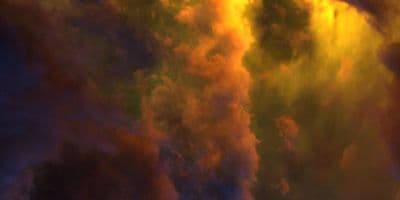
HDR 180-8 Space Sky with Nebula
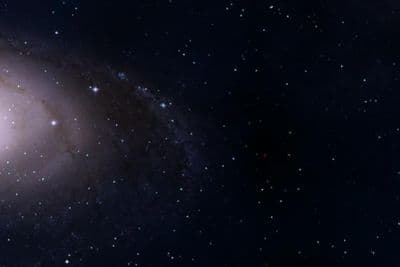
HDR 180-5 Space Sky with Galaxy
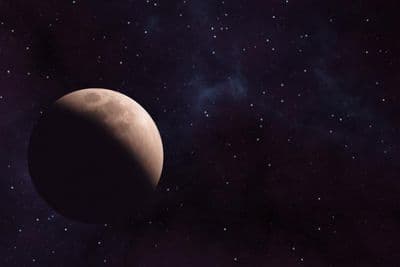
HDR 180-6 Space Sky with Planet
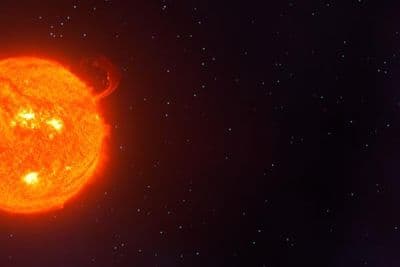
HDR 180-7 Space Sky with Sun
HDR 180-4 Space Sky and Stars
HDR 180-3 Space Sky with Stars + Milky Way

HDR 180-2 Space Sky and Stars
HDR 180-1 Space Sky and Stars
Above the Clouds Bundle 01 (zDepth not included)
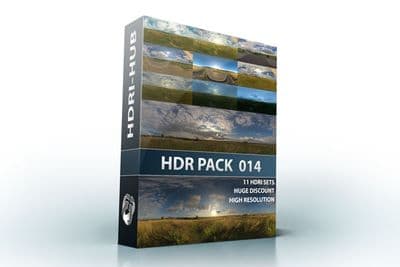
HDR Pack 014
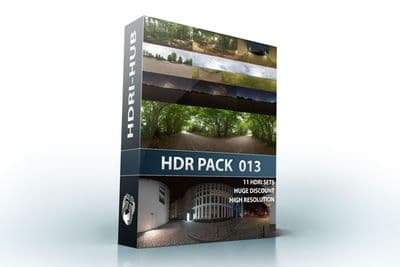
HDR Pack 013
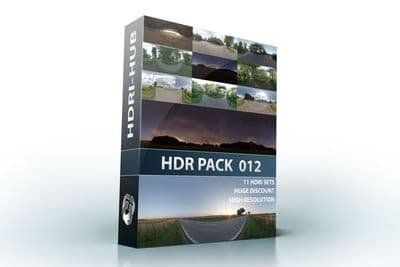
HDR Pack 012
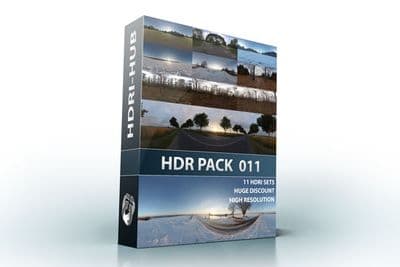
HDR Pack 011
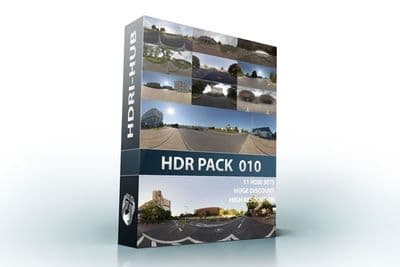
HDR Pack 010
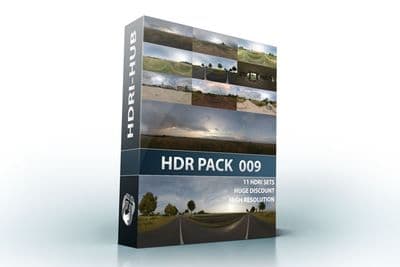
HDR Pack 009
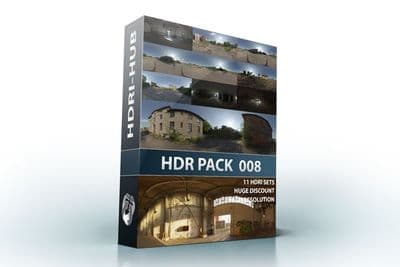
HDR Pack 008
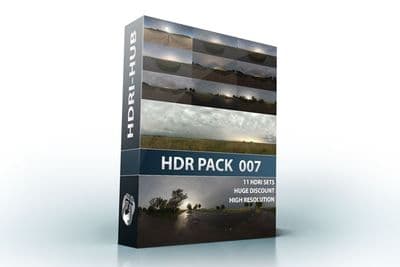
HDR Pack 007
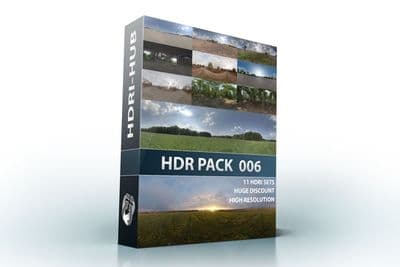
HDR Pack 006
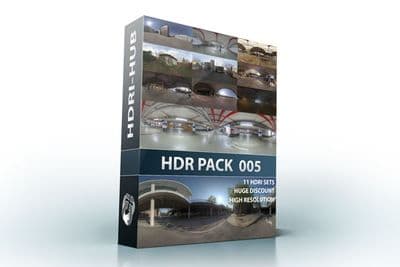
HDR Pack 005
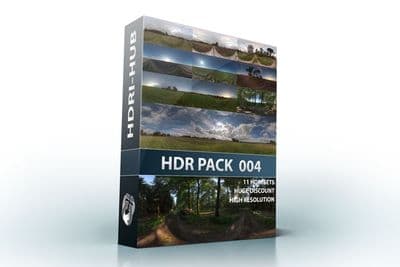
HDR Pack 004
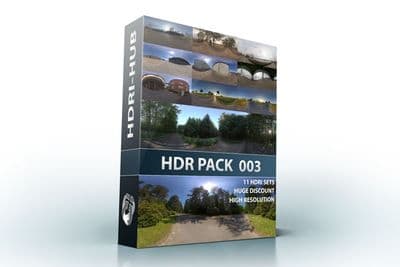
HDR Pack 003 Roads
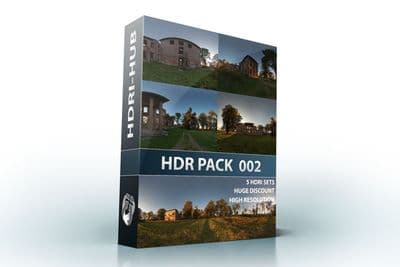
HDR Pack 002 Ruin
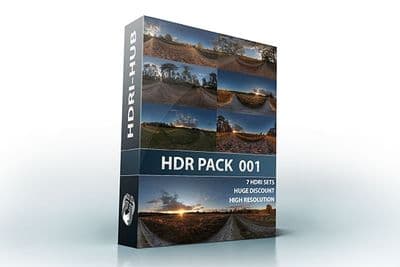
HDR Pack 001 Meadow
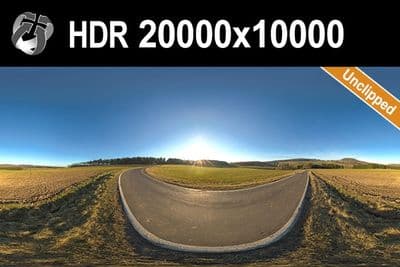
HDR 142 Rural Road 20k
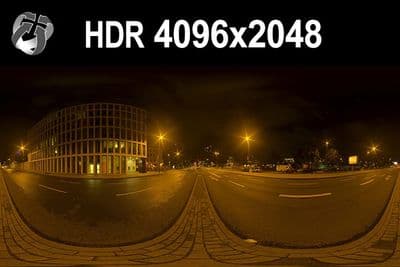
HDR 171 City Road Night
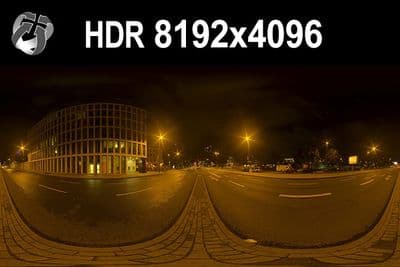
HDR 171 City Road Night 8k
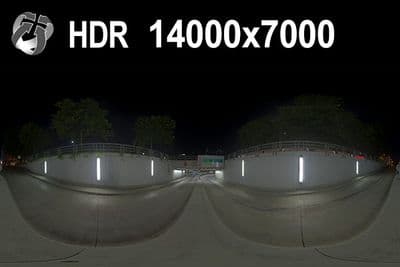
HDR 169 Entrance Garage Night 14k
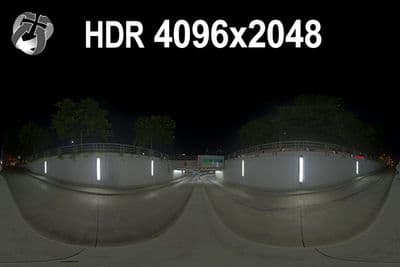
HDR 169 Entrance Garage Night
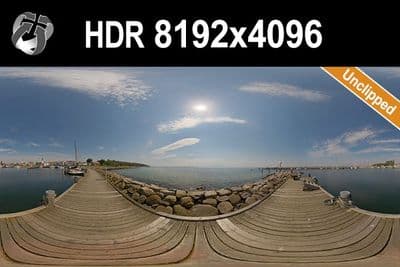
HDR 168 Sea Harbor Sunny
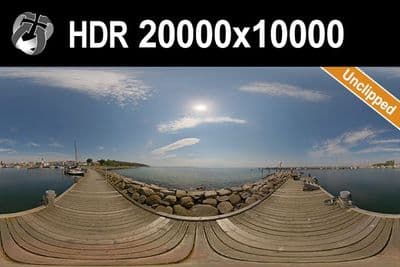
HDR 168 Sea Harbor Sunny 20k
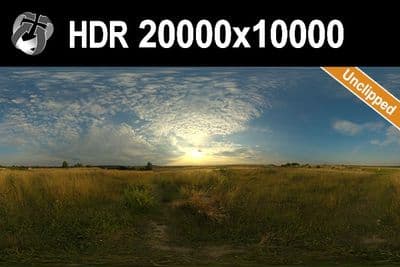
HDR 167 Sunny Dusk Clouds 20k
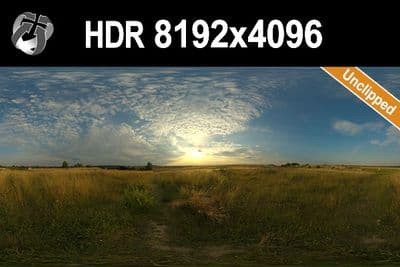
HDR 167 Sunny Dusk Clouds
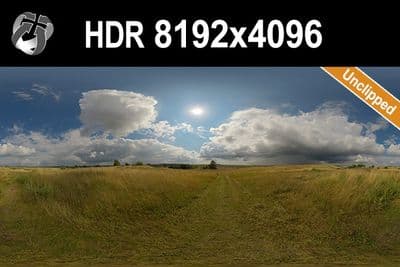
HDR 166 Sunny Storm Clouds
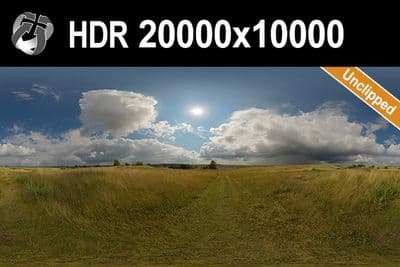
HDR 166 Sunny Storm Clouds 20k
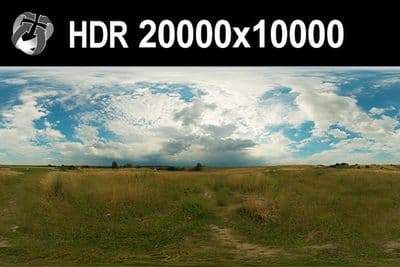
HDR 160 Cloudy Sky 20k
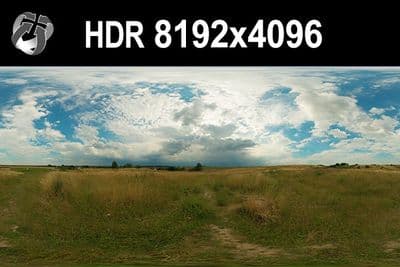
HDR 160 Cloudy Sky
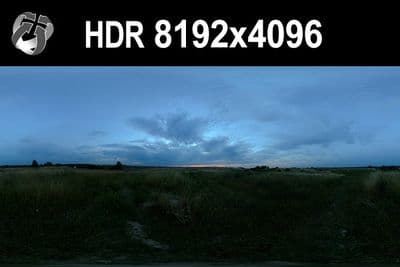
HDR 159 Blue Evening Sky
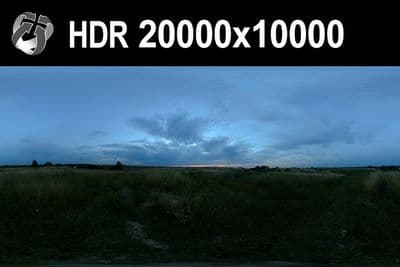
HDR 159 Blue Evening Sky 20k
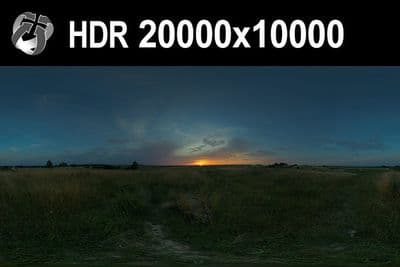
HDR 158 Blue Evening Sky 20k
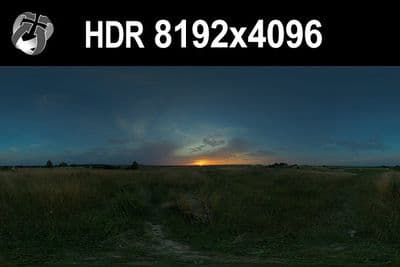
HDR 158 Blue Evening Sky
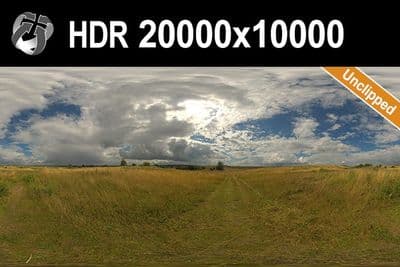
HDR 165 Big Clouds Sky 20k
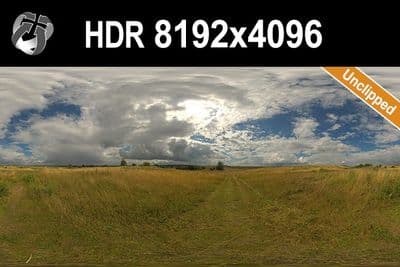
HDR 165 Big Clouds Sky
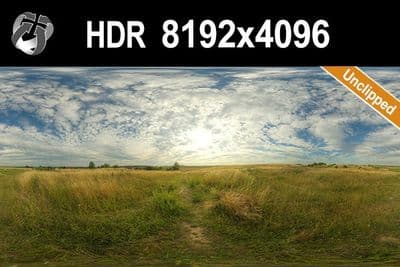
HDR 164 Cloudy Sky
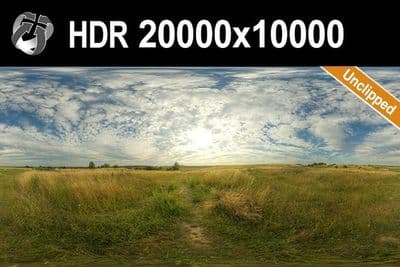
HDR 164 Cloudy Sky 20k
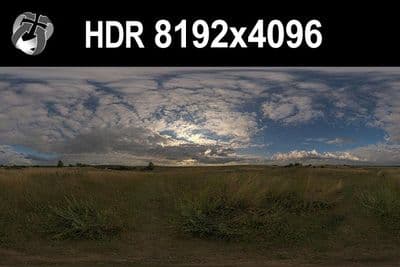
HDR 148 Cloudy Evening Sky
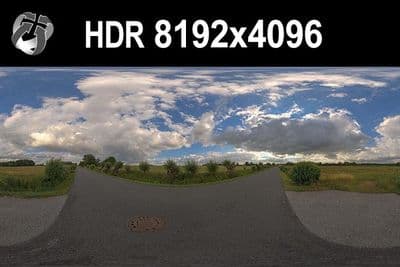
HDR 147 Rural Road Cloudy Sky
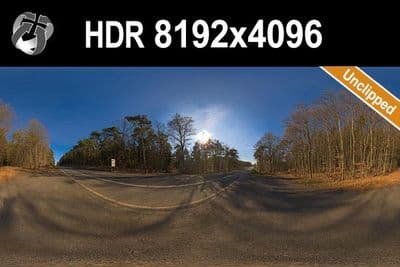
HDR 145 Rural Road Clear Sky
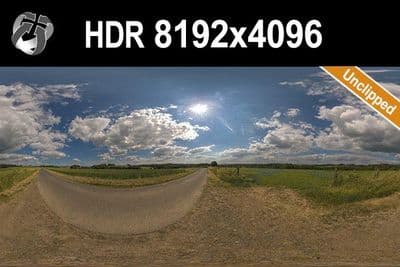
HDR 144 Rural Road Cloudy Sky
Load an HDRI in Lumion 2026
- Switch to Photo Mode (or Movie or Panorama Mode).
- Add the Real Skies effect.
- Click "Select Real Sky" and then "Load custom HDR file".
- Browse to the .hdr file and open it; the file becomes the scene's sky, its main light source and its background texture.
- Use the Real Skies sliders to adjust brightness and rotation the same way you would for a built-in preset.
Try before you buy: the free HDRI samples need no account and carry the same licence as the paid files, so you can check the setup above with a real file before buying.
The effect is not available in Build Mode, only in Photo, Movie and Panorama Mode.
Format note: Lumion loads .hdr, not .exr
Lumion does not read OpenEXR files in the Real Skies effect. HDRI Hub skies up to HDR 141 and every sIBL set are delivered as Radiance .hdr and load directly. Skies from HDR 142 onwards are delivered as .exr and need a one-time conversion to .hdr before use in Lumion; Photoshop, Affinity Photo, Blender and ImageMagick all write .hdr from an .exr and keep the full dynamic range. The product page lists the delivered format of each sky. Details in .hdr or .exr. Parallax Interiors in recent Lumion versions accepts .exr, but that is a different feature.
Which resolution
Lumion's documentation does not publish a fixed pixel cap for Real Skies. For lighting and reflections only, 4096x2048 to 8192x4096 is enough. For a sky the camera sees directly, use 16000x8000 to 20000x10000 so cloud detail near the horizon stays sharp; since Lumion renders in real time, 8192x4096 to 10240x5120 is a practical working resolution for most scenes, with the largest files reserved for final still output.
Sun and shadows
Use one of HDRI Hub's 34 unclipped skies so the sun disc is intact and produces a sharp shadow edge once loaded as the Real Sky. Because the HDRI becomes the scene's main light source, no separate Lumion sun light is needed on top of it; the exterior HDR image with the horizon centred in the frame gives the most reliable result.
Frequently asked questions
Can Lumion use .exr HDRIs for Real Skies?
No. Lumion's documentation states that custom Real Skies must be .hdr. Convert an .exr sky to .hdr once, or pick a sky that HDRI Hub delivers as .hdr.
Why is there no "Load custom HDR file" in Build Mode?
Custom Real Skies are loaded in Photo, Movie or Panorama Mode. Switch modes, add the Real Skies effect and the option appears.
Do I need a separate sun?
No. The Real Sky becomes the main light. With an unclipped sky the sun disc casts a defined shadow; use the Real Skies sliders for brightness and rotation.
Which resolution works in Lumion?
8192x4096 to 10240x5120 for everyday work; the 20000x10000 files only for final stills, since they cost GPU memory in real time.
More background: which HDRI resolution you need and .hdr or .exr.