
HDRI environment maps for 3ds Max
- HDRI Hub offers 161 outdoor HDRI panoramas sized for the 3ds Max Environment Map slot, from 4096x2048 to 20000x10000.
- 25 of the panoramas are delivered at 20000x10000 for renders where the sky is directly visible.
- 34 HDRIs keep the sun disc unclipped, so Arnold or the ART renderer can cast a defined sun shadow from the map. The scanline renderer does no image-based lighting.
- Files are delivered as OpenEXR (.exr) for skies from HDR 142 onwards and as Radiance (.hdr) for earlier skies and all sIBL sets; the product page lists the format of each item.
- 3ds Max users rendering with V-Ray or Corona instead of the default engine use the same HDRI files through their renderer's Dome Light.
3ds Max loads an HDRI through the Environment Map slot in the Environment and Effects dialog. Whether that map also lights the scene depends on the renderer: Arnold and ART can use it, the scanline renderer cannot, and V-Ray and Corona use their own dome light or environment override.
Products
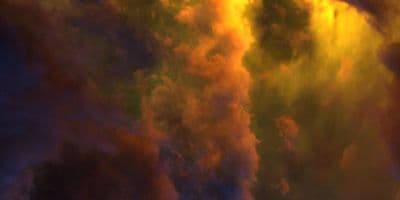
HDR 180-8 Space Sky with Nebula
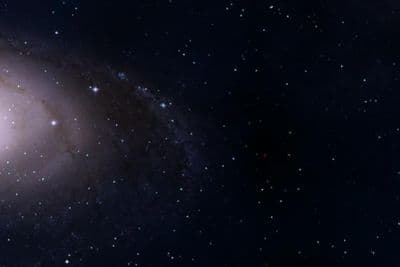
HDR 180-5 Space Sky with Galaxy
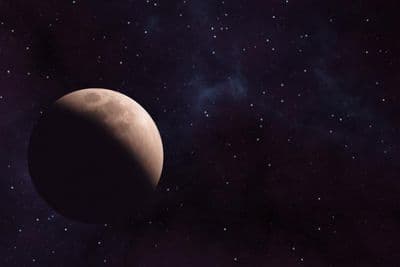
HDR 180-6 Space Sky with Planet
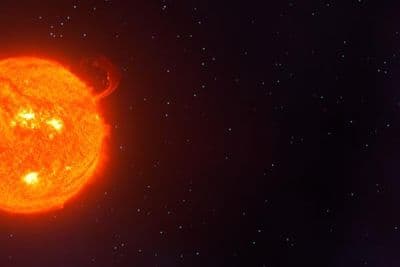
HDR 180-7 Space Sky with Sun
HDR 180-4 Space Sky and Stars
HDR 180-3 Space Sky with Stars + Milky Way
HDR 180-2 Space Sky and Stars
HDR 180-1 Space Sky and Stars
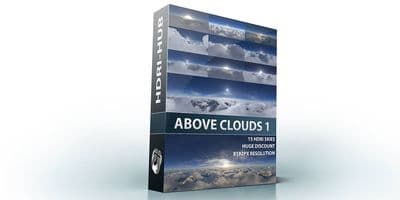
Above the Clouds Bundle 01 (zDepth not included)
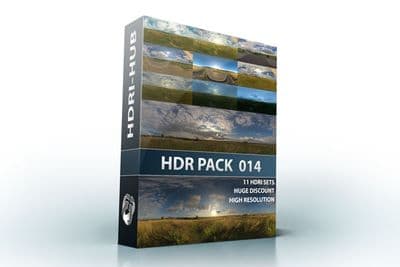
HDR Pack 014
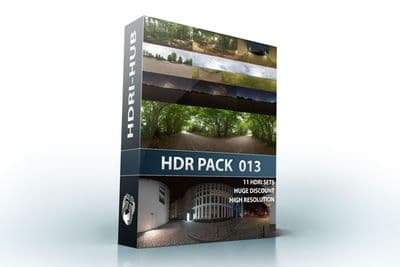
HDR Pack 013
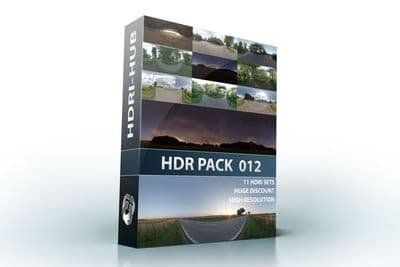
HDR Pack 012
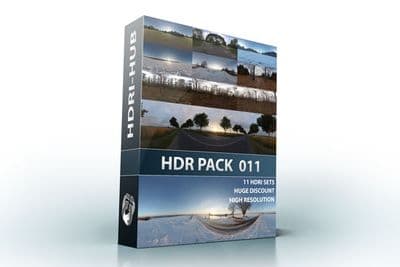
HDR Pack 011
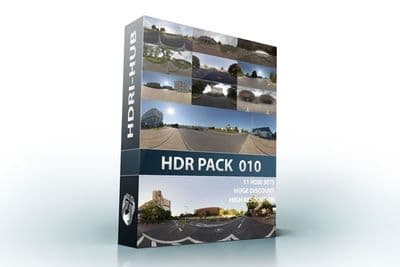
HDR Pack 010
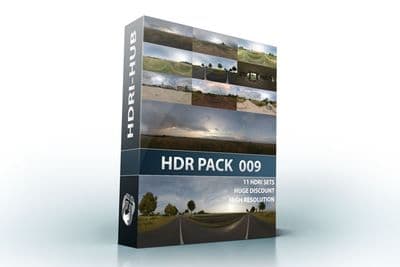
HDR Pack 009
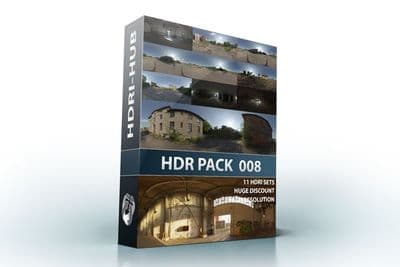
HDR Pack 008
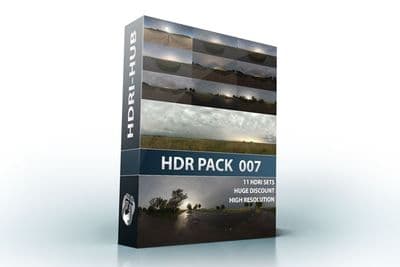
HDR Pack 007
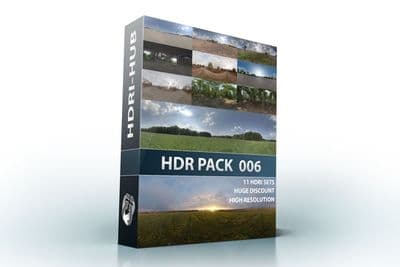
HDR Pack 006
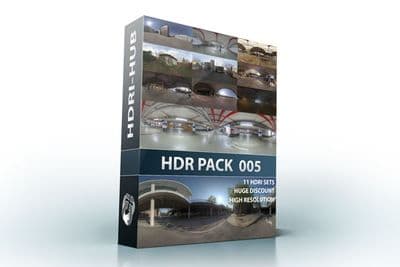
HDR Pack 005
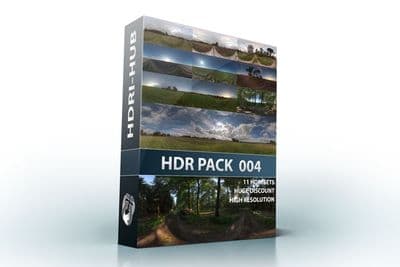
HDR Pack 004
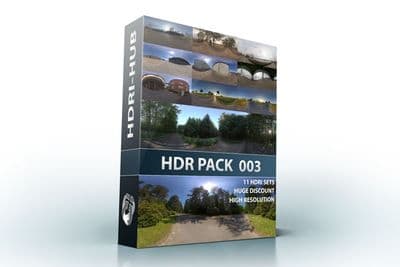
HDR Pack 003 Roads
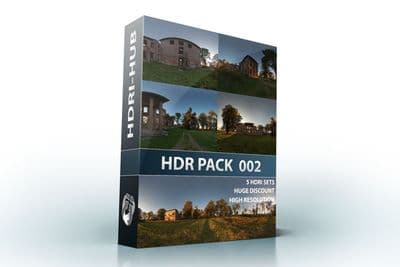
HDR Pack 002 Ruin
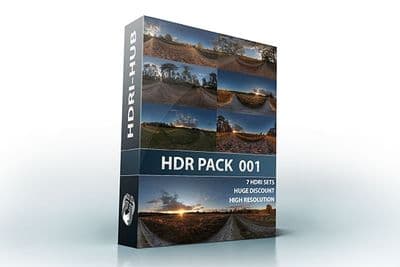
HDR Pack 001 Meadow
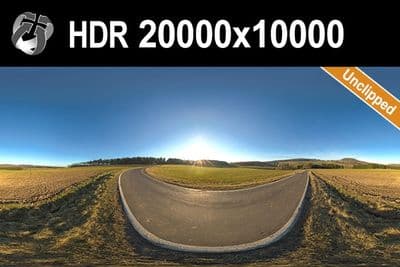
HDR 142 Rural Road 20k
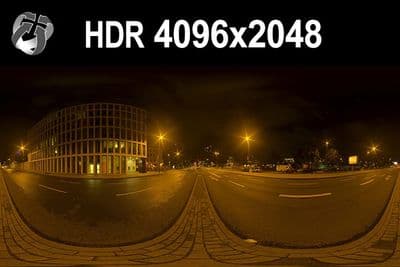
HDR 171 City Road Night
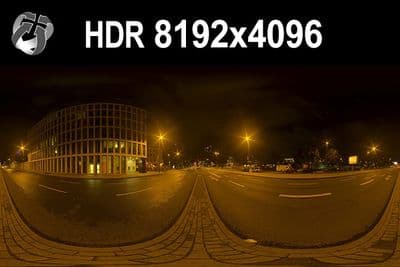
HDR 171 City Road Night 8k
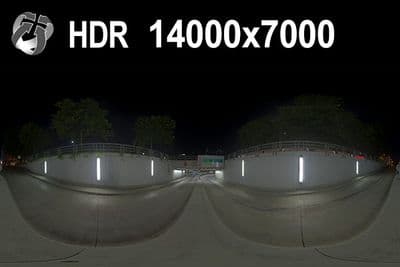
HDR 169 Entrance Garage Night 14k
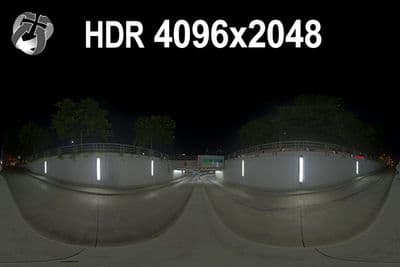
HDR 169 Entrance Garage Night
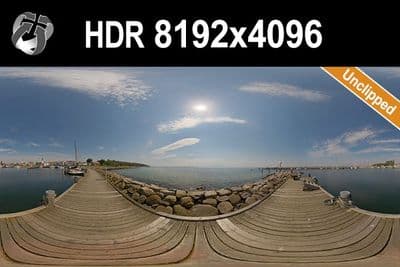
HDR 168 Sea Harbor Sunny
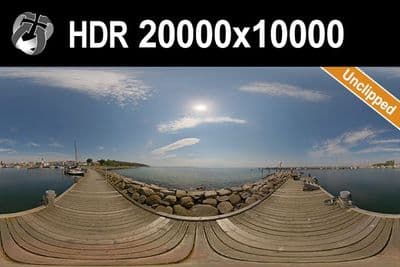
HDR 168 Sea Harbor Sunny 20k
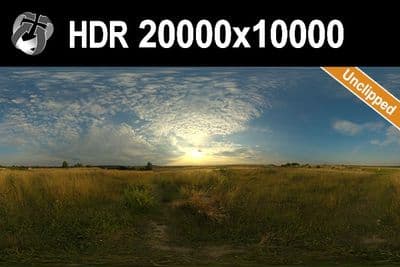
HDR 167 Sunny Dusk Clouds 20k
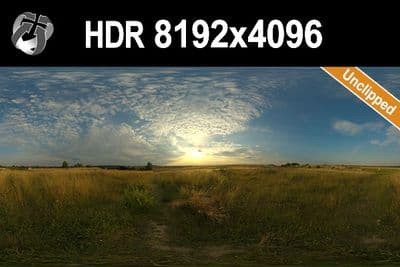
HDR 167 Sunny Dusk Clouds
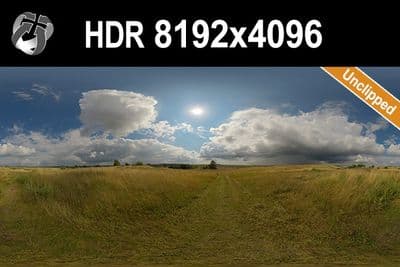
HDR 166 Sunny Storm Clouds
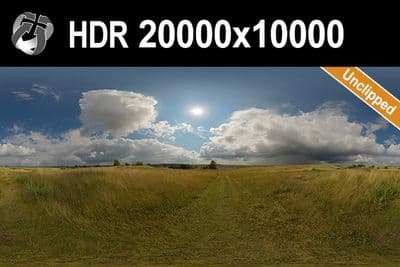
HDR 166 Sunny Storm Clouds 20k
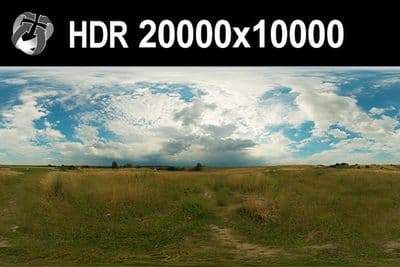
HDR 160 Cloudy Sky 20k
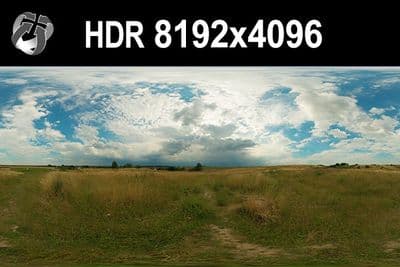
HDR 160 Cloudy Sky
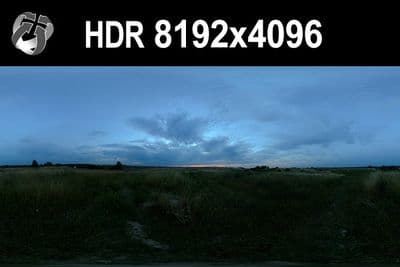
HDR 159 Blue Evening Sky
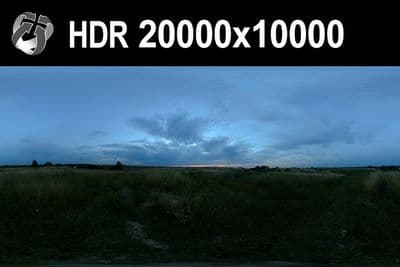
HDR 159 Blue Evening Sky 20k
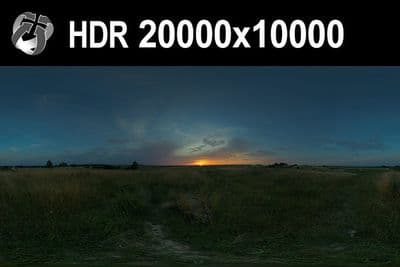
HDR 158 Blue Evening Sky 20k
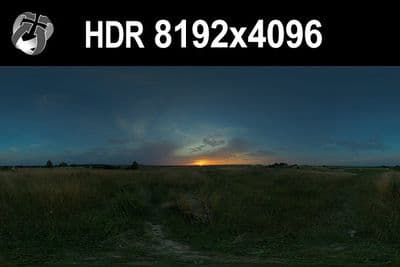
HDR 158 Blue Evening Sky
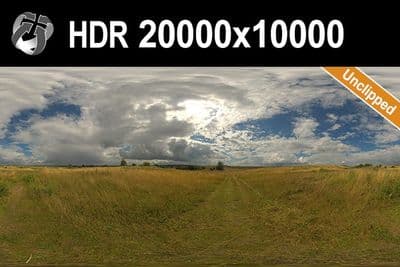
HDR 165 Big Clouds Sky 20k
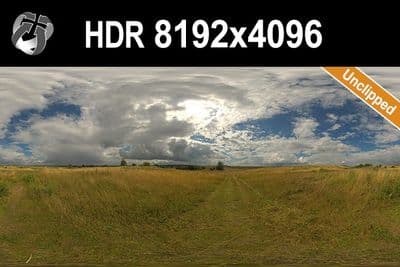
HDR 165 Big Clouds Sky
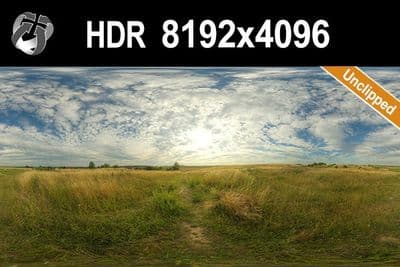
HDR 164 Cloudy Sky
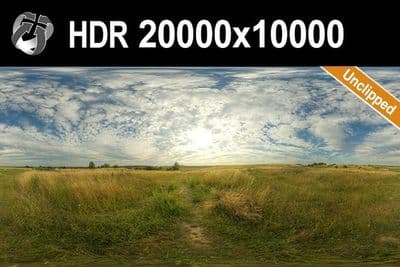
HDR 164 Cloudy Sky 20k
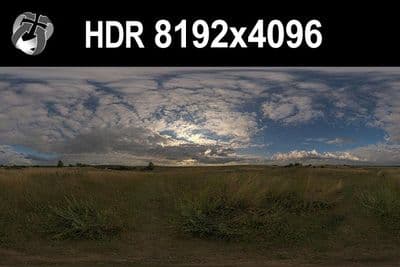
HDR 148 Cloudy Evening Sky
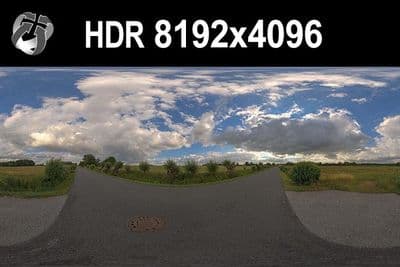
HDR 147 Rural Road Cloudy Sky
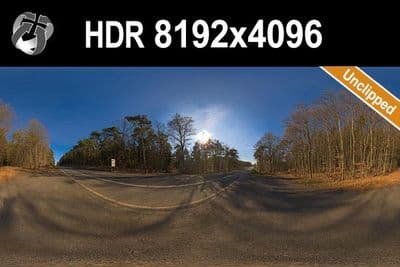
HDR 145 Rural Road Clear Sky
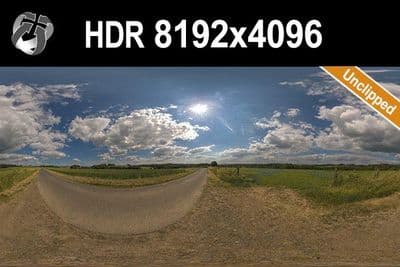
HDR 144 Rural Road Cloudy Sky
Load an HDRI in 3ds Max 2026
- Press 8, or go to Rendering > Environment, to open the Environment and Effects dialog on the Environment panel.
- In the Common Parameters rollout, find the Background group and click the Environment Map button, which reads None until a map is assigned.
- In the Material/Map Browser, choose Bitmap and load an .exr or .hdr file from the download.
- Drag the Environment Map button into a slot in the Material Editor and drop it as Instance, so the map's Coordinates and Output rollouts stay editable.
- Press Alt+B, enable Use Environment Background, and click OK to preview the HDRI in the viewport instead of only at render time.
Try before you buy: the free HDRI samples need no account and carry the same licence as the paid files, so you can check the setup above with a real file before buying.
V-Ray users load the same file into the V-Ray Dome Light's Texture slot rather than the Environment Map button; see the HDRI for V-Ray page for the exact rollout names. Corona users do the same through Corona's Scene environment override, which reads the identical .exr or .hdr file without conversion; see the HDRI for Corona Renderer page.
Which resolution
Use a 4096x2048 to 8192x4096 HDRI when it only needs to light the scene, since 3ds Max resamples the environment map for GI regardless of its native size. Choose 16000x8000 or the 20000x10000 files when the sky itself appears in the frame or in glossy reflections, so clouds and the horizon line stay sharp.
Sun and shadows
An unclipped sun disc keeps its real brightness in the file instead of being clamped to white, so an image-based renderer can trace a sharp shadow from the sun in the map. 34 of the outdoor HDRIs on HDRI Hub are unclipped.
In Arnold, connect the file to the colour of a Skydome Light; the sun in the map then casts its own shadow and no extra sun light is needed. The ART renderer can also light from the Environment Map, but it cannot combine the map with the Physical Sun and Sky environment because both use the Environment slot. The scanline renderer does no image-based lighting: it shows the map as a background, but the HDRI will not light or shadow the scene. Use Arnold, ART, V-Ray or Corona for HDRI lighting.
For plate-based shots, see matching an HDRI with a backplate.
Frequently asked questions
How do I add an HDRI to 3ds Max?
Press 8 to open Environment and Effects, click the Environment Map button, choose Bitmap and load the .exr or .hdr file. Drag the map into the Material Editor as an Instance to rotate it through the Coordinates rollout.
Does 3ds Max need V-Ray to use HDRI Hub files?
No. Arnold and the ART renderer can use the file from the Environment Map slot or a Skydome Light, and V-Ray and Corona users load the same file into a Dome Light or a CoronaBitmap. The scanline renderer does no image-based lighting, so it needs one of these.
Can I use both a Dome Light and the Environment Map?
Pick one source for lighting. A Dome Light HDRI plus the same file in the Environment Map slot doubles the illumination; use the Environment Map only for the visible background in that case, or leave it empty.
Which resolution should I buy?
4096x2048 to 8192x4096 when the HDRI only lights the scene, 16000x8000 or 20000x10000 when the sky is in frame or in sharp reflections. See the resolution guide.
More background: which HDRI resolution you need and .hdr or .exr.