
3D people for Blender
- There is no native .blend file. Blender reads the OBJ version, which 37 of the 63 products include.
- All 7 sets of 8 people ($50) contain OBJ and FBX files next to 3ds Max, Cinema 4D and SketchUp.
- 30 single models at $19 include OBJ; 26 older single models ship only 3ds Max, Cinema 4D and SketchUp files.
- Many single models with OBJ come in two meshes, about 100,000 and 30,000 polygons, with a separate texture archive.
The 3D people on HDRI Hub are posed, scanned characters for architectural visualization. None of them ships a .blend file, but 37 of the 63 products include an OBJ version that Blender imports with its textures. This page says which products those are and how to bring them into a Blender scene at the right size.
Products
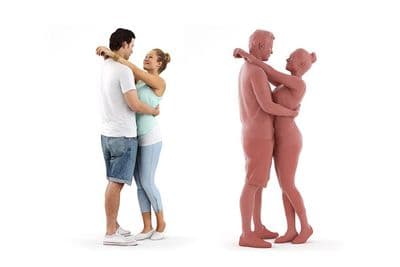
3D People: Pair Rosy Luke 0103
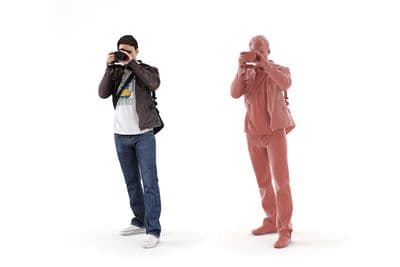
3D People: Man Luke 0099
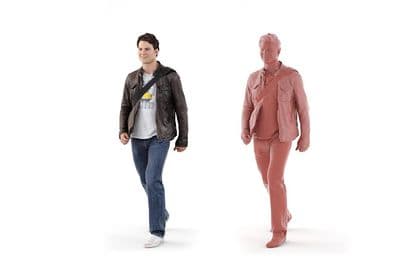
3D People: Man Luke 0089
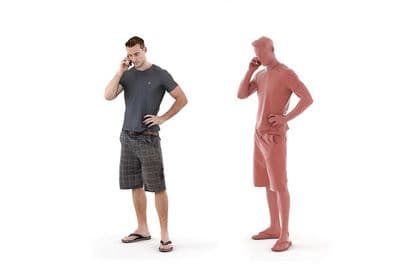
3D People: Man Aaron 0085
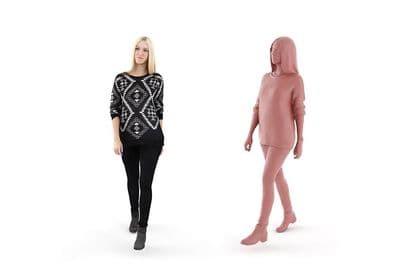
3D People: Woman Wendy 0124
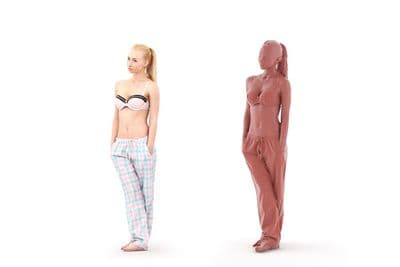
3D People: Woman Tilda 0084
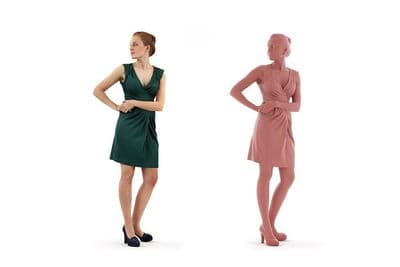
3D People: Woman Petra 0161

3D People: Woman Celina 0086
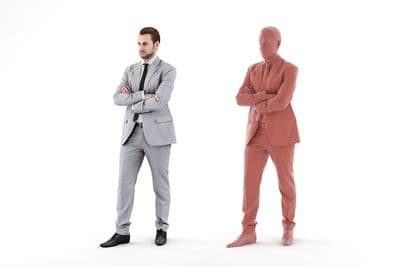
3D People: Man Joscha 0121
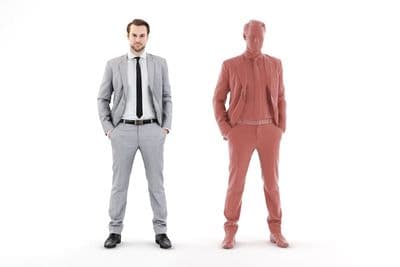
3D People: Man Joscha 0117

3D People: Man Jacob 0183

3D People: Woman Petra 0165
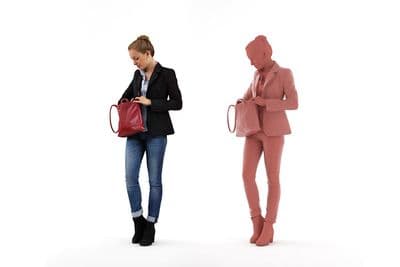
3D People: Woman Petra 0164
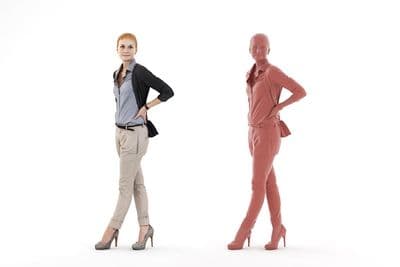
3D People: Woman Pamela 0112

3D People: Woman Melinda 0125
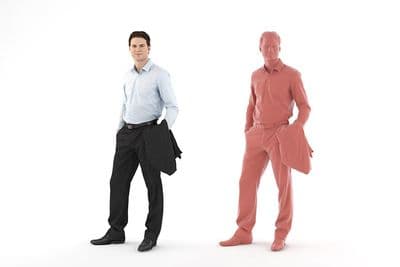
3D People: Man Luke 0090
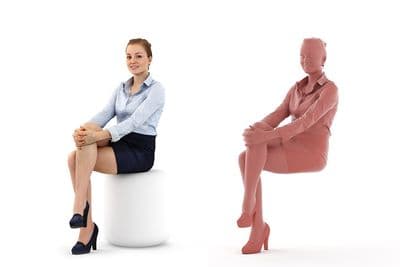
3D People: Woman Petra 0166

3D People: Woman Petra 0113
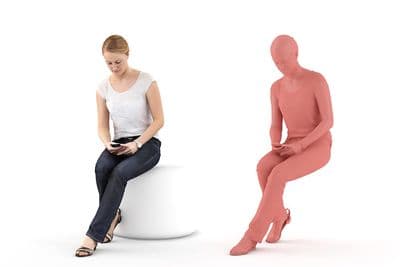
3D People: Woman Maria 0143
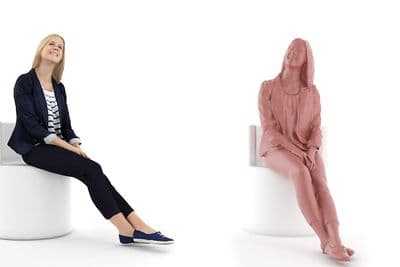
3D People: Woman Kati 0177
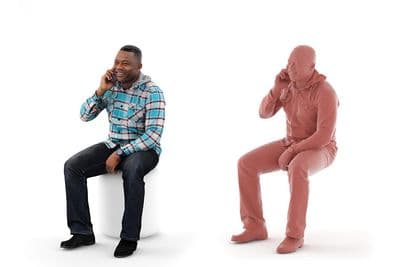
3D People: Man Ray 0175

3D People: Man Pierre 0195
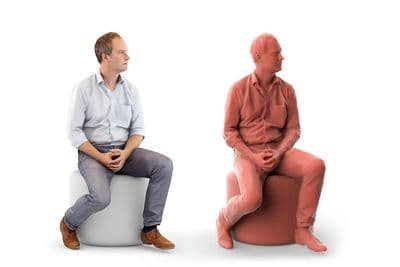
3D People: Man Max 0063
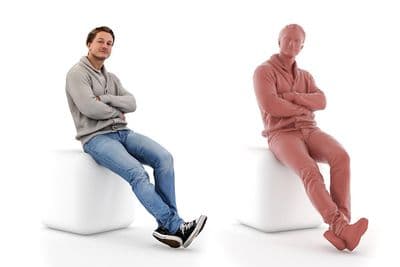
3D People: Man Ben 0193
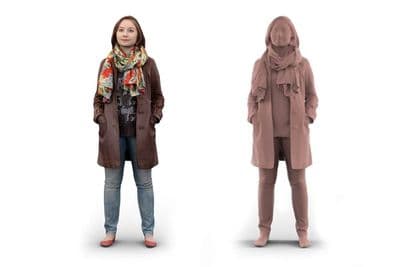
3D People: Woman Alisha 0075
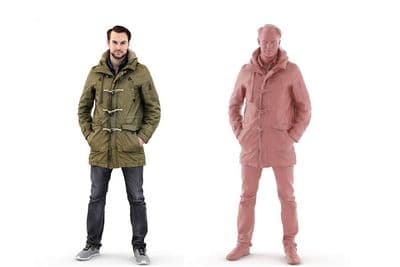
3D People: Man Joscha 0153
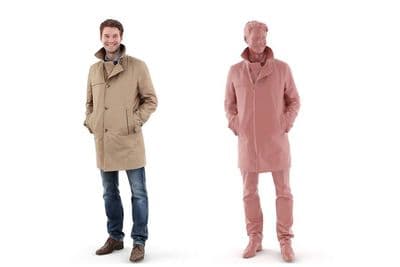
3D People: Man John 0199
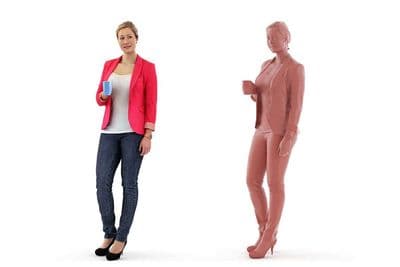
3D People: Woman Rosy 0007
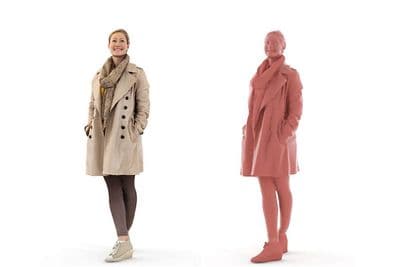
3D People: Woman Rosy 0003
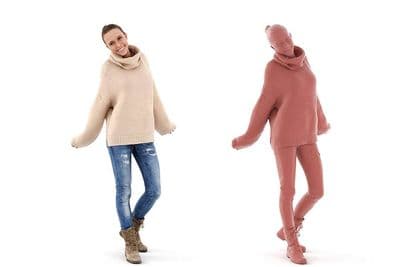
3D People: Woman Julia 0205
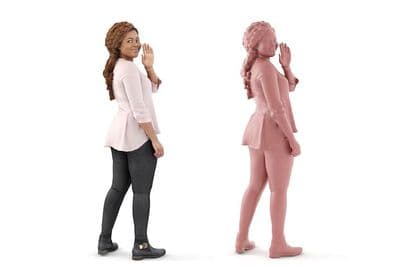
3D People: Woman Chloe 0226
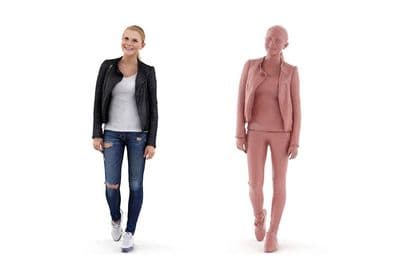
3D People: Woman Carina 0281

3D People: Man Max 0163
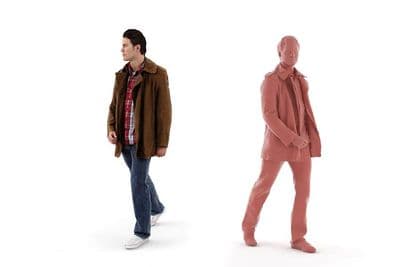
3D People: Man Luke 0098
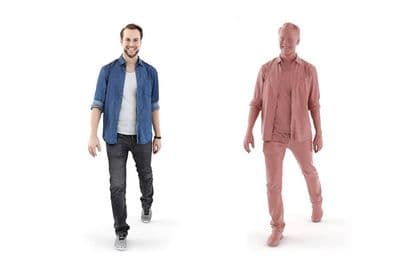
3D People: Man Joscha 0120
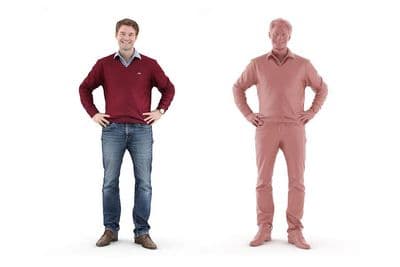
3D People: Man John 0219
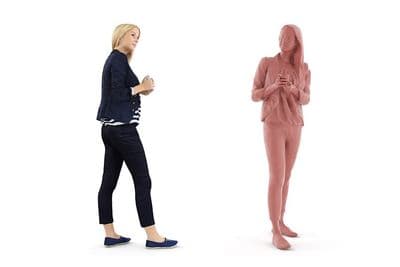
3D People: Woman Kati 0187
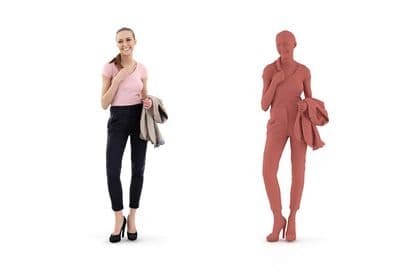
3D People: Woman Julia 0208

3D People: Woman Chloe 0147
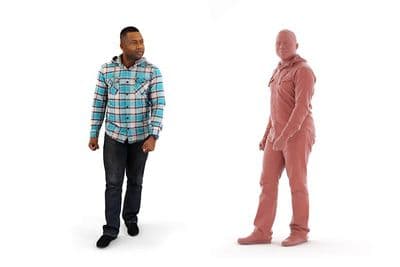
3D People: Man Ray 0128
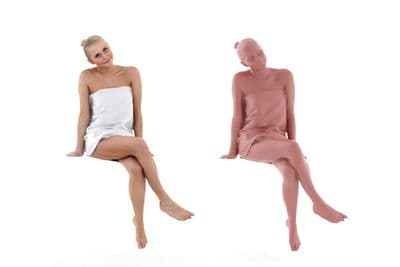
3D People: Woman Carina 0229
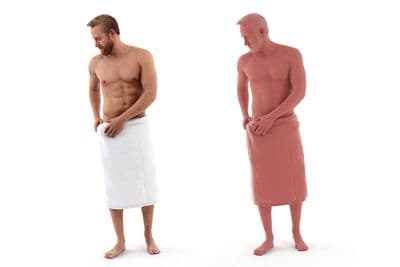
3D People: Man Kent 0247
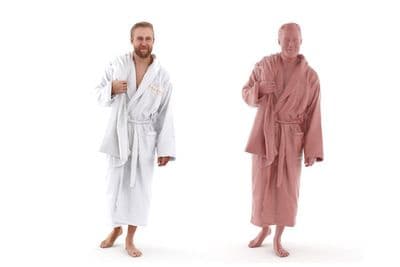
3D People: Man Kent 0233
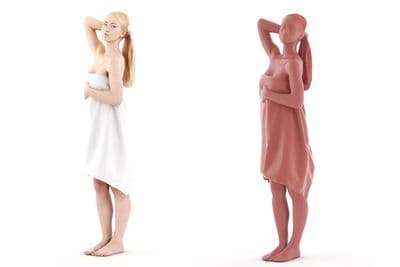
3D People: Woman Tilda 0014
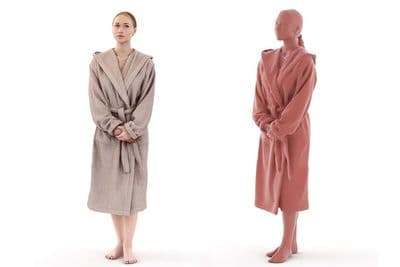
3D People: Woman Tilda 0011
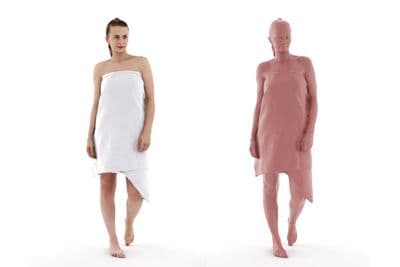
3D People: Woman Laura 0234
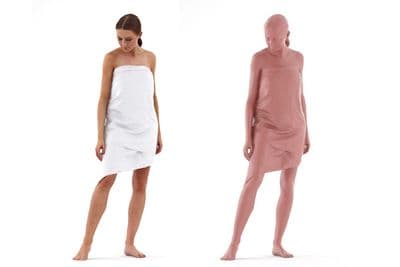
3D People: Woman Julia 0271
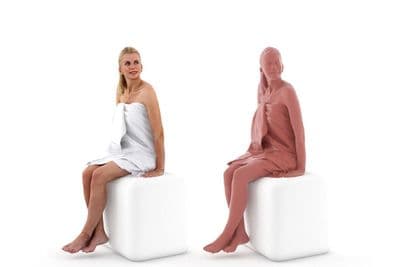
3D People: Woman Fiona 0240
Which products work in Blender
| Product | OBJ included | Price |
|---|---|---|
| 7 sets of 8 people: Business 01 and 02, Casual 01 to 03, Sitting 01, Spa 01 | Yes, plus FBX | $50 per set |
| 13 single models sold per application | Yes, in every version ("3DS Max + Obj", "C4D + Obj", "Sketchup + Obj") | $19 |
| 17 single models with all formats in one purchase | Yes | $19 |
| 26 older single models | No: 3ds Max, Cinema 4D and SketchUp only | $19 |
The sets are the safe choice: every one of them has an OBJ and an FBX archive, for example Business 01, Casual 01 and Sitting 01. Single models with OBJ include Man Luke 0099, Woman Wendy 0124 and Pair Rosy Luke 0103. For any other single model, look at the version list on the product page, or write to [email protected] before you buy. All models are in the 3D people category.
Import into Blender
- Unzip the OBJ archive and the texture archive into the same folder, so the .mtl file finds its images.
- In Blender choose File > Import > Wavefront (.obj) and select the .obj file.
- Check the height. A standing adult should measure about 1.7 to 1.9 m. If the figure is far too large or too small, undo, import again and change the Scale value in the import options (0.01 when the model is 100 times too big).
- If the figure lies on its back, import again with a different Up Axis.
- Apply the scale with Ctrl+A > Scale, so that later modifiers and physics behave.
Materials
The OBJ importer creates a Principled BSDF material and connects the colour texture named in the .mtl file. If the model renders pink, the textures were not found: use File > External Data > Find Missing Files and point Blender to the texture folder. The 3ds Max and Cinema 4D versions carry V-Ray shaders; those do not transfer to Blender, and you do not need them. Set the roughness of skin and clothing by eye, scanned people look right with little or no specular shine.
Polygon count
Where two meshes are delivered, use the 30,000 polygon version for people in the middle distance and the background, and the 100,000 polygon version only for figures close to the camera. A street scene with twenty people stays light that way. For many copies of one figure, use instances (Alt+D) instead of duplicates.
Light them with the same HDRI as the building
A scanned person only sits in the picture when the light direction matches. Load the HDRI in the World settings as an Environment Texture and rotate it until the shadows of the people and the building agree. Steps and settings are in how to light a scene with an HDRI in Blender; skies are listed under HDRIs for Blender.
Frequently asked questions
Are the 3D people available as .blend files?
No. Blender users import the OBJ version, which is part of all 7 sets and of 30 single models.
Do the textures import automatically?
Yes, when the .mtl file and the texture images are in the folder the archive creates. Otherwise relink them with Find Missing Files.
Are the models rigged or animated?
No. They are static, posed scans for still images and camera flights.
Can I use them in commercial projects?
Yes, under the standard licence for one user. Details are on the licence page.