
Free HDRI downloads for V-Ray
- HDRI Hub gives away 11 free HDRI panoramas that load into the V-Ray Dome Light the same way as the paid catalog.
- The free files go up to 8192x4096 resolution, in .exr and .hdr format.
- The free HDRI licence allows commercial use for one user and workstation, the same terms as the paid licence.
- Each free file downloads directly from its product page, with no order or checkout required.
These 11 HDRI panoramas are free to download and light a scene through the V-Ray Dome Light exactly like the paid catalog. They cover a range of outdoor conditions at up to 8192x4096 resolution.
Products
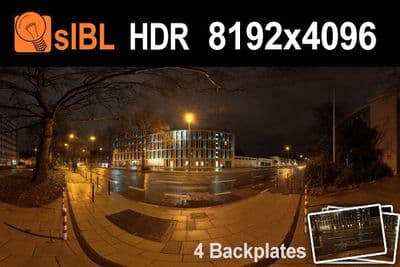
HDR City Road Night Lights (free)
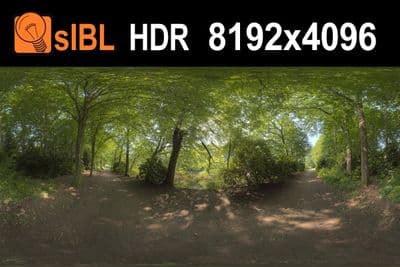
HDR 041 Path (free)
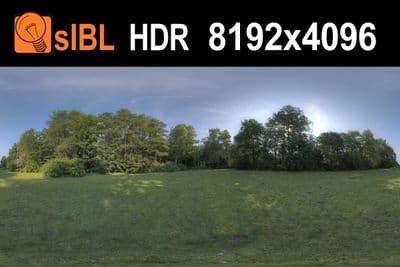
HDR 040 Field (free)
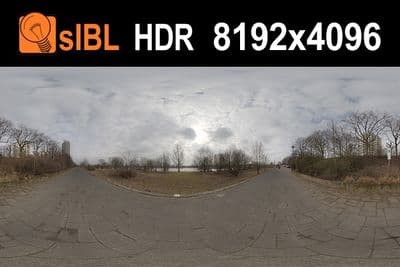
HDR 112 River Road (free)
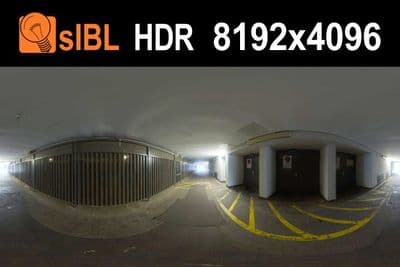
HDR 110 Tunnel (free)
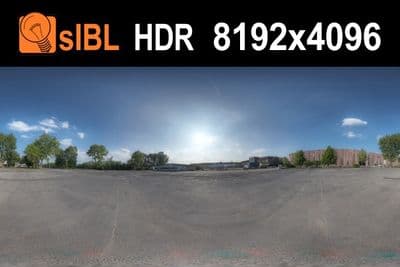
HDR 111 Parking Lot (free)
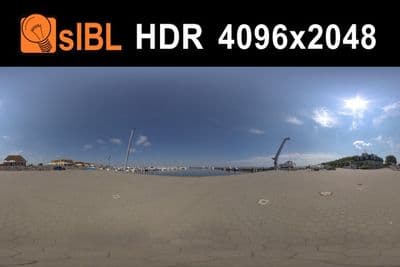
HDR Harbor 3 sIBL (free)
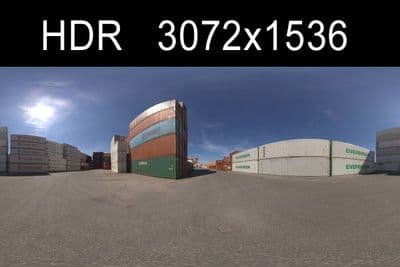
HDR Container (free)
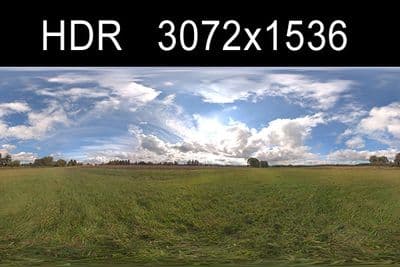
HDR Sky Cloudy (free)
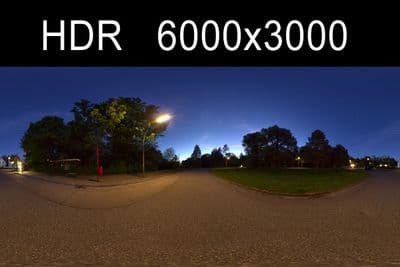
HDR Night (free)
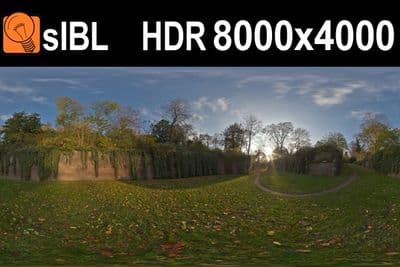
HDR Stonewall (free)
What the free files are
HDRI Hub publishes 11 free HDRI panoramas, each up to 8192x4096 resolution, in .exr or .hdr format. They cover a mix of outdoor conditions and are not watermarked or reduced in quality compared to the paid catalog at that resolution.
Download
Open a product page in the grid below and use the download link there. No order or account is required for these 11 files, unlike the paid catalog where downloads are tied to a Paddle order.
Load in V-Ray
- Add a V-Ray Dome Light from Create > Lights > V-Ray in 3ds Max, or the equivalent Dome Light object in your V-Ray host application.
- In the Intensity rollout, enable the Map checkbox and load the downloaded .exr or .hdr file into the Texture slot.
- Set the Multiplier to control how bright the dome lights the scene.
- Enable Lock texture to icon so rotating the Dome Light icon also rotates the HDRI.
See the HDRI for V-Ray page for the full paid catalog and more detail on the Dome Light setup.
Licence
The free files carry the same commercial-use licence as the paid catalog, for one user and workstation.