
HDRI environments for D5 Render
- Files are delivered as OpenEXR (.exr) for skies from HDR 142 onwards and as Radiance (.hdr) for earlier skies and all sIBL sets; the product page lists the format of each item.
- D5 Render 3.1 loads custom HDRIs as .hdr or .exr through the Sky Light panel's HDRI option.
- 34 of the outdoor HDRIs have an unclipped sun disc for a sharp cast shadow.
- Each HDRI carries a commercial licence for one user and one workstation.
- Prices are listed in USD.
D5 Render treats a custom HDRI as a Sky Light source with separate skylight and background brightness controls. This page lists HDRI Hub's outdoor environments that work as D5 skies, with the exact panel steps, the resolution that suits D5's real-time renderer, and how to get a clean sun from an unclipped sky.
Products

HDR 180-8 Space Sky with Nebula
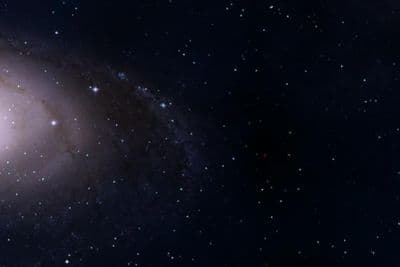
HDR 180-5 Space Sky with Galaxy
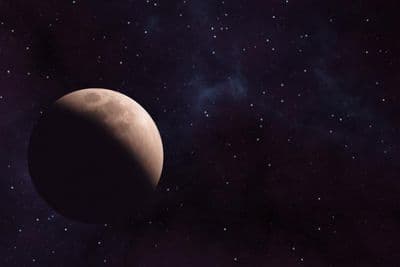
HDR 180-6 Space Sky with Planet

HDR 180-7 Space Sky with Sun
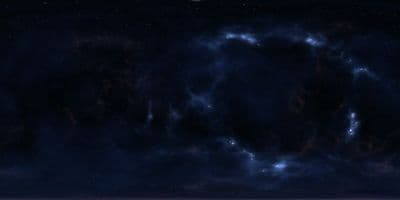
HDR 180-4 Space Sky and Stars
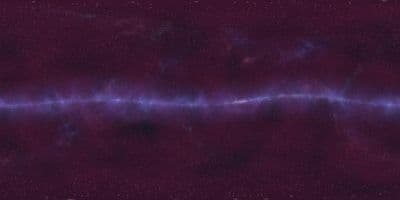
HDR 180-3 Space Sky with Stars + Milky Way

HDR 180-2 Space Sky and Stars
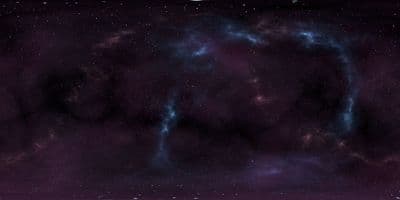
HDR 180-1 Space Sky and Stars
Above the Clouds Bundle 01 (zDepth not included)
HDR Pack 014
HDR Pack 013
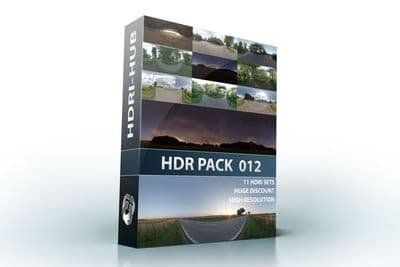
HDR Pack 012
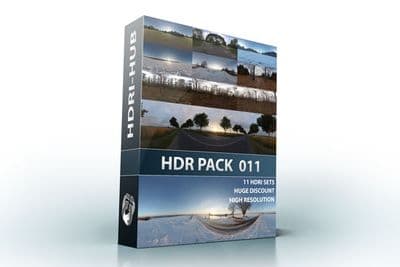
HDR Pack 011
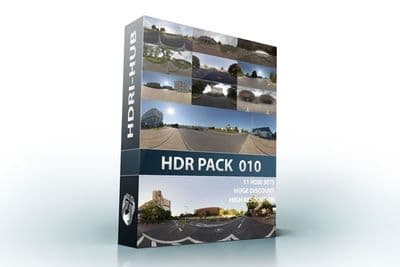
HDR Pack 010
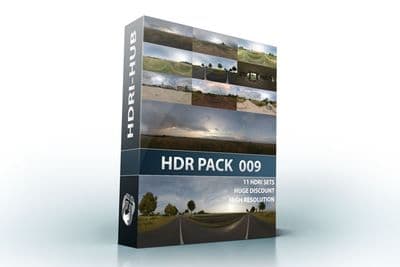
HDR Pack 009
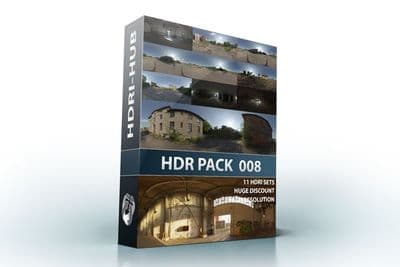
HDR Pack 008
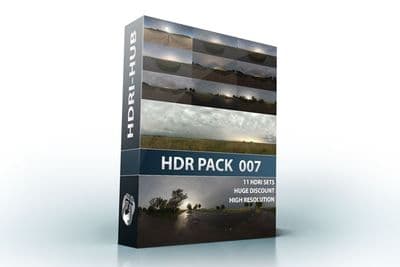
HDR Pack 007
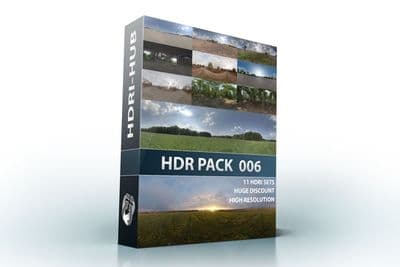
HDR Pack 006
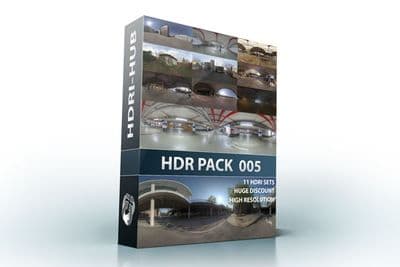
HDR Pack 005
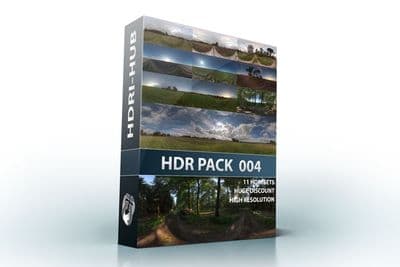
HDR Pack 004
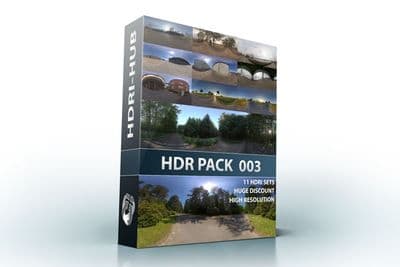
HDR Pack 003 Roads
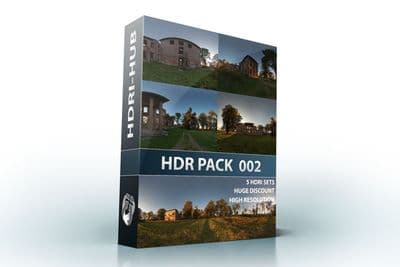
HDR Pack 002 Ruin
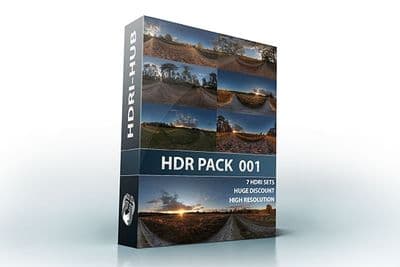
HDR Pack 001 Meadow
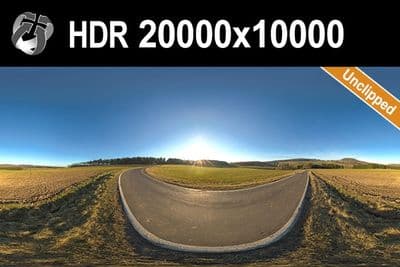
HDR 142 Rural Road 20k
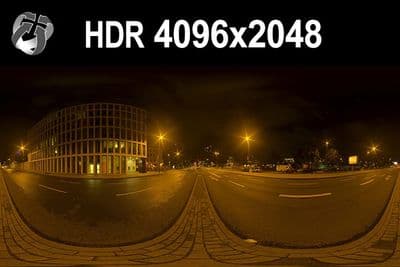
HDR 171 City Road Night
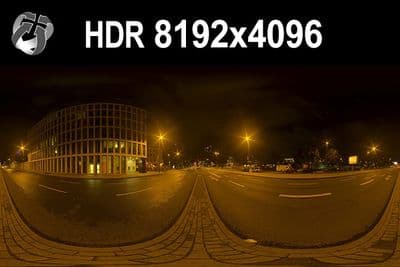
HDR 171 City Road Night 8k
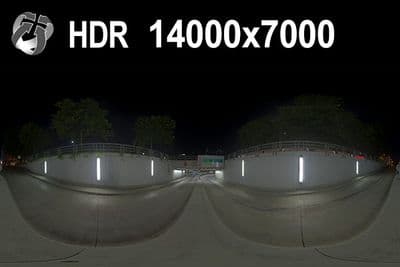
HDR 169 Entrance Garage Night 14k
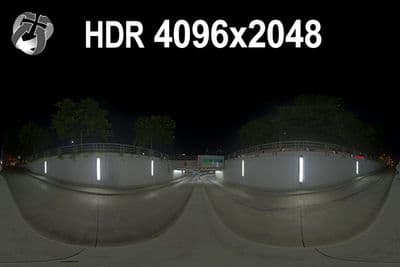
HDR 169 Entrance Garage Night
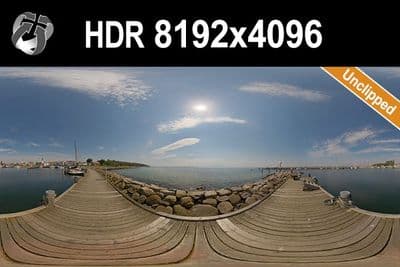
HDR 168 Sea Harbor Sunny
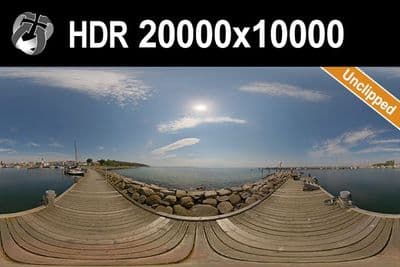
HDR 168 Sea Harbor Sunny 20k
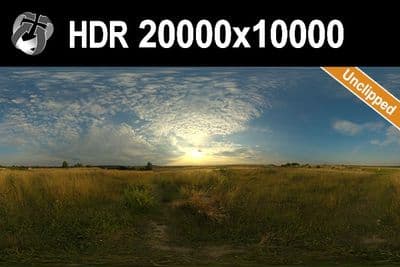
HDR 167 Sunny Dusk Clouds 20k
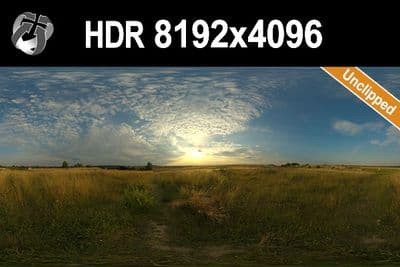
HDR 167 Sunny Dusk Clouds
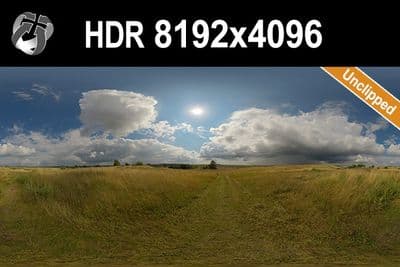
HDR 166 Sunny Storm Clouds
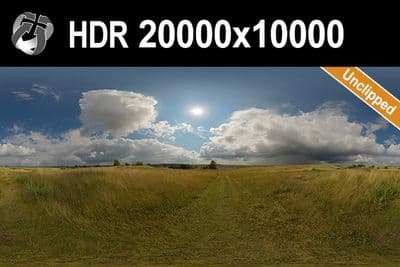
HDR 166 Sunny Storm Clouds 20k
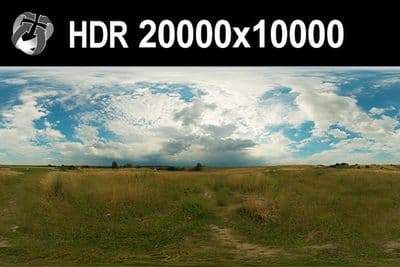
HDR 160 Cloudy Sky 20k
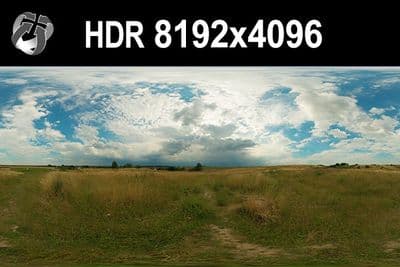
HDR 160 Cloudy Sky
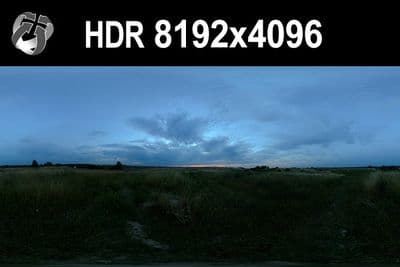
HDR 159 Blue Evening Sky
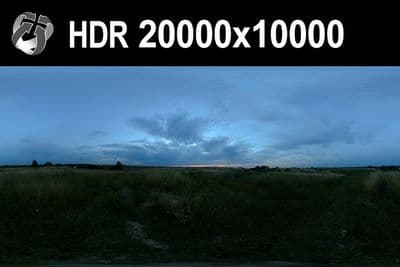
HDR 159 Blue Evening Sky 20k
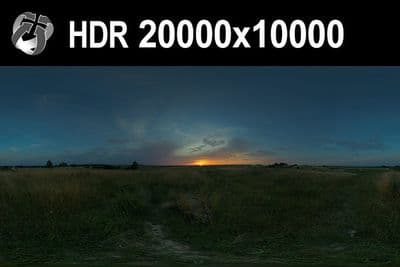
HDR 158 Blue Evening Sky 20k
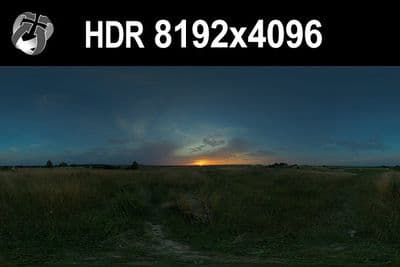
HDR 158 Blue Evening Sky
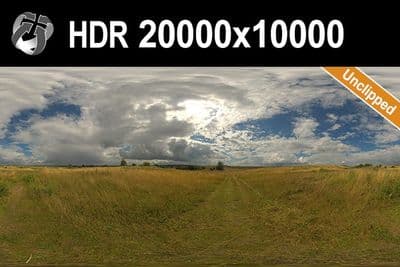
HDR 165 Big Clouds Sky 20k
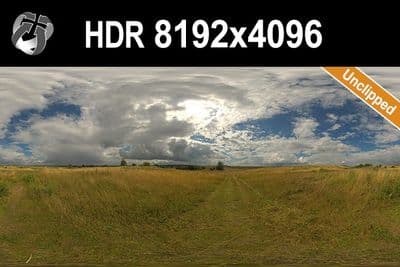
HDR 165 Big Clouds Sky
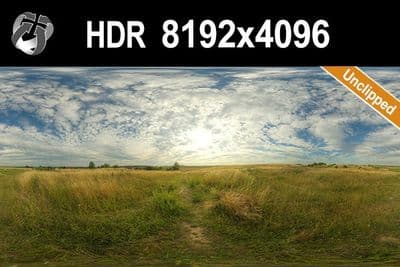
HDR 164 Cloudy Sky
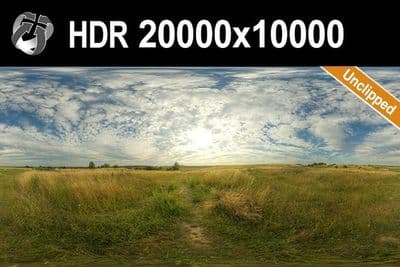
HDR 164 Cloudy Sky 20k
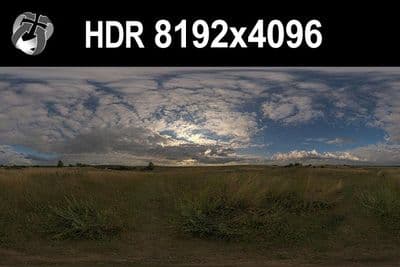
HDR 148 Cloudy Evening Sky
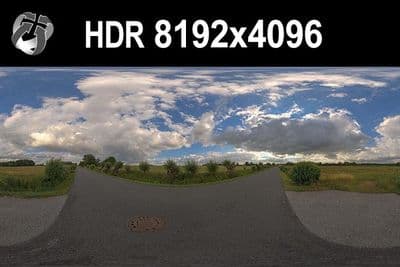
HDR 147 Rural Road Cloudy Sky
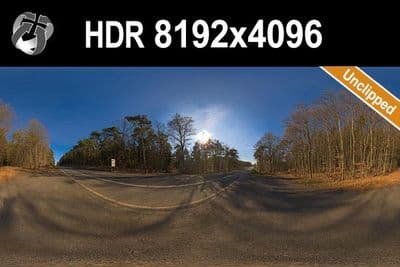
HDR 145 Rural Road Clear Sky
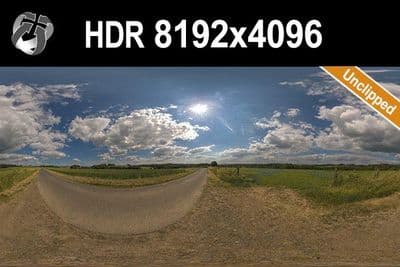
HDR 144 Rural Road Cloudy Sky
Load an HDRI in D5 Render 3.1
- Open the Sky Light settings panel.
- Select the HDRI option to expand the HDRI parameters.
- Open the HDRI dropdown, choose "+Customize HDR" and select the .hdr or .exr file. D5 saves custom files into the "customhdr" folder under the D5 installation path, reachable from the folder icon in the panel; keep the path free of special characters, otherwise D5 reports "Failed to load HDRI".
- Set Rotate to align the sun and reflections with your model, and use Flip Horizontal if the scene reads mirrored.
- Adjust the Light slider for overall HDRI brightness, and set Skylight and Background separately if you want a brighter interior fill than the visible sky.
- Turn on Custom Sun only if the HDRI has no clear sun disc; an unclipped sky HDRI does not need it.
Try before you buy: the free HDRI samples need no account and carry the same licence as the paid files, so you can check the setup above with a real file before buying.
D5 Render accepts .hdr and .exr files as spherical (equirectangular) panoramas with a 2:1 aspect ratio and the horizon at the middle of the frame.
Which resolution
D5's documentation does not state a fixed pixel limit for imported HDRIs, only that the render resolution itself can be set to 2K, 4K, 8K or Actual Resolution in Preferences > Rendering. For lighting only, a 4096x2048 to 8192x4096 HDRI is enough; for a sky the camera sees directly, use 16000x8000 to 20000x10000. Because D5 is a real-time GPU renderer, keep files at 8192x4096 or 10240x5120 for typical walkthroughs rather than the full 20000x10000 set.
Sun and shadows
Use one of HDRI Hub's 34 unclipped skies so the sun disc is intact and casts a defined shadow instead of a soft, clipped one. With Skylight and Background brightness balanced, the HDRI is the only light source needed; leave Custom Sun off.
Frequently asked questions
Does D5 support .exr HDRIs?
Yes. D5 documents both .hdr and .exr for custom HDRIs, so every HDRI Hub sky loads without conversion.
Why is the sky blurry in the viewport?
D5 compresses the HDRI for viewport speed. The output resolution follows the HDRI Resolution setting under Preferences > Rendering (2K, 4K, 8K or Actual), so the blur is not a defect of the file.
Skylight or Background?
Skylight sets the diffuse lighting the HDRI contributes, Background sets how bright the visible sky and reflections are. Lower Background to recover sky colour, raise Skylight for a brighter interior.
Should I enable Custom Sun?
Only when the HDRI has no clear sun. With an unclipped HDRI Hub sky the map's own sun casts the shadow; a Custom Sun on top produces a second, mismatched shadow.
More background: which HDRI resolution you need and .hdr or .exr.