




























Super User

Essential Resources for 3D Artists & Architectural Visualization
Professional tools, training, and services recommended by the ArchViz community. These aren't marketing picks—they're what working artists actually use and recommend for creating photorealistic architectural visualization.
Render Farms
Cloud rendering services for handling heavy workloads when deadlines are tight.
General Purpose Farms
Ranch Computing
This French render farm has been quietly delivering reliable renders since 2006. The RANCHecker plugin saves you from that frustrating upload-render-discover-error cycle by validating your scene first. Support runs business hours only, so plan your deadlines accordingly, but the cost-effectiveness makes it worthwhile for European studios working with V-Ray or Corona.
Complementary Software
Tools that working professionals use alongside their main 3D applications.
Rendering Engines
Corona Renderer
Corona dominates archviz (43% market share) because it gets out of your way—light behaves naturally without endless parameter tweaking. Interactive rendering shows your adjustments in real-time, while LightMix gives you lighting control even after the render finishes. It's CPU-only, but HDRI lighting works so intuitively you'll wonder why other engines complicate it.
V-Ray
V-Ray earned its Emmy and Academy Awards through 25+ years of production refinement. It holds 26% of the archviz market because when you need absolute control over every aspect of your render, V-Ray delivers. The learning curve is real, but hybrid CPU/GPU rendering and sophisticated HDRI lighting controls reward the investment when quality is non-negotiable.
Real-Time Visualization
D5 Render
D5 surprised artists by delivering professional-quality results immediately—no extensive setup, no compromises. Real-time ray tracing means you see your final lighting as you adjust it, speeding up creative decisions dramatically. The free Community version is fully functional, and users consistently report faster results than Lumion with quality that holds up in professional presentations.
Chaos Vantage
Vantage bridges the gap between offline quality and real-time interaction—100% V-Ray quality, instant feedback. Live Link with your 3D app means you explore lighting and composition while modeling, not after. For artists who need V-Ray's production quality but want real-time creative exploration, Vantage eliminates the wait between idea and visual.
Enscape
Enscape's strength is speed and simplicity—you're rendering in real-time within minutes, not hours of setup. The learning curve is minimal, VR integration is seamless, and instant HDRI implementation makes client presentations effortless. Now Chaos-owned and integrating deeper with 3ds Max. Perfect for early design exploration, though final production quality still favors traditional renderers.
Twinmotion
Completely free as of 2024, making it a zero-risk addition to your workflow. Built on Unreal Engine but doesn't demand high-end hardware or steep learning curves. Direct CAD sync and Quixel Megascans access give you production-ready assets immediately. When you need real-time presentation capabilities without financial commitment, Twinmotion delivers.
3D Modeling & Texturing
Blender
Open-source and completely free with no licensing strings attached. Blender's grown to 8% archviz market share for good reasons—Cycles handles HDRIs beautifully, and the addon ecosystem (Archipack, Photographer, Scatter, Botaniq) rivals commercial software. For independent artists and small studios, zero cost with professional capabilities is transformative.
Substance Painter
Once you texture in Substance, everything else feels limiting. The ease of creating micro-variations makes materials feel genuinely real rather than CG-perfect. 8K detail capability means your textures hold up under any scrutiny, and those subtle surface variations respond to HDRI lighting exactly like physical materials—it's the difference between good and photorealistic.
Communities & Forums
Active communities where archviz professionals share work, solve problems, and connect. From in-depth forum discussions to real-time Discord chat.
Forums & Discussion Boards
CGarchitect Forums
The essential hub for architectural visualization professionals—375,000+ monthly visitors make this the most active archviz community online. Whether you're troubleshooting V-Ray, hunting for jobs, or studying workflows from top studios, CGarchitect delivers. Consistently recommended alongside Ronen Bekerman as the two must-follow archviz resources.
Ronen Bekerman Community
One of the most influential archviz platforms, emphasizing the craft and artistry of visualization. The case studies and workflow breakdowns teach you not just technical buttons, but how to see and compose like a professional. With 82,962+ followers and $125,000+ in challenge prizes, this community elevates your artistic approach to visualization.
Polycount
Since 1997, Polycount has built a reputation for brutally honest, constructive critique from 50,000+ members. While game art focused, archviz artists benefit from overlapping techniques and the community's no-nonsense feedback culture. The wiki alone is worth joining for—it's one of the most valuable concentrations of 3D knowledge anywhere online."
Blender Artists Community
The largest Blender forum with substantial architectural visualization presence. What makes this community special is its genuinely supportive atmosphere—beginners receive thoughtful help while professionals share high-end techniques. As Blender adoption grows in archviz, this forum becomes increasingly essential for workflow knowledge and troubleshooting.
Chaos Forums (V-Ray & Corona)
Direct access to V-Ray and Corona developers alongside a community of serious users. When you hit technical rendering challenges that Google can't solve, this forum delivers answers. Material libraries, detailed troubleshooting threads, and gallery inspiration—both learning resources and problem-solving when you're stuck at 3am before a deadline.
Unreal Engine ArchViz Forums
Dedicated archviz section within Epic's forums as real-time rendering becomes industry standard. Active tutorial series, VR workflow discussions, and migration guides from traditional renderers. Whether you're exploring interactive presentations or need technical solutions for real-time challenges, this community is navigating the same transition.
Reddit Communities
r/archviz
The primary Reddit hub for architectural visualization with ~11,143 subscribers. Professionals and beginners share work, solve technical problems, and discuss industry shifts. Active moderation keeps discussions focused, while challenges and organized post flairs make it easy to find relevant content for your skill level and interests.
r/blender
One of the largest 3D communities (~168,000 subscribers) with strong archviz representation. Professionals regularly share stunning Cycles and EEVEE renders alongside workflow insights. As Blender becomes increasingly viable for professional archviz, this subreddit offers both inspiration and practical knowledge from artists who've made the transition successfully.
r/3Dmodeling
The most active general 3D subreddit (~44,500 subscribers) covering all software and styles. Artists share portfolio work, request critiques, and discuss techniques across platforms. Software-agnostic approach means you'll see solutions and inspiration from 3ds Max, Blender, Maya, and Cinema 4D artists—valuable cross-pollination of ideas.
r/3dsmax
Focused community of ~14,300 subscribers dedicated to 3ds Max—still the standard at large archviz firms. Many working archviz professionals troubleshoot V-Ray and Corona workflows here. The professional focus and specific technical discussions make this essential if 3ds Max is your primary tool or you're considering specializing in it.
Discord Servers
CGarchitect Discord
Official Discord from CGarchitect, launched April 2024. Professional environment for real-time discussions with instant feedback from established artists and CGarchitect staff. The friendly atmosphere welcomes beginners while maintaining professional standards—ideal for quick questions and building industry connections in a less formal setting than forums.
Archviz Discord
Main dedicated archviz Discord (~6,156 members) bringing together professionals, hobbyists, and learners. Dedicated channels for work sharing, feedback, troubleshooting, and resource libraries create an organized space for growth. The supportive culture makes it comfortable to ask questions at any skill level while learning from experienced artists.
Blender Community Discord
Massive Blender hub with 181,493 members—one of the largest CG communities anywhere. For archviz artists using Blender, this is the fastest way to get answers from beginners through industry veterans. Extensive help channels, art showcases, and the sheer size mean someone's always online when you hit a problem.
Blender Guru Discord
Official community for Andrew Price's popular YouTube channel (118,569 members). Known for friendly learning environment and focus on photorealistic rendering techniques Blender Guru teaches. If you're learning Blender for archviz and want supportive feedback as you develop your skills, this community delivers that approachable atmosphere.
Autodesk 3ds Max Discord
Official server run by Autodesk (7,341 members) with direct access to product managers and community experts. When you need authoritative answers about 3ds Max workflows or want to understand upcoming features, this server provides direct pipeline to the source. Essential for archviz artists heavily invested in the 3ds Max ecosystem.
V-Ray Discord
Focused community (698 members) dedicated to V-Ray across all applications. Smaller size means more intimate discussions where your questions don't get lost. When you're deep in V-Ray-specific challenges with materials, lighting, or rendering optimization, this focused community understands the nuances better than general forums.
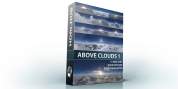
Bundle of all 15 HDRI environments above the clouds at a reduced price.
Original price would be $585.
The z-Depth channels are not included in this bundle.
Check the individual skies for details:


Get 40% discount on all hdri skies, backplate photos, stock movies and
textures at Friday 11-23 and Monday 11-26. Use code "HDRIBLACK18" during checkout.
Browse our collection...

- Format:exr
- Unclipped:yes (What's that?)
Tagged under

- Format:exr
- Unclipped:yes (What's that?)
Tagged under

Almost finished
We need to confirm your email address.
To complete the subscription process, please click the link in the email we just sent you.

Subscription Confirmed
Your subscription to our list has been confirmed.
Thank you for subscribing! We will not spam you with mails!

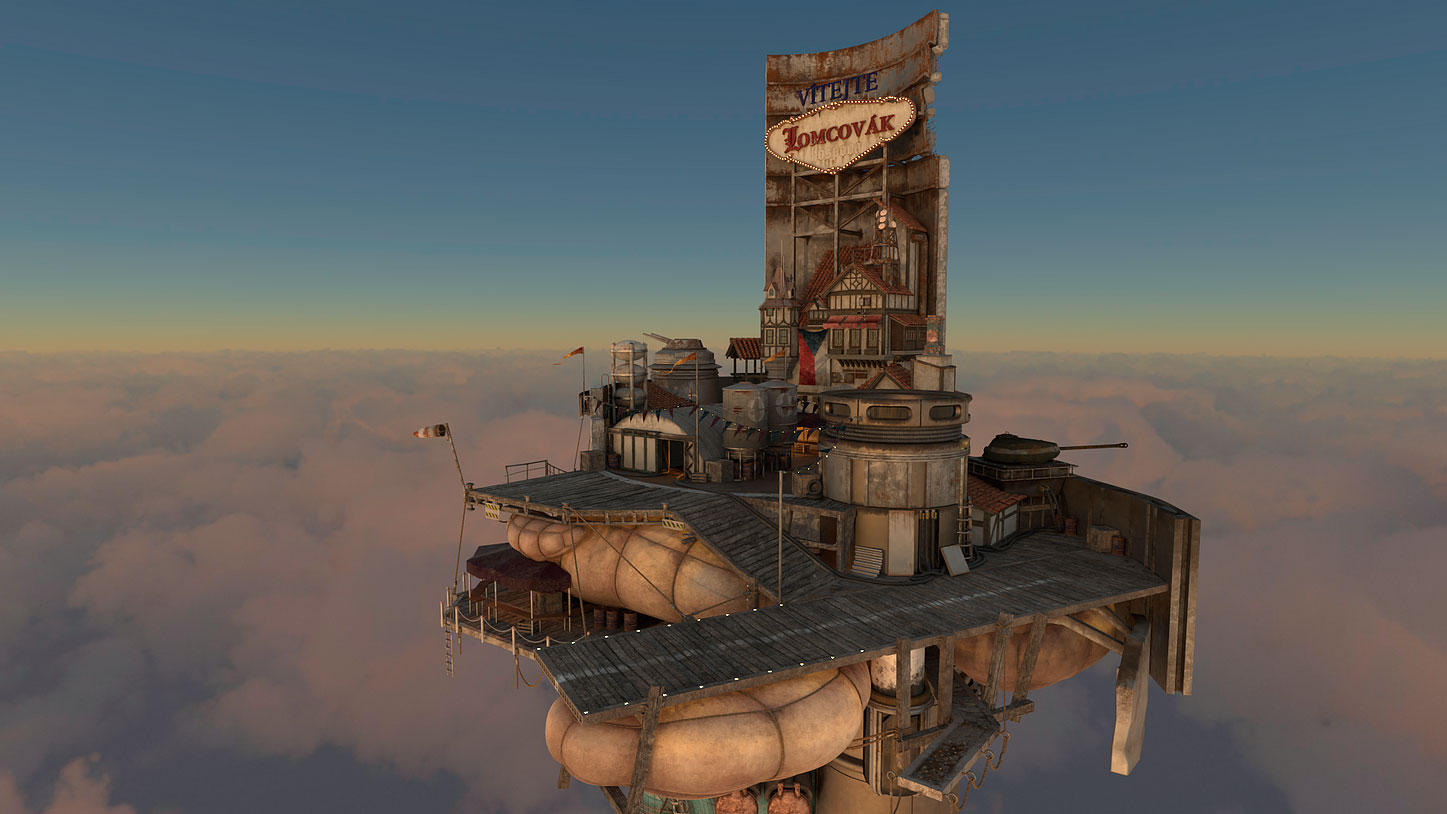
HDRI Skies Above Clouds for Aviation/Aerospace Industry
Due to the high demand made by our customers we started to build a growing collection of computer generated hdri skies above clouds for your aircraft renderings.
These are available in resolutions up to 16384px. A separately available zDepth map can be purchased that can help you to blend your 3d model with the clouds.
And of course the skies are also compatible with the common game engines like Unity3D or Unreal engine.
Try our free download

You can use it for commercial work. Please share renderings with us for our gallery.
Browse the whole collection...
Customer rendering by artist: Christian Grajewski

Customer rendering by artist: Jasper McIntyre

Rendering by Roneal Smith
Tagged under

- Format:exr
- Unclipped:yes (What's that?)
Tagged under

- Format:exr
- Unclipped:yes (What's that?)
Tagged under

- Format:exr
- Unclipped:yes (What's that?)
Tagged under

- Format:exr
- Unclipped:yes (What's that?)
Tagged under

- Format:exr
- Unclipped:yes (What's that?)
Tagged under

- Format:exr
- Unclipped:yes (What's that?)
Tagged under
Sketchup V-Ray - Quick Start: Interior Lighting
Saturday, 20 May 2017 14:08 Published in Sketchup Tutorials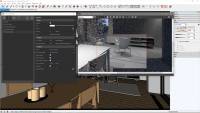
Sketchup V-Ray - Quick Start: Interior Lighting
This video covers the basics of lighting an interior scene using V-Ray in SketchUp. It will build off of the previous Exterior Lighting Quick Start and include a variety of V-Ray Lights for both day and night renders. By the end, you will gain an understanding of the general lighting workflow for interiors in SketchUp.
Author: ChaosgroupTV
Website: https://www.youtube.com/user/ChaosGroupTV/
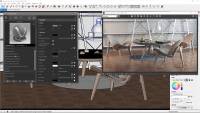
Sketchup V-Ray - Quick Start: Materials
This video covers the basics of materials in V-Ray for SketchUp. It includes how to use the Material Library to easily create looks as well as how to edit preset materials and create new materials from scratch.
Author: ChaosgroupTV
Website: https://www.youtube.com/user/ChaosGroupTV/
Sketchup V-Ray - Daylight Set Up (interior scene)
Saturday, 20 May 2017 13:50 Published in Sketchup Tutorials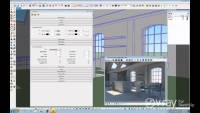
Sketchup V-Ray - Daylight Set Up (interior scene)
In this V-Ray for SketchUp video tutorial you will learn how to create a daylight setup for an interior scene.
Author: ChaosgroupTV
Website: https://www.youtube.com/user/ChaosGroupTV/
3DS Max V-Ray - Quick Tutorial: Sun and Sky
Saturday, 20 May 2017 13:43 Published in 3DS Max Tutorials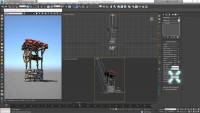
3DS Max V-Ray - Quick Tutorial: Sun and Sky
In this video, we go over the V-Ray sun and sky system, the different sky models, and the parameters that allow for fine tuning the sun and sky.
Download the scene: http://bit.ly/2a265ZO
Author: ChaosgroupTV
Website: https://www.youtube.com/user/ChaosGroupTV/
Cinema 4D Corona - Quick Tip: Introduction to HDRI in Corona Renderer
Saturday, 20 May 2017 12:51 Published in Cinema 4D Tutorials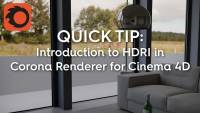
Cinema 4D Corona - Quick Tip: Introduction to HDRI in Corona Renderer
How to use HDRIs for lighting and backgrounds.
0:14 Add sky with HDRI in Emission slot of a Corona Light Material
0:53 HDRI is used as background and Lighting
1:28 Rotate the HDRI
1:48 Use a Filter for additional control over the HDRI's Gamma, Contrast, etc.
2:14 Using one Sky for lighting and another for background image with the Corona Compositing Tag
4:25 Making the Skies order-independent using two Corona Compositing Tags
Tagged under
Maya V-Ray - Advanced V-Ray Fur Grass Tutorial
Saturday, 20 May 2017 11:18 Published in Maya Tutorials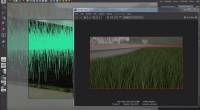
Maya V-Ray - Advanced V-Ray Fur Grass Tutorial
Welcome to this exciting training video, where I will show you how to create very realistic grass in an very easy way. I will use the rendering plugin V-Ray for maya, and its included Fur render to create an animation with moving grass.
Other than the creating of Fur I will give you an detailed insight on how I create Scenes, including Linear Workflow (LWF), my Render settings and my overall Lighting and Shading.
Author: Arvid Schneider
Website: http://www.urs3d.net/
Maya V-Ray - Fly-through Animations with Indirect Illumination
Saturday, 20 May 2017 11:03 Published in Maya Tutorials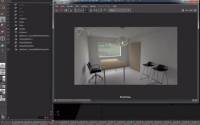
Maya V-Ray - Fly-through Animations with Indirect Illumination
Do you always have the problem when creating nice photo realistic animations, that your render of the Animation flickers..You always get a lot of moving color blotches...
With this Tutorial I want to show you how to create smooth flicker-free Animations using the tip of pre-rendering you Indirect Illumination pass, and re-use it for you final rendering.
This useful trick is only applicable to Situations where your objects in the Scene are static...which means no moving object or characters. It is commonly used for Fly-Through animations, Arch-Viz´s and similar Situations.
For this Tutorial I created a very simple scene, just to show you guys how I am setting up my scene.
Other than that I will talk about Linear Workflow ( LWF ) and how to set it up correctly.
Author: Arvid Schneider
Website: http://www.urs3d.net/
Maya V-Ray - Material basics - 3D General in Maya
Saturday, 20 May 2017 10:53 Published in Maya Tutorials
Maya V-Ray - Material basics - 3D General in Maya
In this Quick Tutorial I want to show you the basics of setting up a Vray Material in Maya. It is a really straight forward renderer so its pretty easy to use.
I will show you how to use reflection and refraction parameters inside the Vray Material and will show you what the important checkboxes like fresnel and ior are doing.
Author: Arvid Schneider
Website: http://www.urs3d.net/
Maya Redshift 3D - Unified Sampling & Cleaning Noise
Monday, 08 May 2017 21:50 Published in Maya Tutorials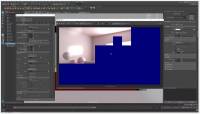
Maya Redshift 3D - Unified Sampling & Cleaning Noise
This tutorial will cover Redshifts Unified Sampling \ Adaptive Sampling system and how to optimize it to increase render speeds and reduce noise. The video is broken up into two parts. The first half covers what the Unified Sampler does behind the scenes. The "WHY" and the 2nd part covers the "HOW" of using the Unified Sampler properly. I have also attached the image graphic for users to reference and read in detail how the Unified Sampler works behind the scenes. Feel free to comment or leave any questions below.
Redshift is the world's fastest renderer built to meet the specific demands of contemporary high-end production rendering. By leveraging the incredible computing performance and efficiency of the GPU, Redshift dramatically speeds up rendering, resulting in faster iteration and lower costs. Tailored to support creative individuals and studios of every size, Redshift offers a suite of powerful features and integrates with industry-standard CG applications.
Author: Saul Espinosa
Website: http://www.artofsaul.com
Tagged under
3DS Max Corona - Live Action Integration with HDRI and Backplate
Wednesday, 03 May 2017 23:07 Published in 3DS Max Tutorials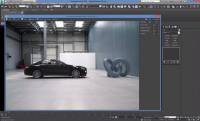
3DS Max Corona - Live Action Integration with HDRI and Backplate using the Shadow Catcher
This is a five part tutorial on how to integrate a 3d car into a backplate photo.
Part 1: Overview
Part 2: In this part, we will take a look at how to use ShadowCatcher when we have both HDRI map and a matching backplate at our disposal.
Part 3: This part will show how to use ShadowCatcher when we have only HDRI map at our disposal, without any backplate.
Part 4: In this part, we will take a look how to set up ShadowCatcher for outputting separate CG object layer to be composed on a backplate in postprocessing.
Part 5: In this part, we will take a look on how to utilize ShadowCatcher Illuminator options to integrate new lights into existing captured scenes.
Tagged under
Cinema 4D - HDRI Lighting Using Global Illumination
Tuesday, 02 May 2017 18:05 Published in Cinema 4D Tutorials
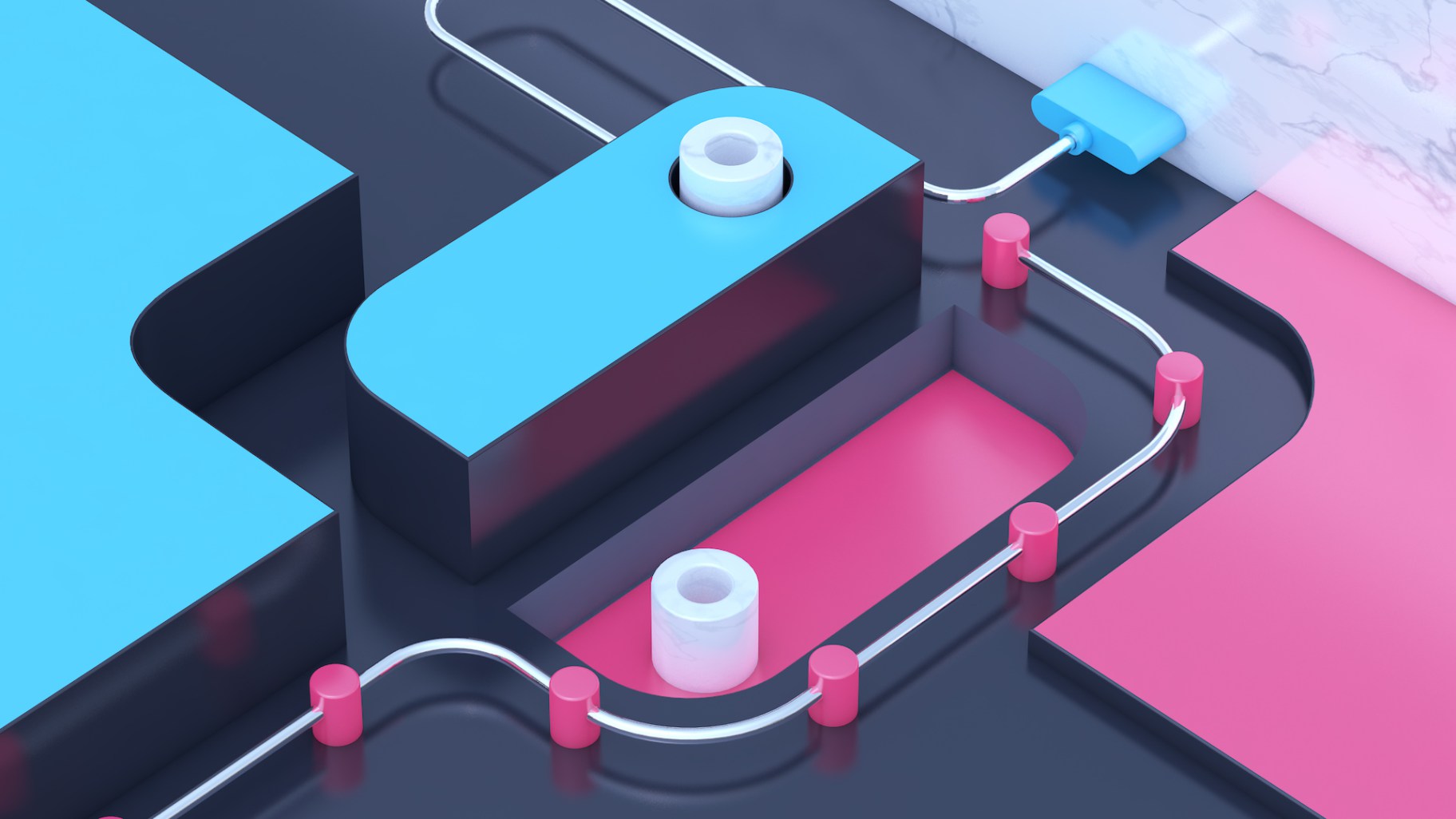
In this tutorial you’ll get an intro to using HDRI’s to realistically light your scene using Global Illumination and Physical Renderer in Cinema 4D!
Topics covered include:
• Applying reflective materials using Reflectance Channel
• Using Ambient Occlusion for realistic shading
• Loading up HDRI images and applying them to Sky Objects
• Covering how different HDRI images affect a scene
• Learning how to use Global Illumination to use HDRI luminance information to realistically light your scene
• Brief overview of GI options
• Tips for optimizing your scenes render time
Author: EJ Hassenfratz
Behance: https://www.behance.net/eyedesyn

- Separate zDepth channel is available for purchase.
- Format:exr
- Unclipped:yes (What's that?)
Tagged under

- Separate zDepth channel is available for purchase.
- Format:exr
- Unclipped:yes (What's that?)
Tagged under

- Separate zDepth channel is available for purchase.
- Format:exr
- Unclipped:yes (What's that?)
Tagged under

- Separate zDepth channel is available for purchase.
- Format:exr
- Unclipped:yes (What's that?)
Tagged under

- Separate zDepth channel is available for purchase.
- Format:exr
- Unclipped:yes (What's that?)
Tagged under

Get 30% discount on all hdri skies, backplate photos, stock movies and
textures during Friday 11-25. Use code "BLACK" during checkout.
Browse our collection...

-
Set info:
- File Formats:exr, png

- Separate zDepth channel is available for purchase.
- Format:exr
- Unclipped:yes (What's that?)
Tagged under












- Separate zDepth channel is available for purchase.
- Format:exr
- Unclipped:yes (What's that?)
Sample Artist Rendering
Tagged under