$99.00
Commercial

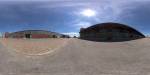
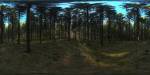
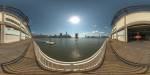
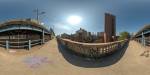
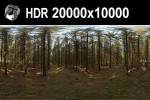
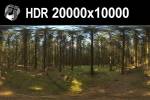
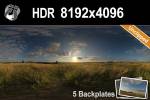
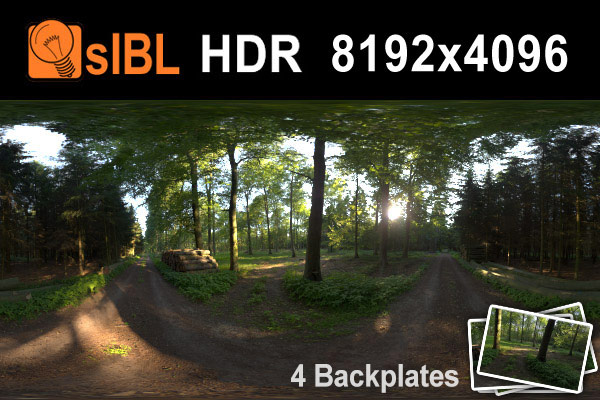
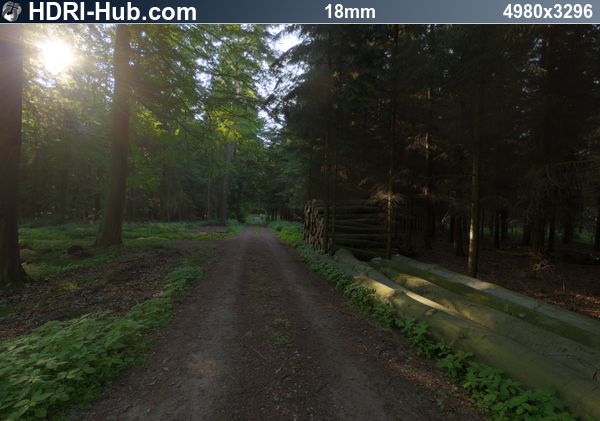
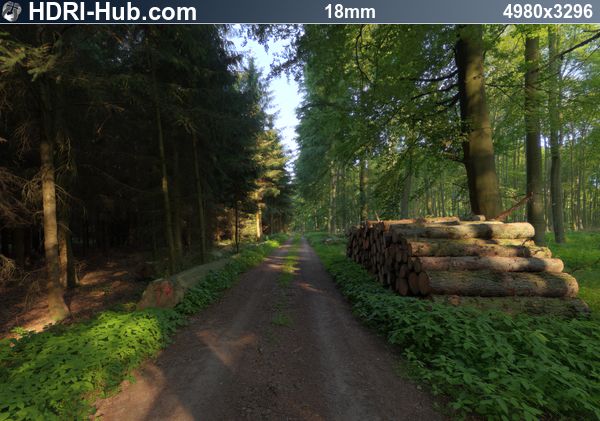
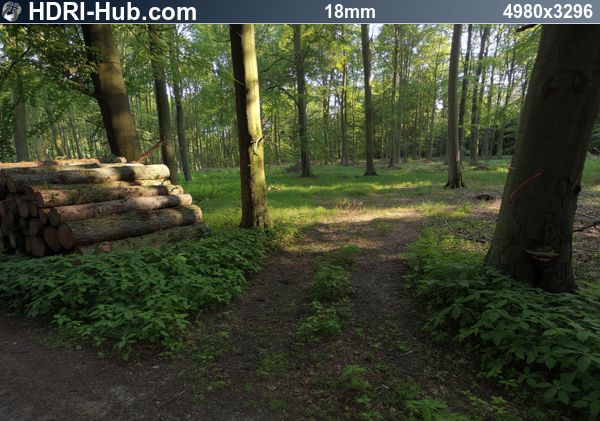
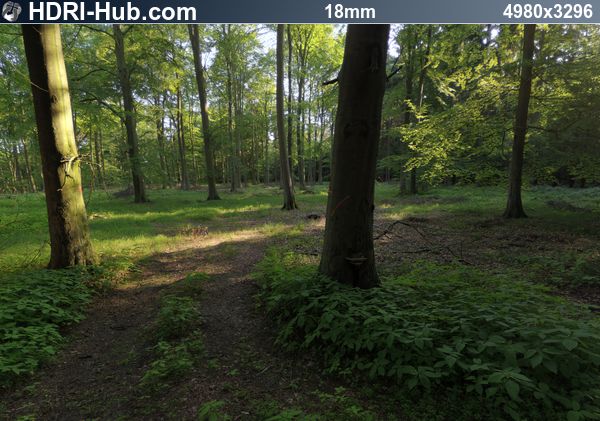
HDRI 019 Forest 1 Plates

Description

{quicksell file="HDR_019_Plates.zip" price="99" title="HDR 019 Plates" currency="" customPayPal="" emailDelivery="" requireRegistration="" discount_rate="" return_url="" notification_email="" rm="" cbt="" sub="" addToCart="" partner_id="" license_id="" freeForGroup="" assignUserToGroup=""}btn_paypal.png{/quicksell}
  • HDR info:

  • Full HDR:8192 x 4096
  • Format:hdr
  • EV Range:19.3
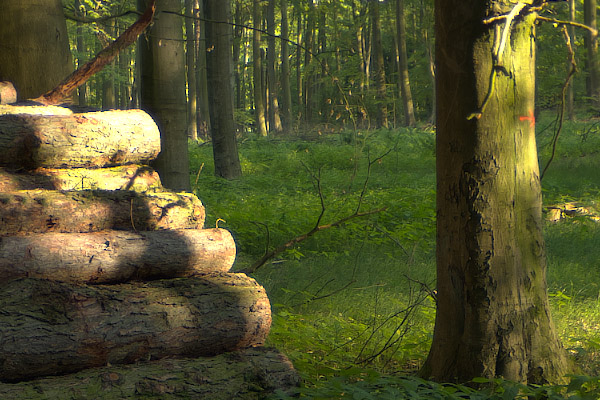
  • Plate info:

  • Count:4
  • Format:exr + jpg
  • Resolution:4980 x 3296

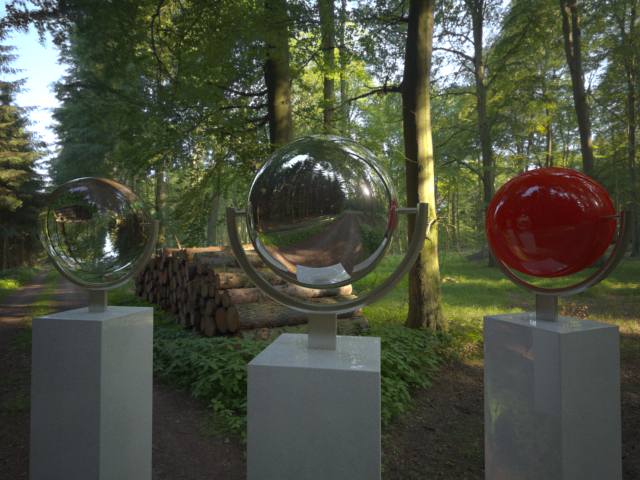
This package is a complete sIBL collection and the full resolution source .hdr file.

Additional Info

Related items

Frequently Asked Questions

What is an HDRI and how does it provide realistic lighting?

An HDRI (High Dynamic Range Image) is a 32-bit spherical photograph that captures real-world lighting with extreme accuracy, including the full brightness range from deep shadows to direct sunlight. Unlike standard 8-bit images limited to 256 brightness levels, HDRIs store actual light intensity values that 3D renderers use to calculate physically accurate illumination, reflections, and ambient occlusion. This technique—called image-based lighting (IBL)—produces photorealistic results because lighting data comes from real environments rather than artificial sources.

Which file format should I choose—.HDR or .EXR?

Both formats store high dynamic range data, but compatibility differs by software. Choose .HDR (Radiance) for maximum compatibility—it works in all 3D applications including Lumion, Enscape, and Unreal Engine 5 (which doesn't support EXR for HDRI Backdrop). Choose .EXR (OpenEXR) when working in VFX pipelines requiring advanced color management, multi-channel support, or ACES workflows. EXR files typically compress more efficiently and offer superior gradation accuracy. For cross-platform projects, .HDR remains the safest choice.

What resolution HDRI do I need for professional renders?

Resolution requirements depend on how the HDRI will be used. For lighting calculations only, 2K-4K resolution provides identical results to higher resolutions—the renderer samples light intensity, not pixel detail. For visible backgrounds or crisp reflections on polished surfaces (automotive, product visualization), use 8K-16K resolution. When rendering at 4K output, 16K HDRIs ensure sharp background detail. Note that higher resolutions increase VRAM usage significantly: 4K ≈ 128MB, 8K ≈ 512MB, 16K ≈ 2GB.

What software and render engines support HDRI environment maps?

HDRIs work with virtually all professional 3D software. Architectural visualization tools with full support include V-Ray, Corona Renderer, Lumion, Enscape, Twinmotion, and D5 Render. Game engines including Unreal Engine 5 and Unity HDRP support HDRI lighting and skyboxes. VFX renderers like Arnold, Octane, Redshift, and Blender Cycles handle HDRIs natively. Loading methods vary—most renderers use dome lights or environment texture slots—but the spherical equirectangular format used in our HDRIs is the universal standard recognized by all software.

Why are my shadows soft when using HDRI lighting alone?

Soft shadows result from HDRIs with insufficient dynamic range or clipped sun highlights. When the sun disk isn't captured at full intensity (clipped), renderers can't calculate the concentrated light source needed for crisp shadows. Our unclipped HDRIs preserve the sun's actual brightness—often 16+ exposure values above the sky—enabling sharp, directional shadows. For exterior scenes requiring defined shadows, either select HDRIs labeled "unclipped" or combine HDRI ambient lighting with a procedural sun light matched to the HDRI's sun position.

Can I use your HDRIs for commercial projects?

Yes. Our HDRIs include a royalty-free commercial license permitting unlimited use in client work, commercial renders, game development, film production, and product visualization. You may use purchased HDRIs across multiple projects indefinitely without attribution requirements. The license covers rendering for any commercial purpose—the only restriction applies to redistributing the source HDRI files themselves.

How do I match HDRI lighting with a backplate for compositing?

Effective compositing requires HDRIs captured at the same location and time as your backplate photograph. Match the camera position, focal length, and height between the backplate and your 3D scene. Rotate the HDRI until the sun direction aligns with shadows visible in the backplate. For color accuracy, HDRIs captured with color calibration references (Macbeth charts) ensure your CG elements match live-action footage. When no on-set HDRI exists, use an HDRI with similar lighting conditions and manually grade the composite to match.

What makes professional HDRIs different from free alternatives?

Professional HDRIs offer unclipped dynamic range (full sun intensity preserved), color calibration using reference charts for accurate white balance, matching backplate photographs for VFX compositing, and consistent technical specifications across collections. Free HDRIs often clip highlights, lack calibration, and vary in quality. For production work where lighting accuracy affects client deliverables—especially automotive CGI, product visualization, and film VFX—professional HDRIs eliminate the troubleshooting common with inconsistent free alternatives.

About

HDRI-Hubs main goal is to provide you with super high resolution hdri images and architectural textures.
Often textures you find in the internet are way too small for really close up work, so we like to produce them in this outstanding quality.

Most of our textures are at least 4096x4096px large or even bigger and the hdri environments are around 10240x5120px. On custom request many of the skies can be reproduced at even larger resolution.

Services

  • Custom HDRI shooting
  • CGI Production Support
  • Architectural and automotive rendering
  • 360-degree Virtual Tours

For more information about our services, please do not hesitate to contact us.

Newsletter

Get the latest HDRI-Hub News delivered to your email inbox.